PP Park! – A metered parking finder app
+++++++++++++++++++++++++++++++++++
For users experiencing startup issues on Android 11
June 15, 2021
+++++++++++++++++++++++++++++++++++
We've received reports of the app crashing immediately upon launch on some Android 11 devices.
You can resolve this by performing a "Clear Storage" operation – please try this solution.
Note: This action will delete your parking lot posting history permanently.
【Steps】
1. Open "Settings"
2. Select "Apps & Notifications"
3. Choose "PP Park!" from your app list
4. Access "Storage & Cache"
5. Tap "Clear Storage"
This issue stems from Android 11, and Google has acknowledged the problem.
While we expect Google and device manufacturers to release fixes, similar global issues persist.
We sincerely apologize for any inconvenience. Please use "Clear Storage" if you encounter this issue.
+++++++++++++++++++++++++++++++
PPPark!
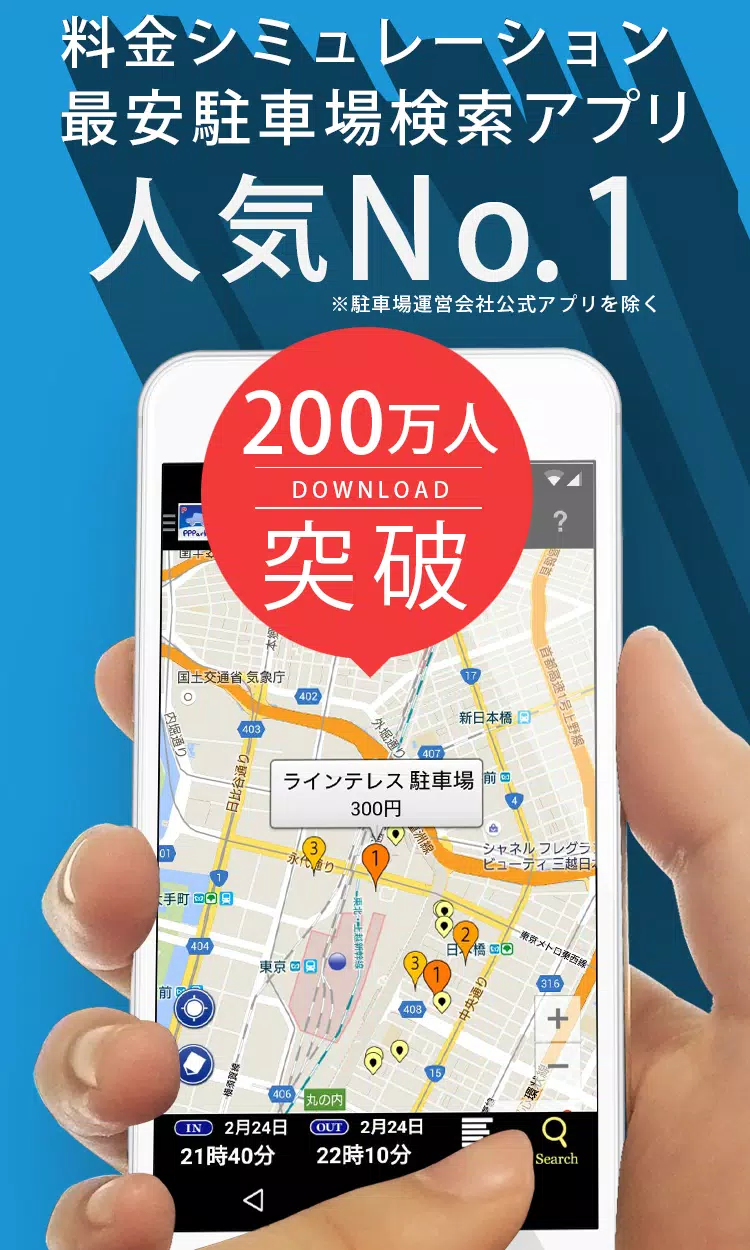
Find nearby coin parking spaces sorted by price.
Never worry about expensive parking lots again!
--------------------------------
PPPark! Features
--------------------------------
■ Automatic price calculation finds the most affordable parking
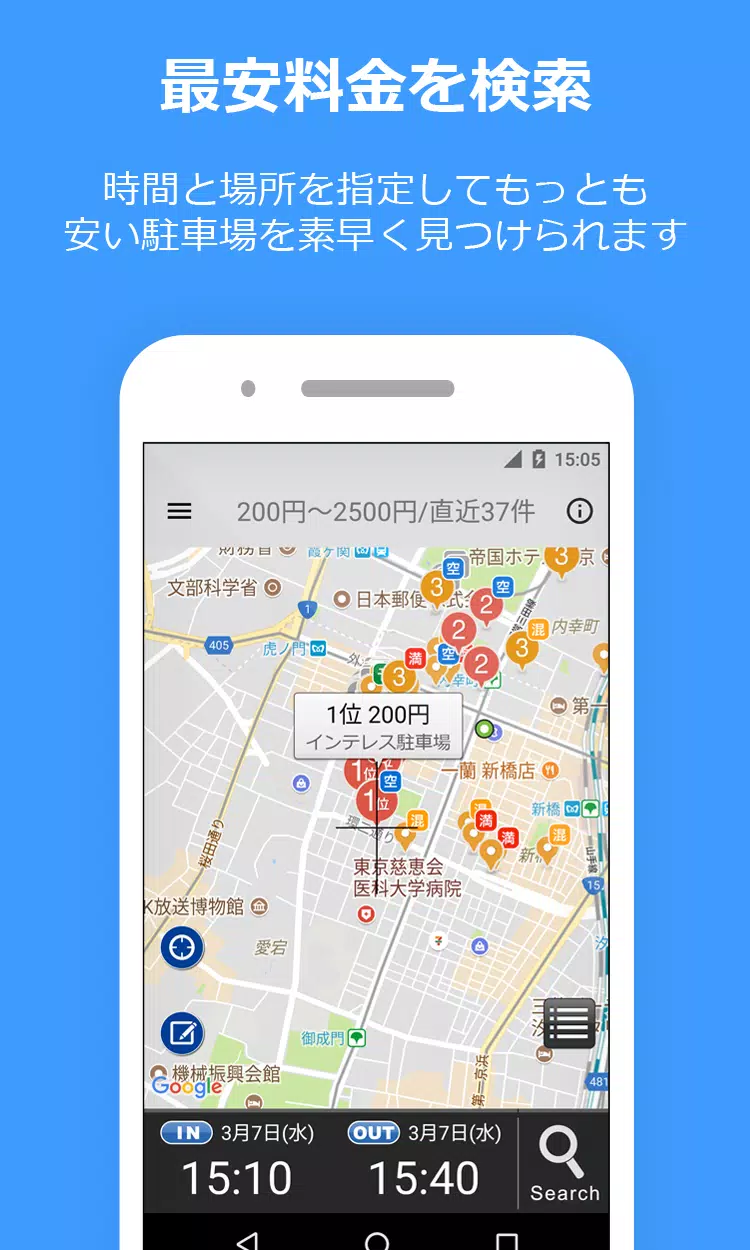
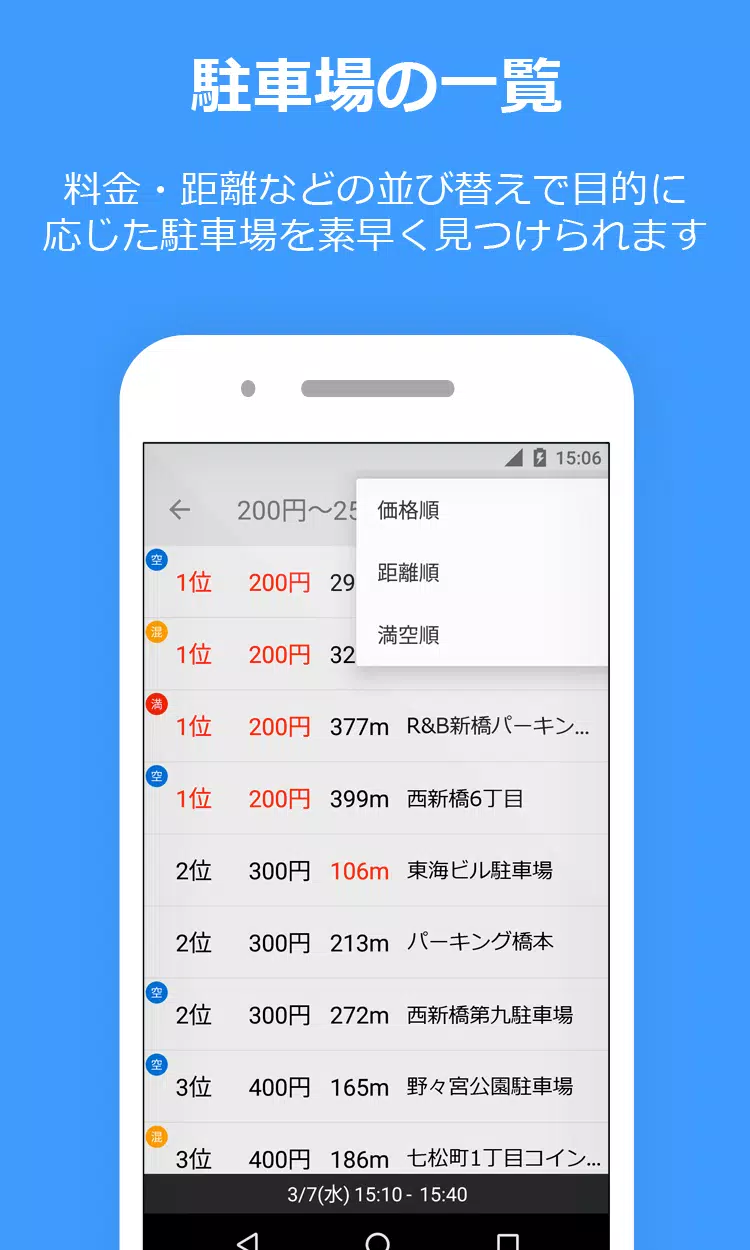
Enter your parking duration (e.g., "Today 14:20-19:00") to see auto-calculated prices sorted from lowest.
■ Supports maximum charge discounts!
Includes special rates like daily maximums for accurate price estimations.
■ Seamless navigation integration!
Connect with Google Maps, Yahoo! Maps, and NaviCon for direct directions.
■ Includes reservation-based and shared parking options!
・ Akippa
・ TokuP (Special P)
・ TOHOGAS parking (Okazaki City only)
■ Street parking support!
Shows available street parking near your destination.
Perfect for short-term parking during shopping or work.
Marked with light green lines/circles on the map.
・Tokyo
・ Kanagawa
・ Osaka
* Note: Street parking allows temporary roadside parking.
Exceeding time limits results in parking violations.
Please observe regulations carefully.
* Parking rates, hours, and locations may differ from actual conditions.
Always verify information with on-site signage.
■ User-submitted parking updates
Submit unlisted parking spots, price changes, or closed locations!
* Important:
Android 10+ devices cannot retain submission history during device upgrades.
--------------------------------
How to Use
--------------------------------
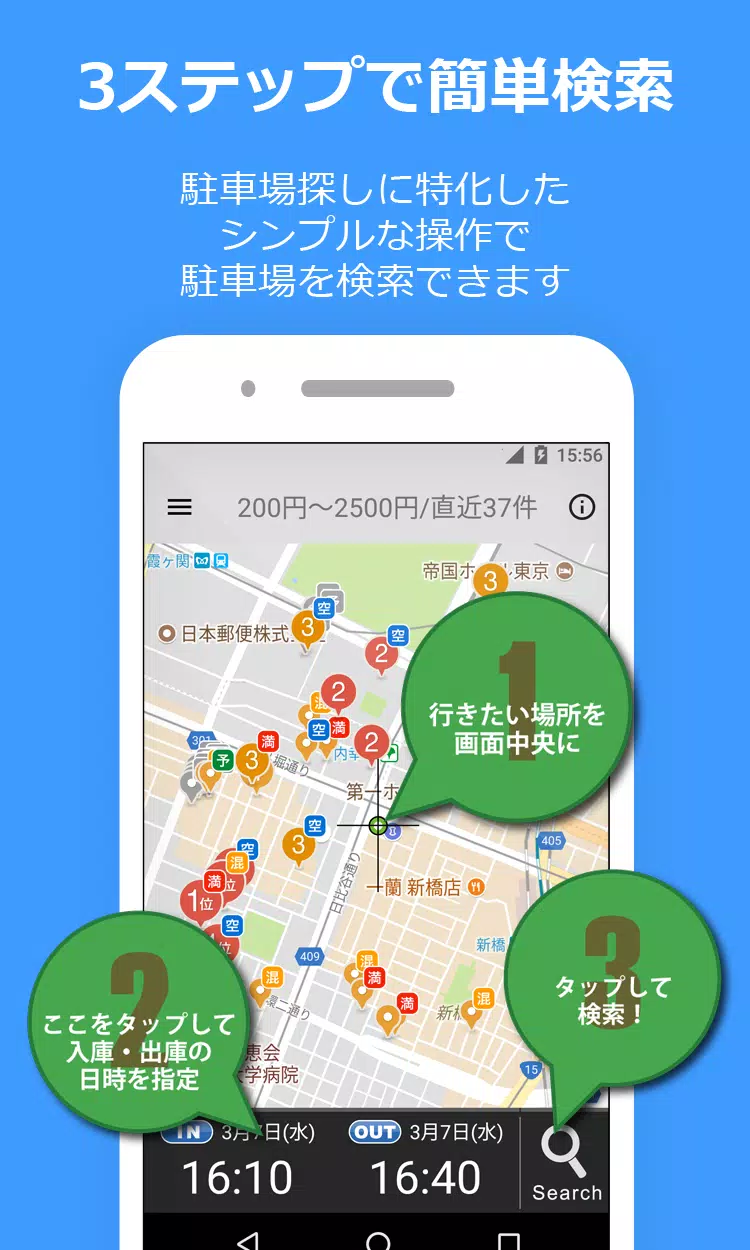
1) Display your destination on the map.
Begin your search here.
2) Enter pickup/drop-off times.
3) Tap the magnifying glass icon (bottom right) to search!
4) Results display numbered by price (lowest first).
Easily identify nearby affordable options.
※Important notice※
Requires "Google Play Services" for Android 4.0+ devices.
WiFi/Bluetooth permissions enable precise location detection.
Always verify pricing at the parking location.
While we prioritize data accuracy, we cannot guarantee complete consistency.
--------------------------------
Parking Information
--------------------------------
* Always confirm pricing locally.
* We prioritize data updates but cannot ensure 100% accuracy.
--------------------------------
Bug Reporting
--------------------------------
1) Submit reports via Twitter or email:
For detailed reports, contact us below:
Twitter: @PPPark1
Email: [email protected]
2) For problem reports, please specify your device model and OS version.
--------------------------------
■ Website
https://pppark.com
https://twitter.com/PPPark1