XShare - File Transfer & Sharing is an excellent tool for effortless file sharing. It's fast, free, and works offline, using Wi-Fi Direct for secure, speedy transfers between devices.
Highlights
- Instant Connection: Share files with a single click – no QR code scanning needed.
- Lightning-Fast Transfers: Experience rapid file transfers without an internet connection.
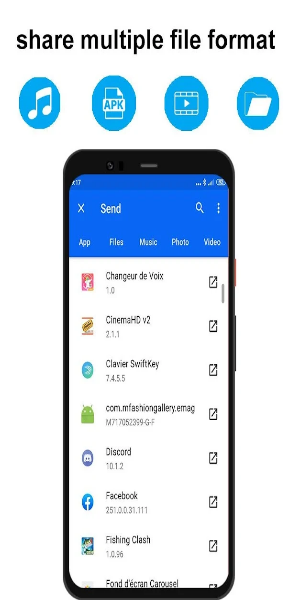
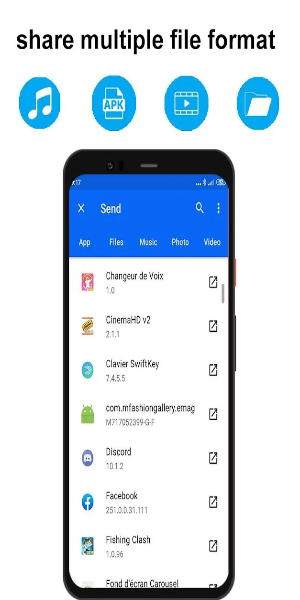
- Versatile File Support: Share various files (Word, Excel, ZIP, folders, movies, music, photos, videos).
- Efficient File Manager: Easily view and delete files.
- Sleek New UI: Intuitive navigation for seamless sharing and faster transfers.
User-Friendly Interface
XShare simplifies file transfer using Wi-Fi Direct technology for direct device-to-device connections, eliminating the need for a router. Install the app on both sending and receiving devices. Select files and tap "send" for swift transfers. Its built-in file manager streamlines file organization and browsing. While XShare offers many features, compatibility is limited to Wi-Fi Direct-enabled devices.
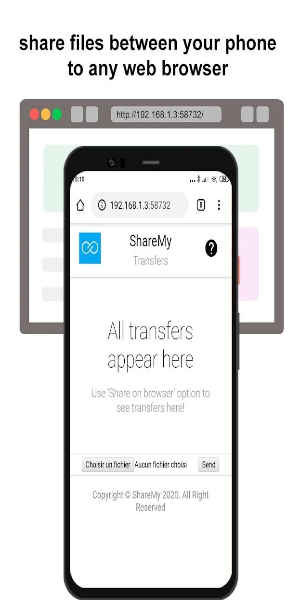
Efficient Sharing Tool
Despite its Wi-Fi Direct limitation, XShare provides fast and easy file sharing with diverse features. While compatibility is a drawback, its speed and intuitive interface make it a popular choice.
Key Features
- Offline Convenience: Fast transfers without internet access. Share large files quickly without using data.
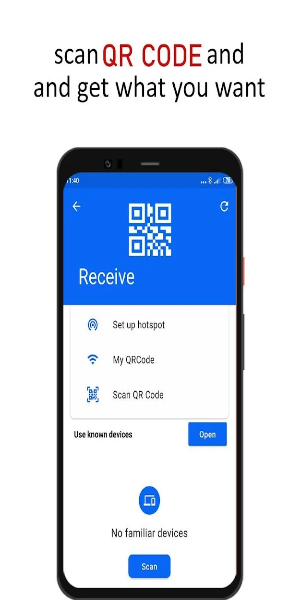
- Effortless Connectivity: Connect instantly with a single click; no QR code scanning required.
- Enhanced Speed: Faster than Bluetooth.
- Ironclad Security: Secure file transmission.
- Streamlined File Management: Easily manage and delete files within the app.
- Revamped UI: A fresh, intuitive user interface.
- Top-notch Security: Robust security measures protect file privacy.
- Universal Compatibility: Send various file types (apps, images, music, videos, documents, PDFs, zipped files) across Android devices.
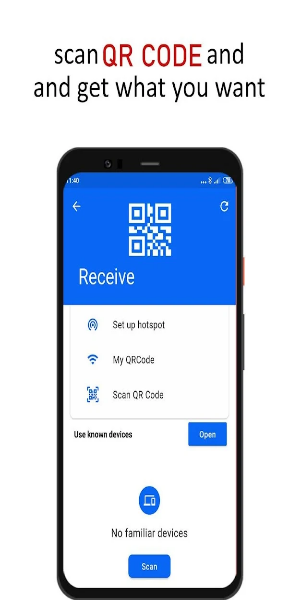
User Guide
Install XShare on both devices. To transfer files:
- Select a file and tap "Send/Receive."
- The recipient connects directly to the sender.
- Click to connect and send.
Note: XShare uses location data to facilitate connections (Bluetooth scanning, Wi-Fi hotspot creation, QR code scanning). However, XShare does not store or upload this location information.
Pros & Cons
Pros:
- Rapid file transfer
- User-friendly interface
- Supports various file types
- Unlimited sharing
Cons:
- Wi-Fi Direct compatibility only