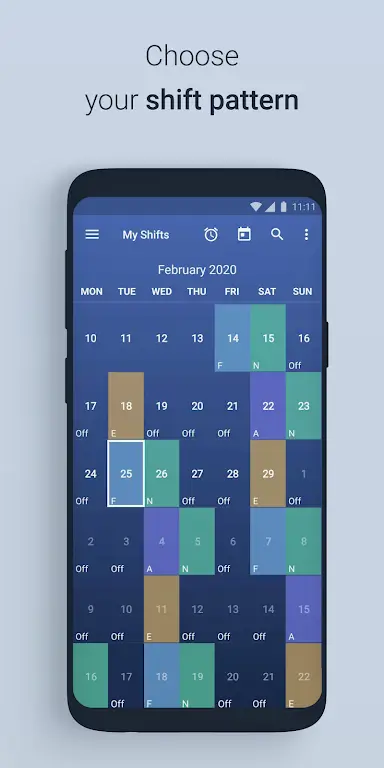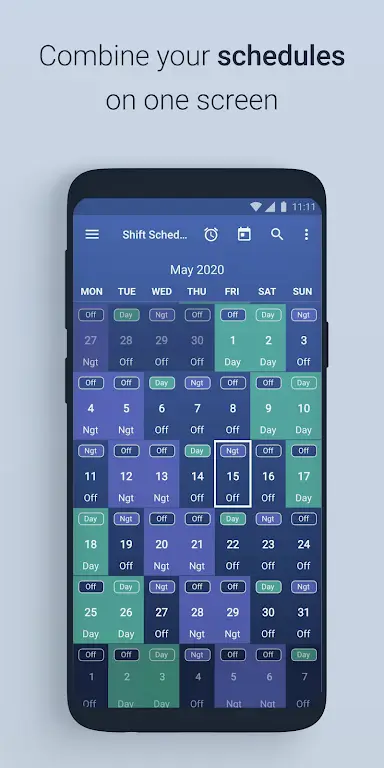

Tired of juggling multiple jobs and struggling to keep track of your shifts? Shift Work Schedule Calendar is the solution. This free app provides a beautiful and intuitive shift calendar and widget, revolutionizing your work schedule management. Choose from a wide range of pre-loaded shift patterns or create your own custom schedule. The app's highlighting feature instantly shows you which days you're working, making vacation and activity planning a breeze. Enjoy a customizable layout and a host of useful features, including shift alarms. Whether you have overlapping shifts or simply need a stylish calendar widget, Shift Work Schedule Calendar is the perfect app for you.
App Features:
- Personalized & Pre-loaded Shift Patterns: Create and manage your own unique shift patterns or select from a variety of pre-set options.
- Highlighted Shift Days: Clearly see your working days at a glance, easily determining if a specific date falls within your schedule.
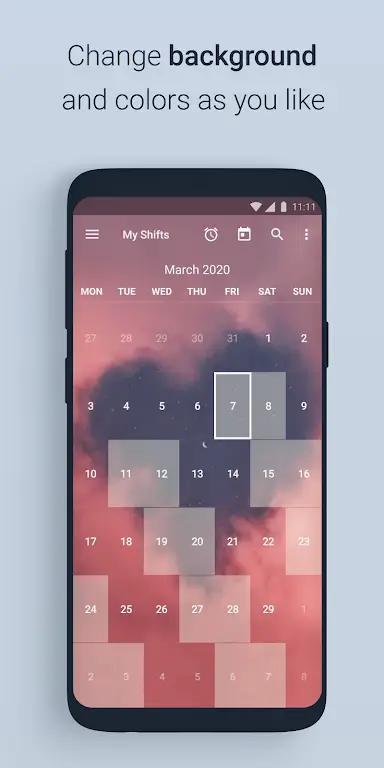
- Effortless Schedule Searching & Layout Customization: Quickly search for shifts on specific dates and personalize the app's appearance with custom backgrounds and colors.
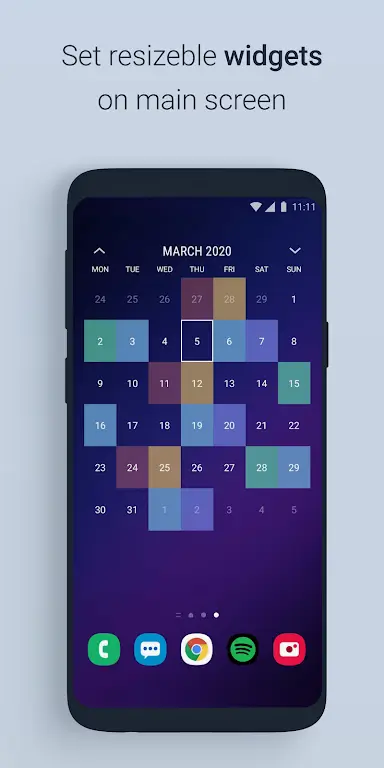
- Sleek Calendar Widget: A stylish and transparent widget for your home or lock screen – useful even if you don't work shifts.
- Extensive Customization Options: Personalize your experience with customizable shift alarms, various widget sizes, and color-coded days and shifts. Save up to eight different designs for easy switching.
- Multiple Job Support: Effortlessly manage overlapping shifts from multiple jobs on a single, unified calendar. Customize your week's starting day, display week numbers, and even add a personal photo background.
Conclusion:
Shift Work Schedule Calendar is your all-in-one solution for managing work schedules and eliminating scheduling conflicts. Its personalized shift patterns, highlighted workdays, and intuitive search function make tracking your shifts simple and stress-free. The customizable layout and convenient calendar widget offer unparalleled flexibility. Whether you juggle multiple jobs or just need to stay organized, Shift Work Schedule Calendar is a must-have app. Download now and simplify your work life!