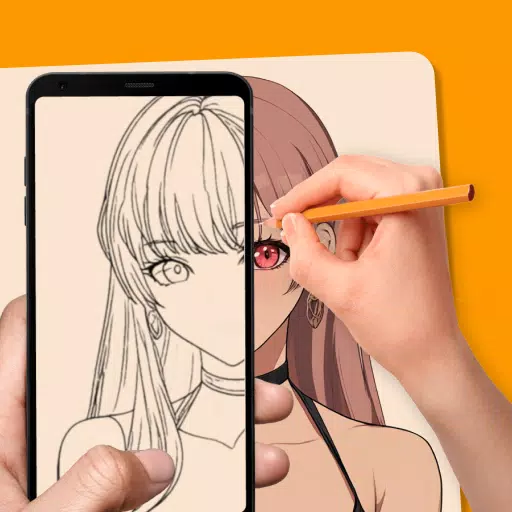
Easy Drawing and Painting App
Pofi Brush is a mobile art creation tool that empowers artists and creators with an exceptional painting experience to fuel their creative exploration.
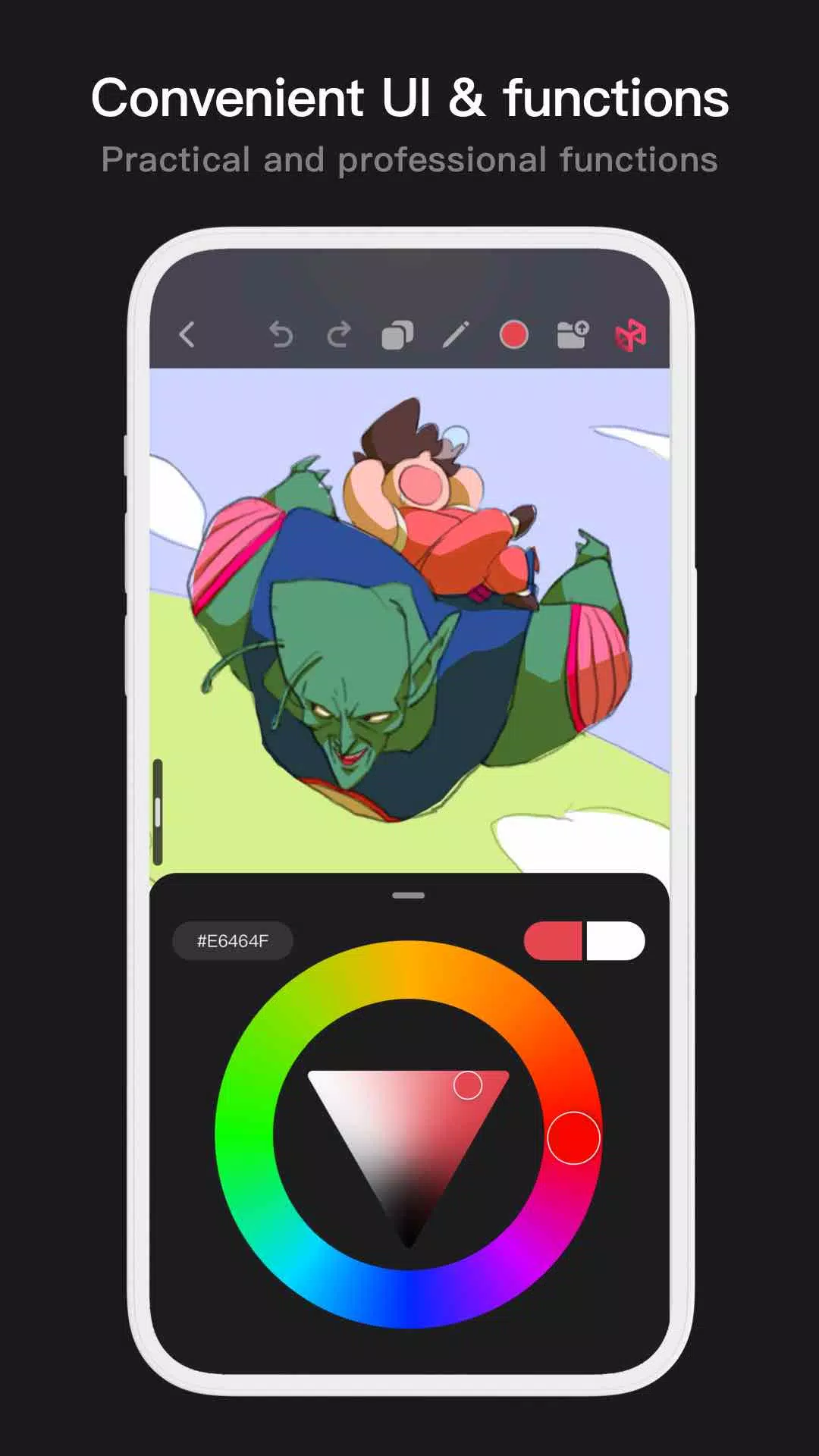
Pofi Brush offers a comprehensive art studio experience with dozens of beautifully crafted brushes, a full suite of color and layer tools, an elegant and intuitive interface, and a smooth, powerful 2D Artistic Engine. All features and materials are completely free. Whether you're a beginner or a professional, Pofi Brush helps you create stunning sketches, illustrations, comics, and cartoons directly on your phone or tablet, allowing you to effortlessly capture and express your creative inspiration anytime, anywhere.
Powerful 2D Artistic Engine
Our powerful 2D Artistic Engine, developed by the Pofi team, is optimized for 64-bit multi-core processors. It's cross-platform compatible, supports large HD canvases and multiple layers, and is fine-tuned for smooth performance to deliver the best possible painting experience.
- Create on canvases up to 4k × 4k px for crisp, lifelike artwork.
- An intuitive interface designed for mobile painting.
- Optimized for 64-bit multi-core processors to ensure smooth, fast drawing.
- Use an electronic pen for realistic, low-latency, and fluid strokes.
- Auto-save and save on exit protect your work.
- All features are fully supported on both phones and tablets.
Professional Brush Editor
Pofi Brush comes with dozens of preset creative brushes across various categories. Each brush features over 40 customizable settings, allowing you to fine-tune them to your personal style or design entirely custom brushes for unique, personalized creations.
- Built-in library of well-designed brushes for sketching, inking, textures, art effects, and specialty uses.
- Each brush includes three modes: Brush, Eraser, and Smudge.
- Customize each brush with 40+ settings and a library of preset nib shapes and textures.
- Organize, sort, and create brush groups for efficient brush management.
- Anti-flutter stroke settings add natural flow to your brushwork.
- Finger-painting mode simulates pressure, letting you paint with finger precision rivaling a real brush.
- Fully leverage electronic pen features like speed, tilt, and pressure for an authentic brush feel.
Advanced Multi-layer System
Pofi Brush provides a sophisticated multi-layer system with grouping, effects, and adjustment options, giving you precise control over every element to build stunning artwork.
- Quickly preview and locate layers with the Layer Preview feature.
- Manage layers easily with drag-and-drop grouping, merging, and deletion.
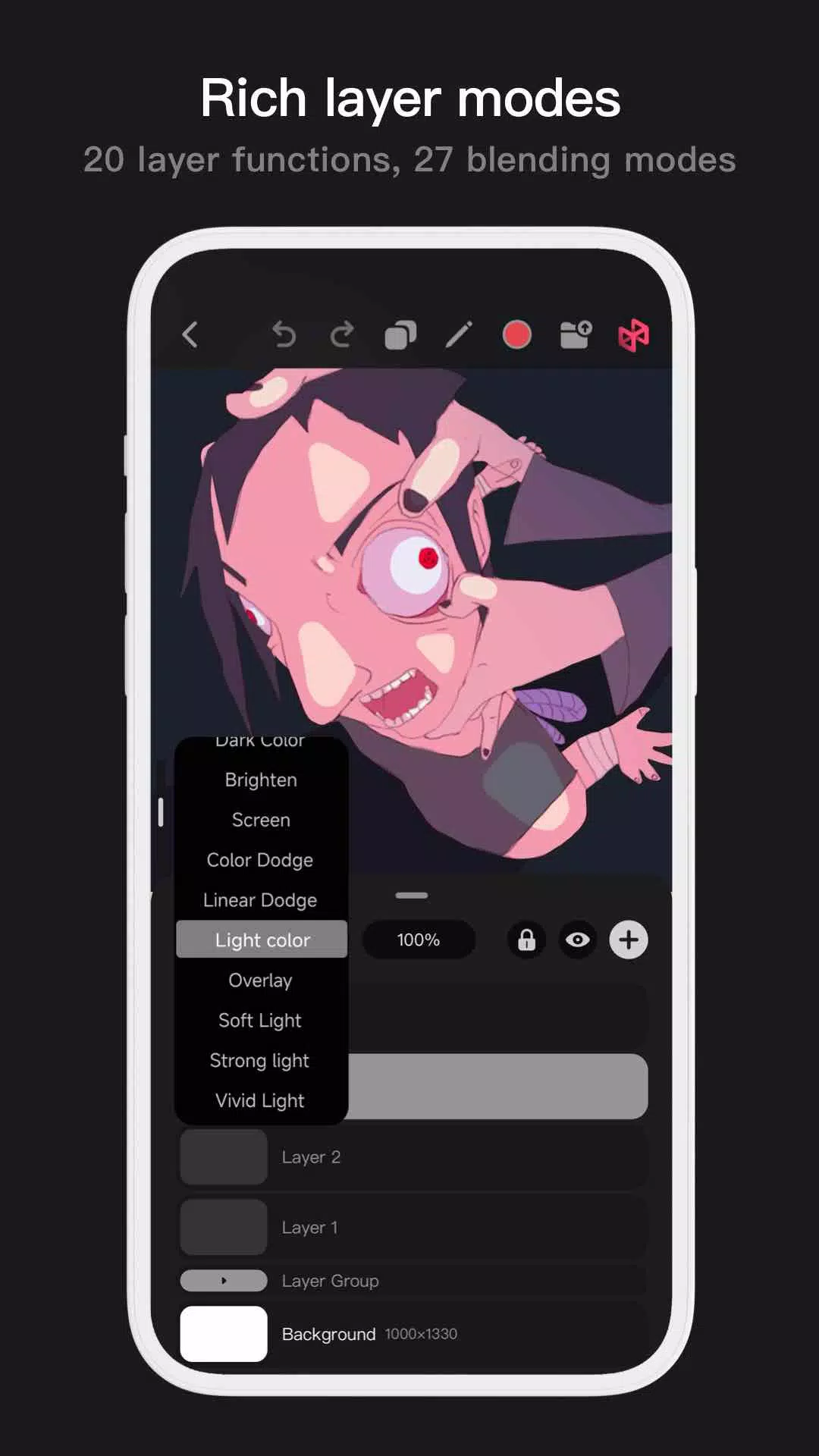
- 20 layer functions, including drag sorting, show/hide, lock/unlock, opacity, multi-select, and grouping.
- 27 layer blending modes: Standard, Darken, Multiply, Color Burn, Linear Burn, Lighten, Screen, Color Dodge, Linear Dodge, Overlay, Soft Light, Hard Light, and more.
Full-featured Color Tools
Access a variety of color tool panels and styles tailored for artists, making it easy and quick to find the exact colors you need.
- 4 color panel types: circular color wheel, square palette, HSB numerical values, and grouped color swatches.
- 2 color picking methods: input HEX codes or use the long-press color picker.
- 6 color swatch functions: group swatches, rename groups, sort groups, sort swatches, overlay swatches, and delete swatches.
More Highlights
- Phone interface supports half-screen and full-screen expanded views.
- Tablet interface supports large expansion and small draggable interfaces.
- Rotate and zoom the canvas with ease.
- Auto-archive and save on return.
- Export your artwork as PNG or JPG image files.
If you have any questions or suggestions while using Pofi Brush, please contact us at [email protected].
Privacy : https://brush.pofiapp.com/agreement/privacy