Samsung My Files: Your Ultimate Smartphone File Manager
Samsung My Files is a comprehensive file management app designed to streamline how you organize and access files on your Android device. Think of it as a powerful file explorer, but with added capabilities for managing files across various storage locations.
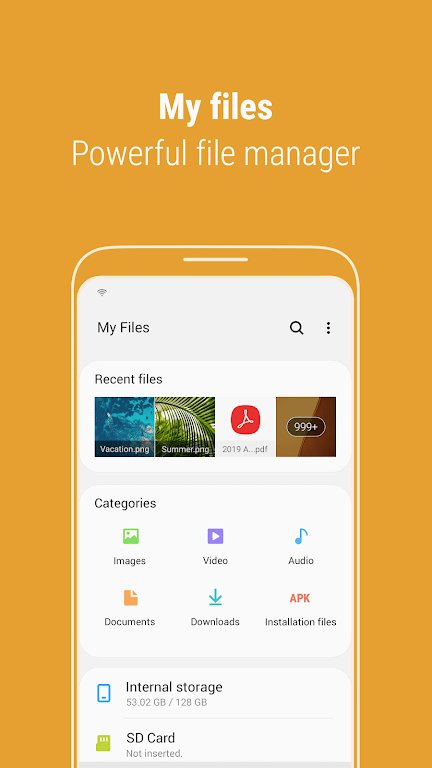
This isn't just about your phone's internal storage; Samsung My Files extends its reach to SD cards, USB drives, and even cloud storage services connected to your phone. With intuitive controls, you can easily free up space, hide unused storage areas, and create shortcuts for frequently accessed files and folders.
Key Features of Samsung My Files:
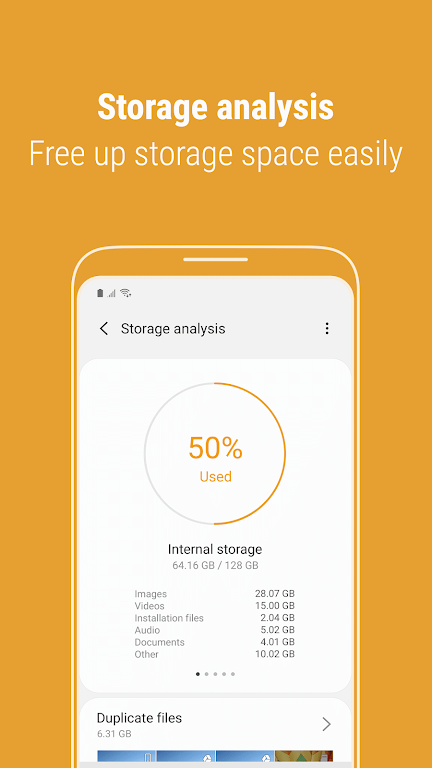
- Smart Storage Management: Quickly identify and free up storage space with the built-in Storage Analysis tool. Customize your home screen to hide any unused storage areas.
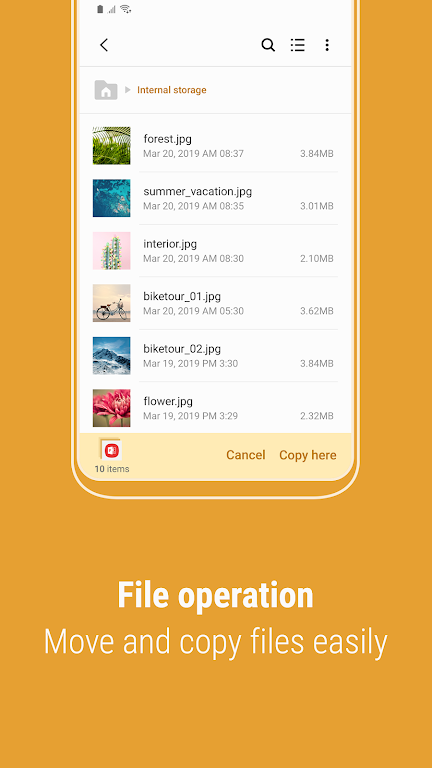
- Enhanced File Viewing: View complete file names without truncation using the Listview option.
- Versatile File Handling: Effortlessly browse, organize, move, copy, share, compress, and decompress files stored on your phone, SD card, or USB drive. Create new folders as needed.
- Intuitive User Interface: Enjoy convenient access to recently accessed files via the Recent Files list. Categorize your files (documents, images, audio, video, APKs) for easy retrieval. Create shortcuts to frequently used files and folders for quick access from your home screen and the app's main screen.
- Storage Optimization: The app proactively analyzes and helps free up storage space, ensuring you always have enough room for important files.
Streamline Your File Management Today
Samsung My Files offers an unparalleled level of control and convenience for managing all your files from a single, user-friendly location. Its intuitive features, including storage analysis, customizable views, and intelligent organization tools, make locating and managing your files effortless. Download Samsung My Files and experience seamless file management.