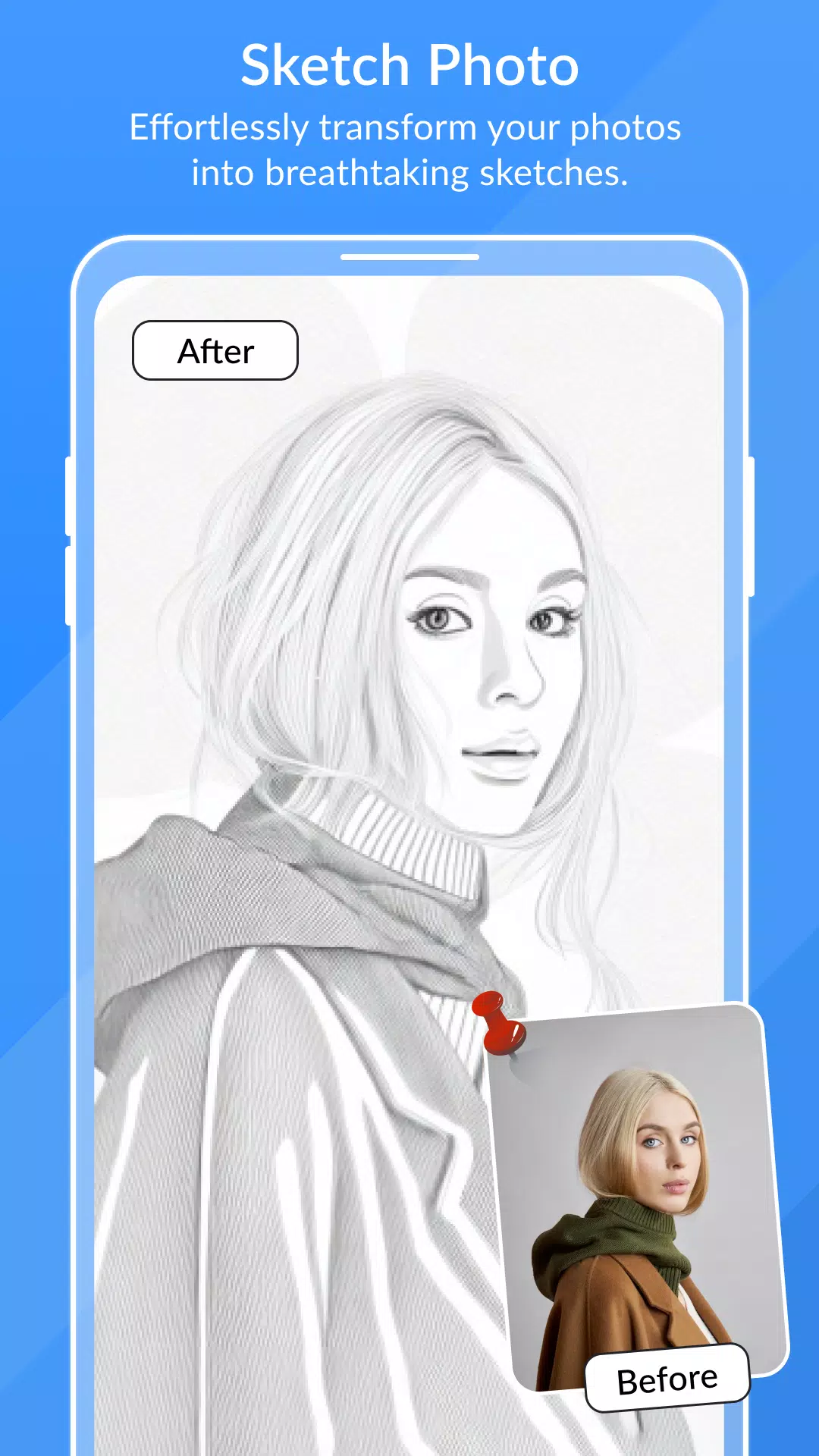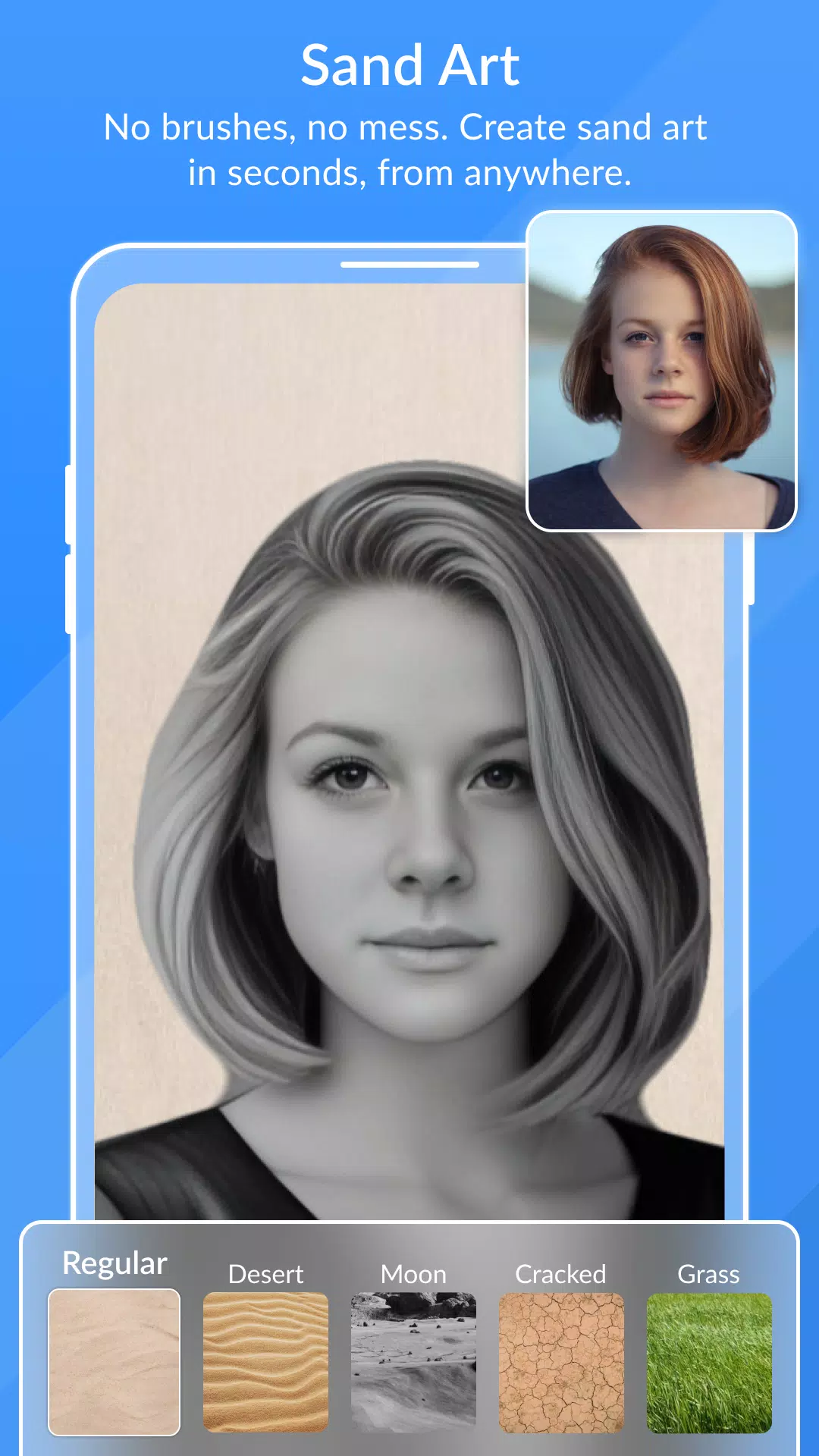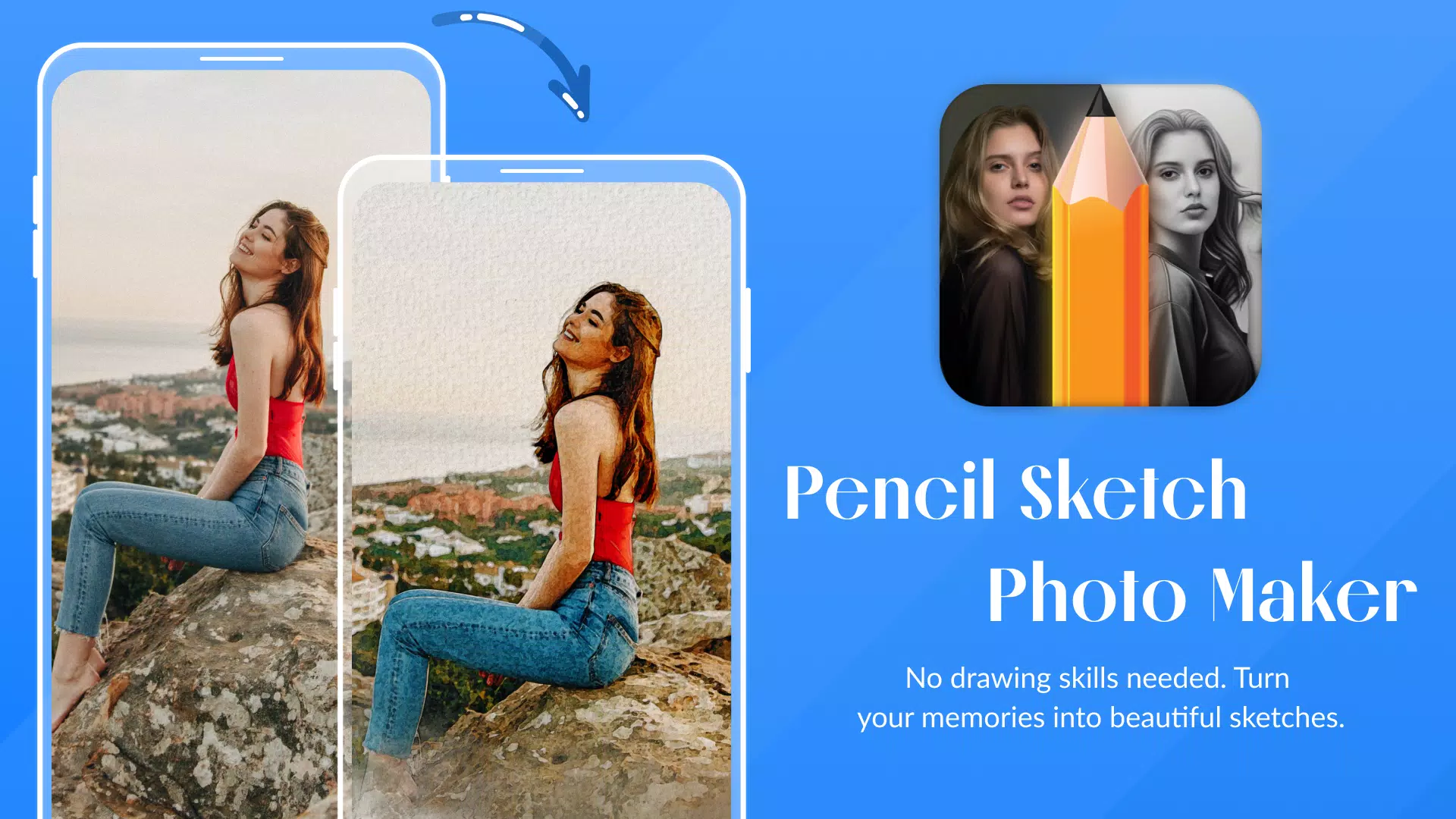
Transform your photos into pencil sketches and enjoy stunning sketch effects to reimagine your look.
Convert your pictures into pencil sketches and discover how you appear with artistic sketch effects.
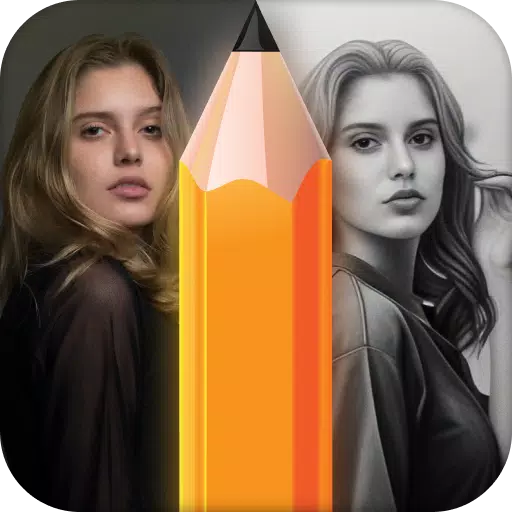
Pencil Photo Sketch is a professional photo editor for sketching that helps you become an artist by editing photos and generating pencil sketches from your images. Pencil
Photo Sketch is a color photo editing app that turns your photos into beautiful hand-drawn pencil sketches, color sketches, and artistic drawings.
The Pencil Sketch Photo Maker app is an easy-to-use photo editor that turns you into an artist by creating pencil sketches from your photos and producing sketch-style images.
Pencil Sketch Photo Maker is the perfect tool to apply sketch effects that will make your pictures look incredible! It automatically generates a sketch from your photo and uses photo pencil styles.
App Features
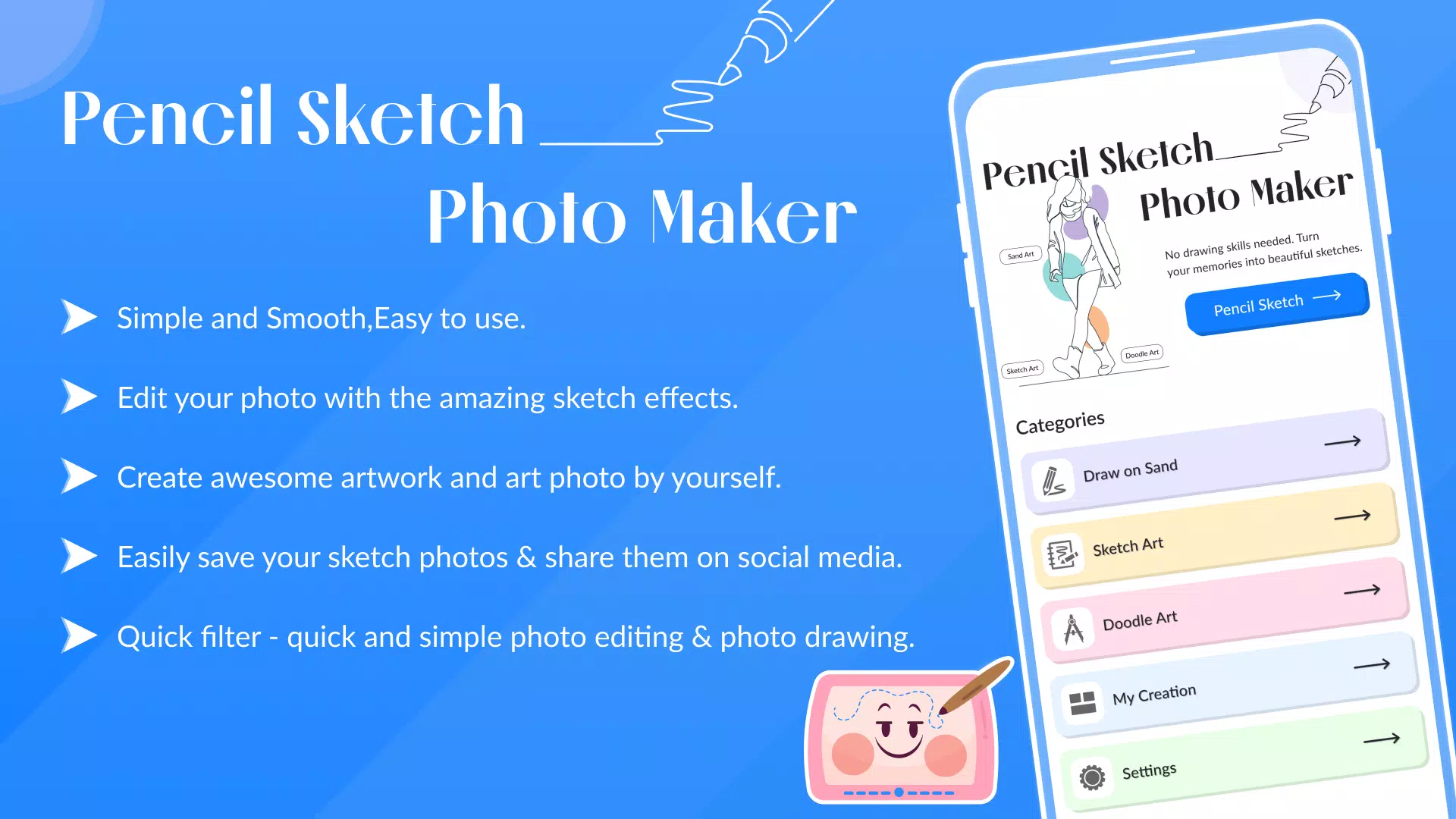
- Multiple drawing effects for sketch pictures
- Top-tier drawing photo editor
- Quick filter - fast and simple photo editing and drawing
- Full zoom capability on supported devices
- Rotate images left or right
- Edit photos with amazing sketch effects
- Adjust saturation, brightness, and colors
- Import pictures from your gallery or capture with camera
- Create smooth pencil sketches
- Apply beautiful frames to pictures in pencil sketch mode
- Add text to write on pictures
- Share sketches on social media
- Simple, smooth, and easy to use
- Perfect sketch photo editor
- Best pencil sketch and pencil drawing photo maker
- Sketching photo editor: color pencil, cartoon art, pencil sketch, silhouette, drawing, and many pencil effects for your pictures
- Numerous photo editing effects for image enhancement
Pencil photo sketch offers a new approach to applying sketch and cartoon art effects while preserving special moments. Transform your face or gallery photos into beautiful pencil artwork. Our photo sketch apps help create pencil sketches from your pictures, turning your photos into artistic pencil drawings.
How to Use
1-> Select image from gallery or camera
2-> Begin sketching like a professional artist
3-> Let the application handle the rest - it automatically creates genuine artistic sketches
4-> Apply different sketch effects to enhance realism in your drawing
What's New in the Latest Version 1.18
Last updated on Oct 10, 2024
Minor bug fixes and improvements. Install or update to the newest version to check it out!