Battlesmiths: Craft World merges medieval RPG action with deep strategic crafting and squad-building. The game features elaborate systems for forging and customization, combined with tactical combat and unit management, creating a richly detailed and immersive experience. Whether you're crafting legendary equipment, competing in PvP battles, or exploring treacherous labyrinths, playing on PC via BlueStacks delivers sharper graphics, more responsive controls, and overall smoother performance.
This guide provides clear instructions for installing and enjoying the game on your desktop. Let's get started!
Installing Battlesmiths: Craft World on PC
Visit the game's official page and select the “Play Battlesmiths: Craft World on PC” button.Install BlueStacks and launch the application.Sign into your Google Play Store account and install the game.Launch the game and begin your adventure!
For Those Who Already Have BlueStacks Installed
Open BlueStacks on your computer.Search for Battlesmiths: Craft World using the search bar on the home screen.Select the appropriate search result.Install the game and jump right into the action.
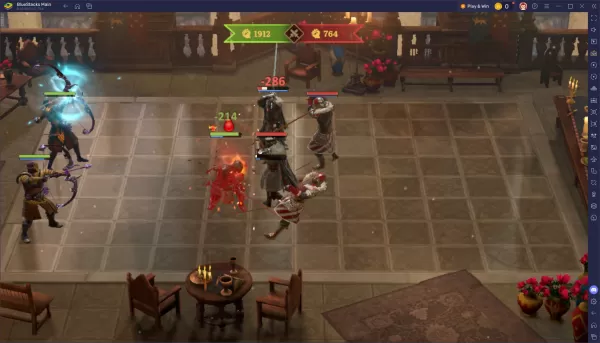
Battlesmiths: Craft World is a deeply strategic game that becomes even more engaging on a PC. BlueStacks provides the features to elevate your experience—from forging perfect artifacts to leading your heroes in large-scale battles. Download BlueStacks, install the game, and begin building your legacy on the big screen today!