In the vast world of Minecraft, many methods exist for traversing its landscapes, but the Elytra stands alone as the only item granting players the ability to glide through the air. This rare piece of equipment opens up a whole new dimension of exploration, allowing for rapid long-distance travel and even impressive aerial maneuvers. This guide details how to obtain, use, repair, and upgrade Elytra across all game modes.
Table of Contents
- Basic Information
- Obtaining Elytra in Survival Mode
- Preparing for the End
- Activating the End Portal
- Locating the Stronghold
- Defeating the Ender Dragon
- Finding the Elytra in the End City Ship
- Creative Mode Acquisition
- Using Commands
- Elytra Flight Controls
- Firework Boosting
- Upgrading and Repairing Elytra
- Using an Anvil
- Utilizing the Mending Enchantment
Basic Information
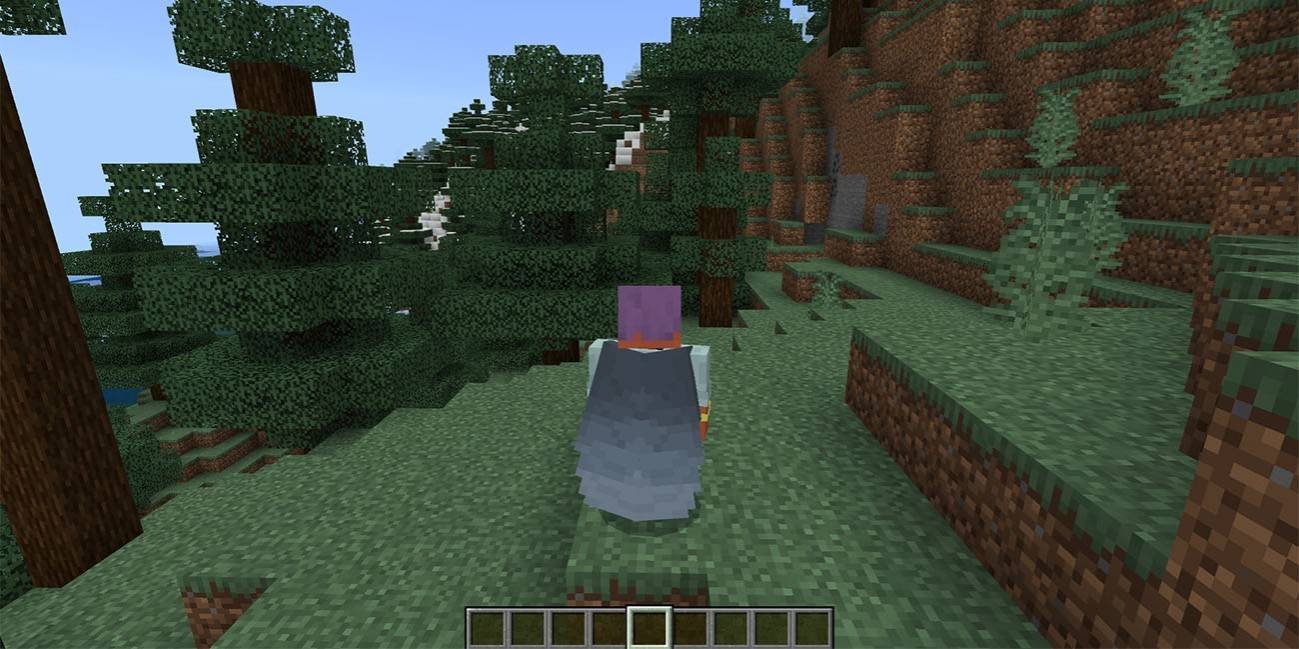
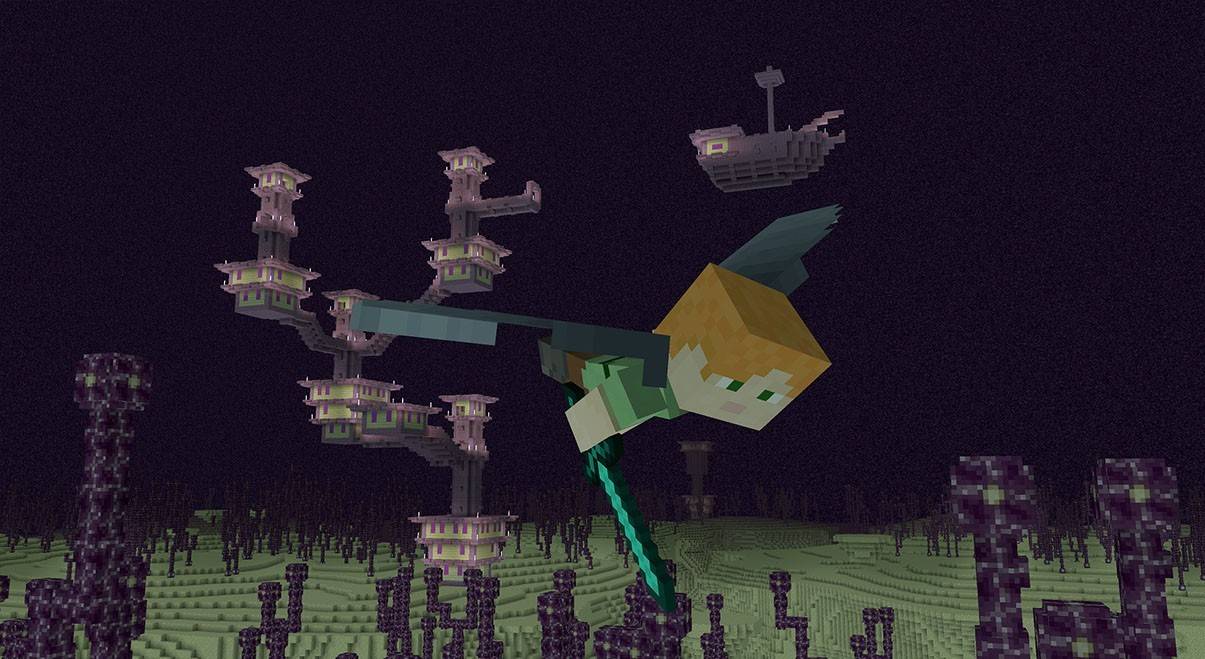
The Elytra is a unique and rare item allowing players to glide, significantly enhancing exploration efficiency, especially when paired with fireworks. Visually, it resembles a pair of wings when in use, and folds into a cloak-like appearance when stored. While naturally found only in the End after defeating the Ender Dragon, within ships located near End Cities, alternative acquisition methods exist for different game modes.
Obtaining Elytra in Minecraft Survival Mode
Preparing for Battle
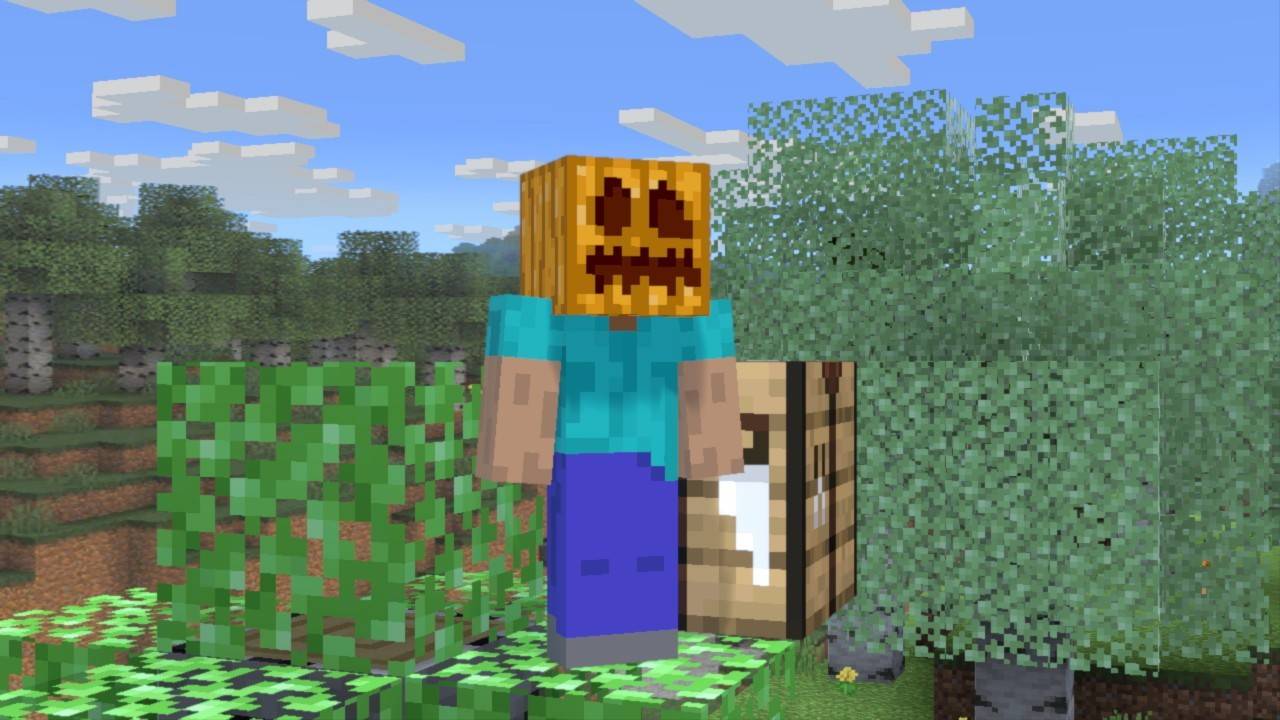
Thorough preparation is crucial. Diamond or Netherite armor, ideally enchanted for enhanced protection, is essential. A well-enchanted sword and bow (consider Infinity or Power for the bow) are vital for combatting the Ender Dragon, preferably from a distance. Stock up on ample arrows or a crossbow with fireworks for effective attacks. Potions of regeneration, strength, and slow falling provide significant advantages. Golden apples are recommended for emergency healing, and blocks are necessary for reaching End Crystals. A carved pumpkin prevents Enderman aggression.
Activating the Portal to the End
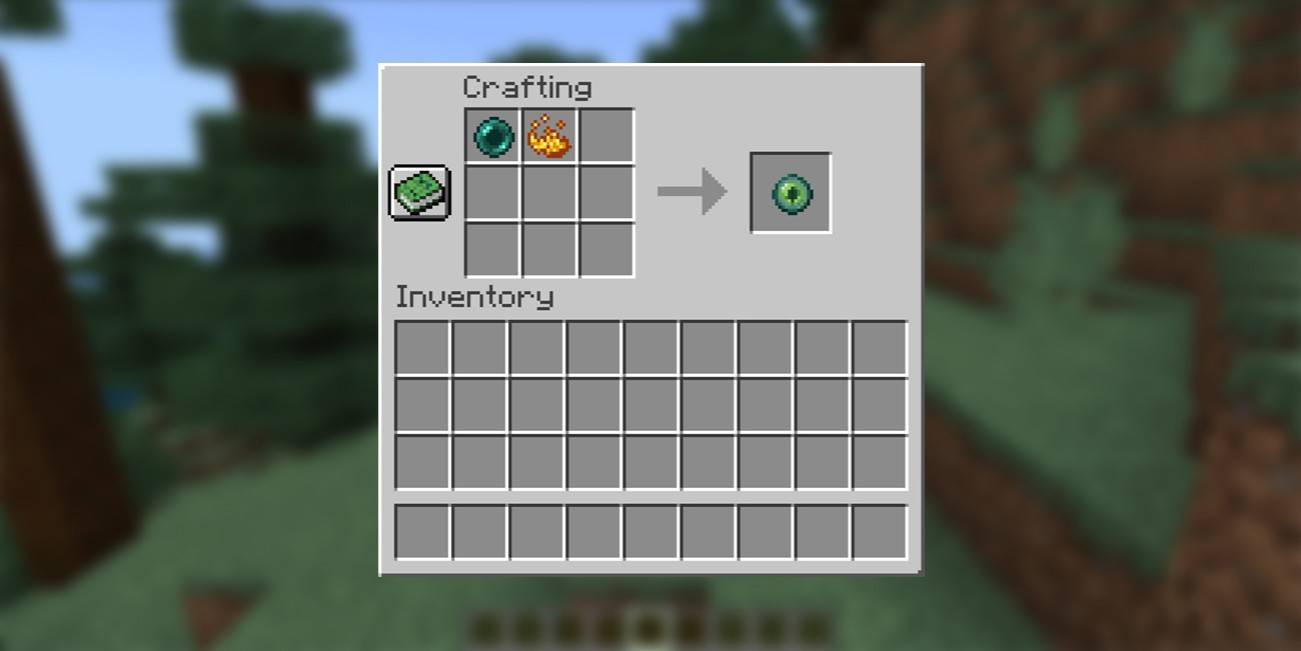
Activating the End portal requires 12 Eyes of Ender, also used for locating the Stronghold. Each Eye of Ender needs Blaze Powder (from Blaze Rods dropped by Blazes in Nether Fortresses) and an Ender Pearl (dropped by Endermen). Gathering Ender Pearls can be challenging due to Endermen's unpredictable spawning.
Finding the Stronghold
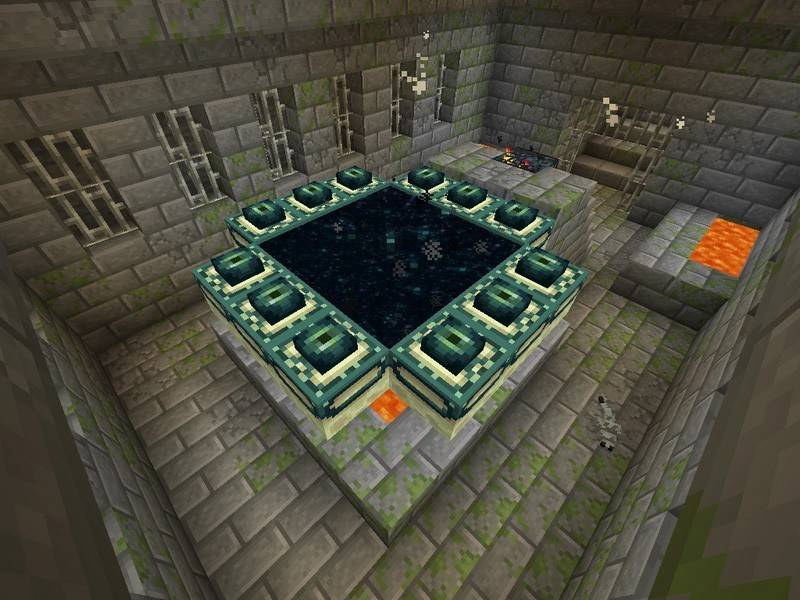
Use Eyes of Ender to locate the Stronghold. Throw an Eye of Ender; it will fly towards the Stronghold, indicating its direction. Once located, navigate the Stronghold's labyrinthine passages, filled with hostile mobs. Find the portal room and place Eyes of Ender in the frame to activate it.
Battle with the Dragon
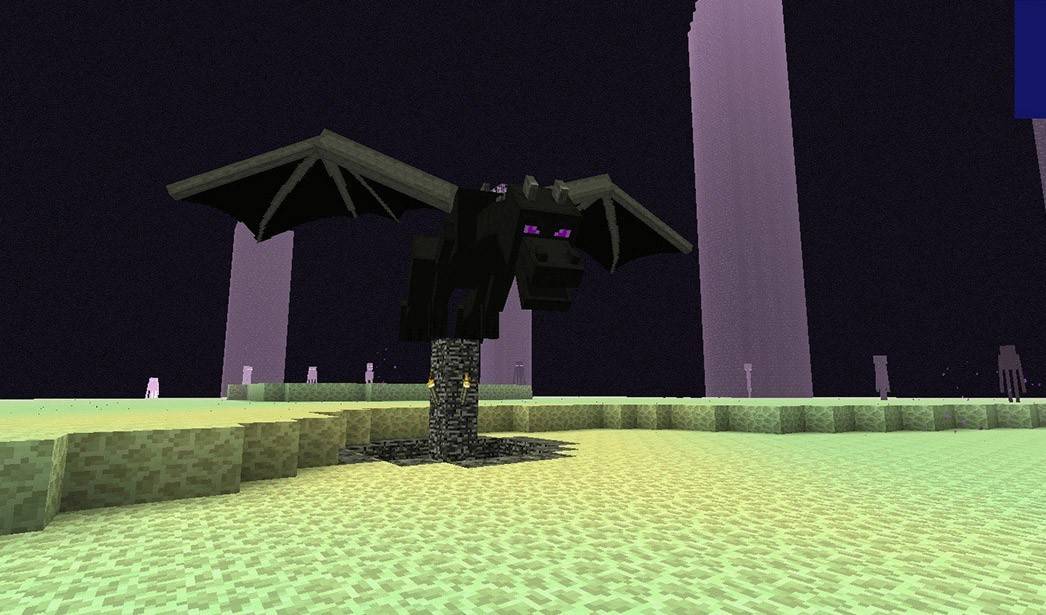
Destroy the End Crystals first to prevent the Ender Dragon's health regeneration. Use a bow and arrow or melee combat. After destroying the crystals, focus on attacking the dragon. Use the bow at range and a sword up close.
Inside the Ship
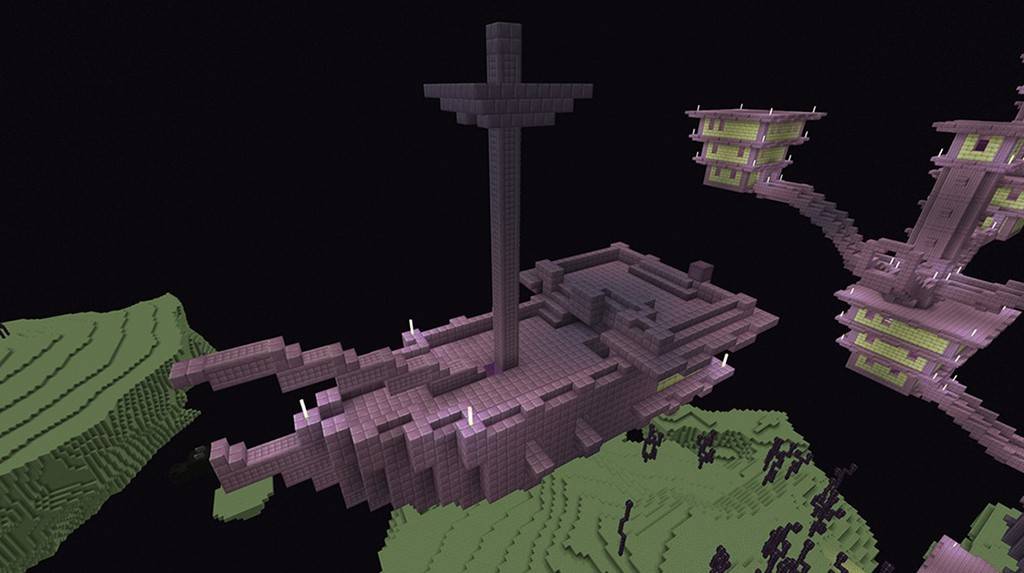
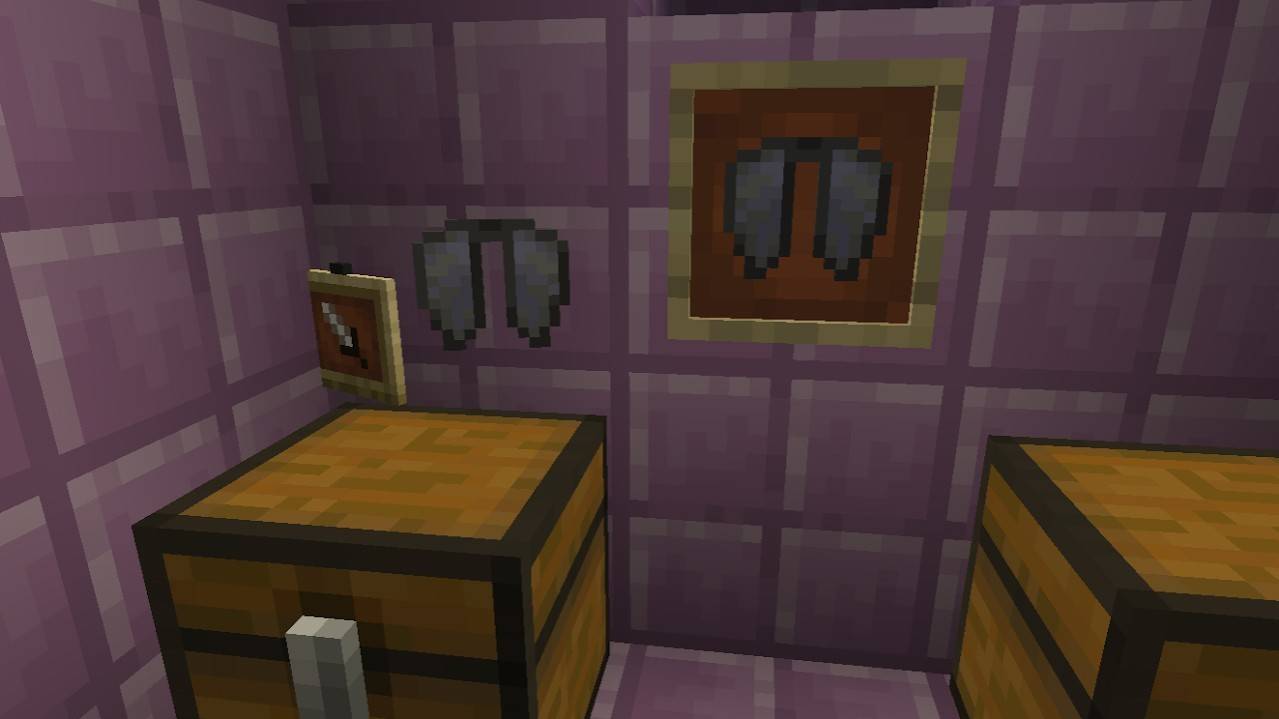
After defeating the dragon, a portal to the End Gateway appears. Throw an Ender Pearl into it. Locate the End City ships. Shulkers guard these ships; defeat them before searching for the Elytra within an Item Frame on the ship's wall.
Creative Mode
In Creative Mode, access your inventory (press "E"), search for "Elytra," and drag it into your inventory.
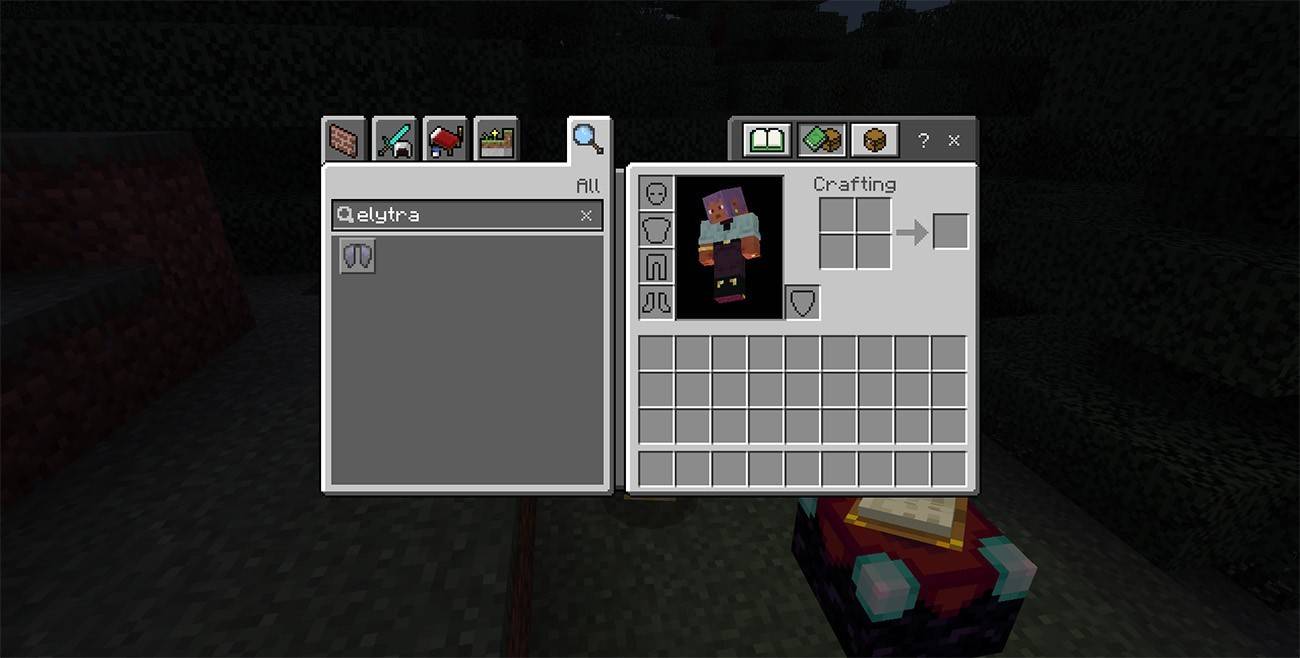
Commands
With cheats enabled, use the command "/give @s minecraft:elytra" in the chat to instantly obtain Elytra.
How to Fly with Elytra
Equip the Elytra in the chest slot. Jump from a height and press Space to glide. Use W, A, S, D for movement control.
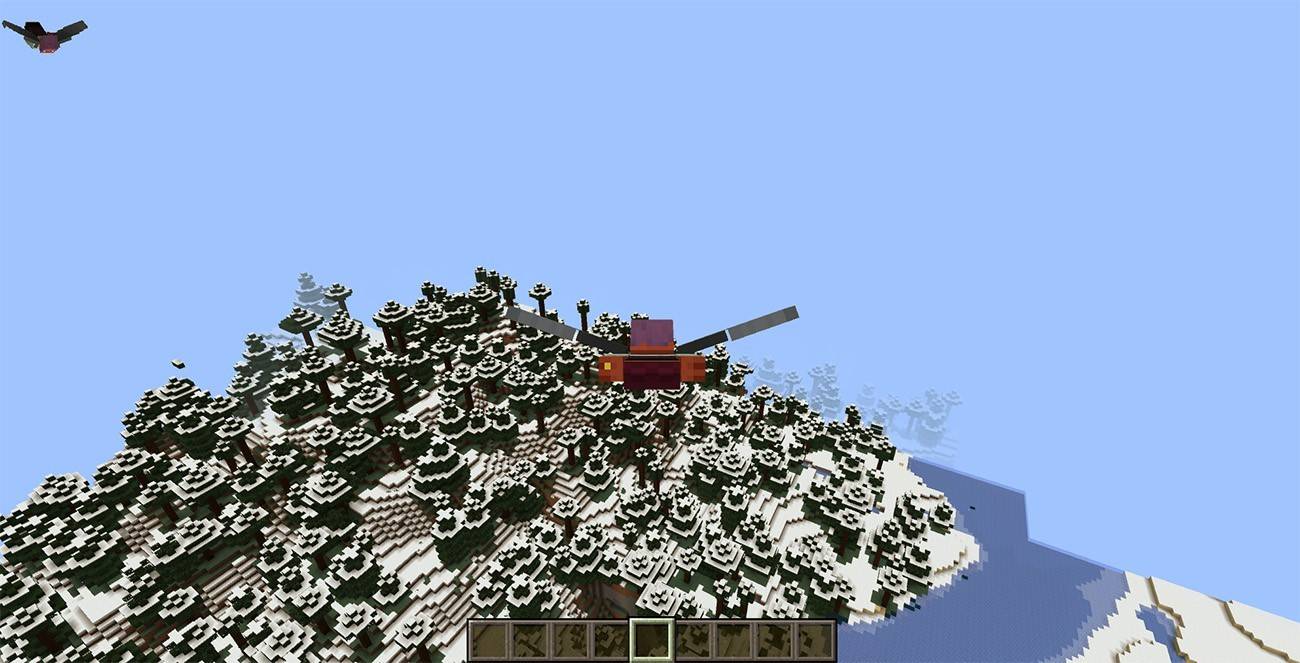
Fireworks Boost
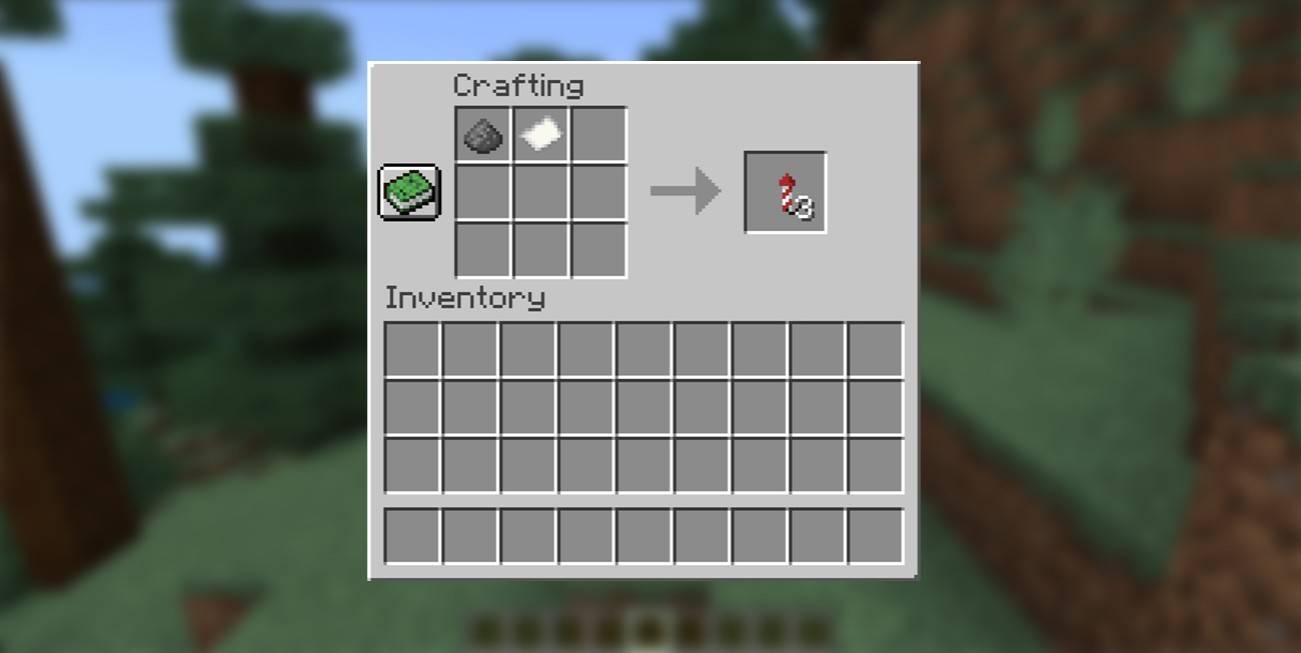
Hold a firework and press the action button for a speed boost.
Upgrading and Repairing Elytra
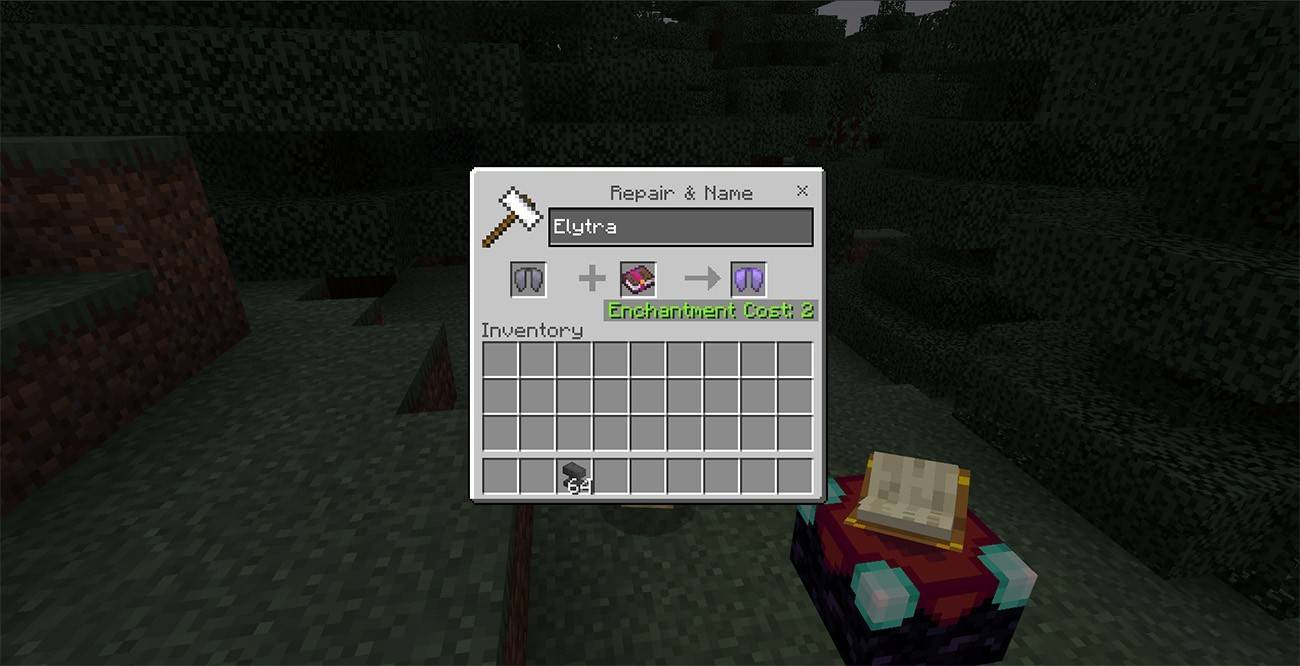
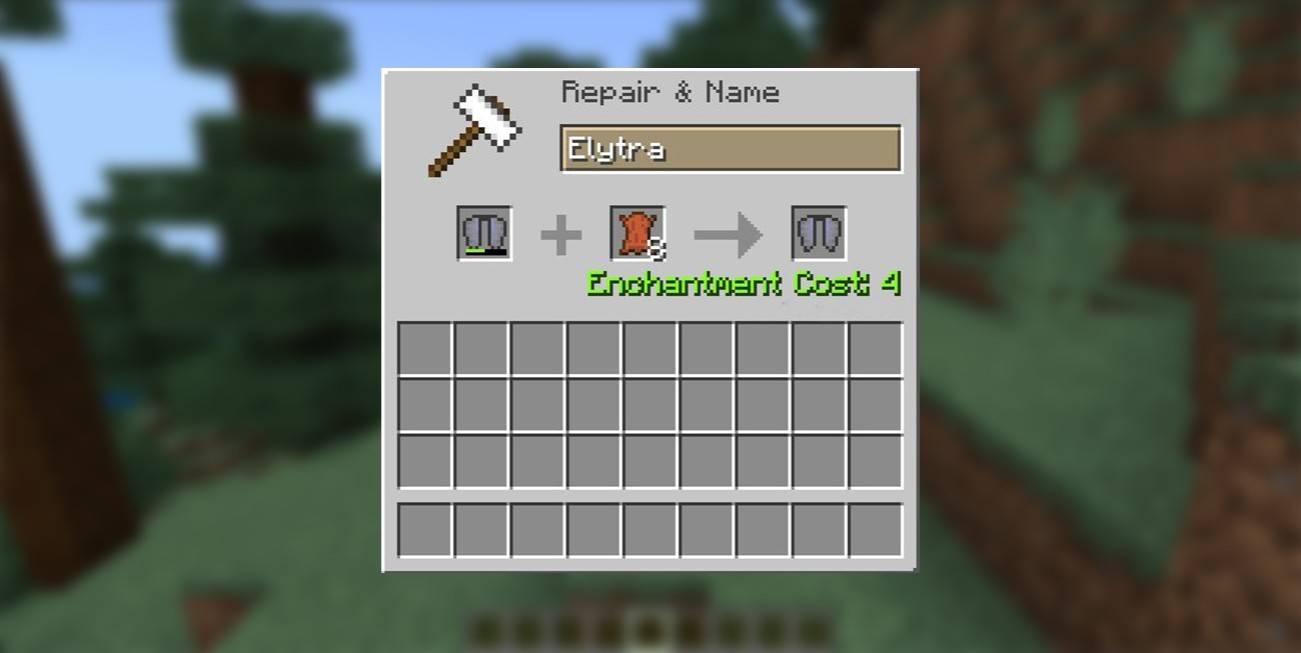
Use an Anvil to apply the Unbreaking enchantment for increased durability. Repair with leather in an Anvil. The Mending enchantment automatically repairs the Elytra upon gaining experience.
Mastering Elytra flight takes practice. With preparation and persistence, you'll conquer the skies of Minecraft!