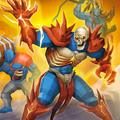
Dive into the epic world of *Lords Mobile*, where strategy meets fun in a giant kingdom filled with quirky monsters and brave soldiers. Build your colossal castle, train an army of amusing yet powerful creatures, and engage in thrilling battles against other players—or perhaps some friendly foes! As you explore this vast new world, gather essential resources like wood and iron, and dive into research to unlock cool upgrades that will fortify your kingdom. In *Lords Mobile*, you get to wear multiple hats—be a builder, a warrior, and a leader, all rolled into one!
Installing Lords Mobile on PC
Ready to conquer the world from your PC? Here's how you can get started with *Lords Mobile*:- Head over to the game’s official page and click on the “Play Lords Mobile on PC” button.
- Download and install BlueStacks, your gateway to mobile gaming on your PC.
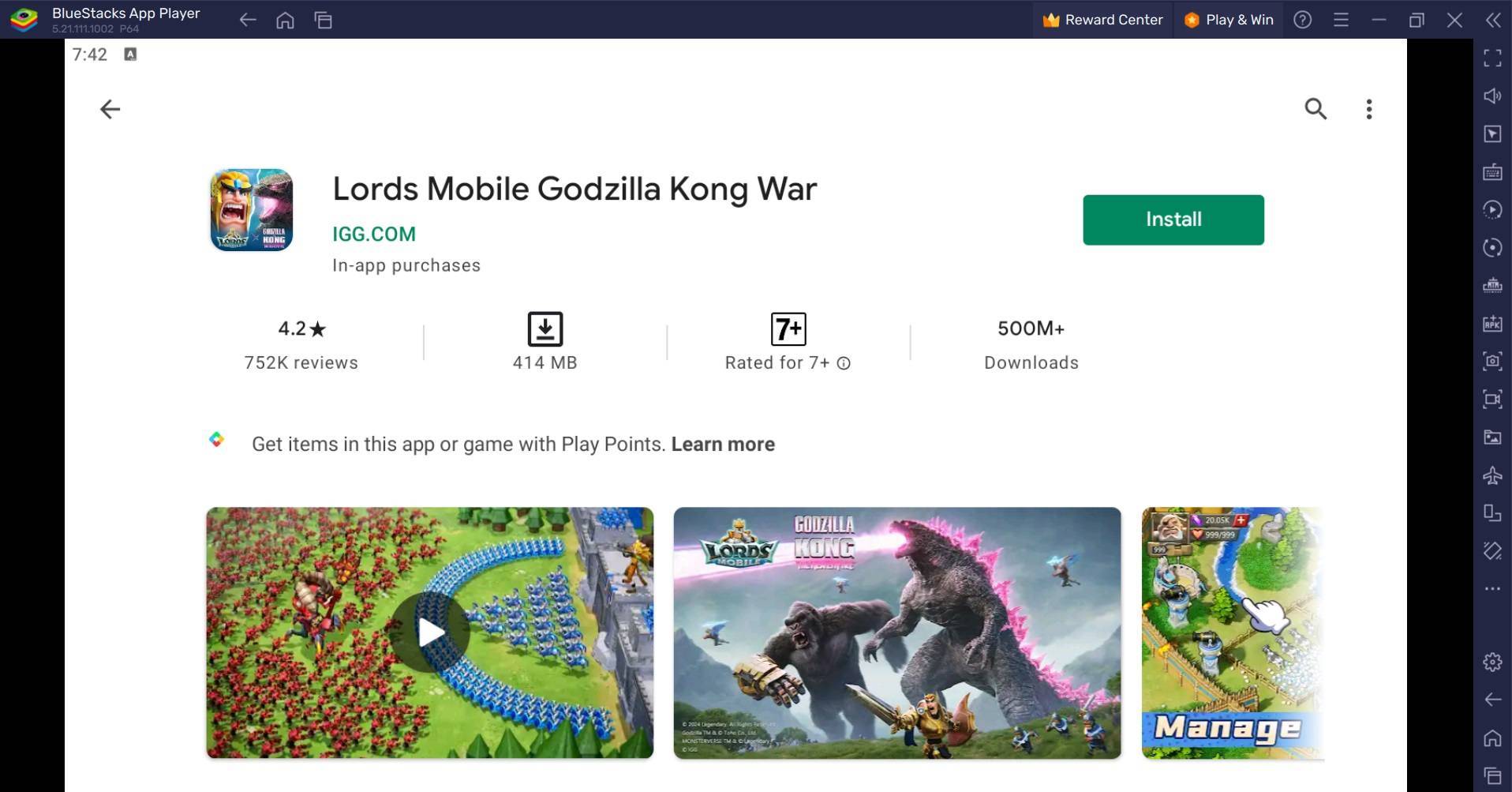
- Launch BlueStacks and sign in to the Google Play Store to install Lords Mobile.
- Once installed, dive right into the action and start playing.
How to Install Lords Mobile on Mac with BlueStacks Air
Mac users, don't worry—*Lords Mobile* is just a few clicks away with BlueStacks Air:- Download BlueStacks Air: Visit the BlueStacks website and click on the “Download BlueStacks Air” button to get the installer.
- Install BlueStacks Air: Open the downloaded .dmg file, then drag and drop the BlueStacks icon into your Applications folder.
- Launch and Sign-In: Open BlueStacks Air from your Launchpad or Applications folder and sign in with your Google account to access the Play Store.
- Install Lords Mobile: Search for Lords Mobile in the Play Store, install it, and get ready to rule.
- Enjoy Playing! Launch the game and embark on your collector’s journey!
For Those Who Already Have BlueStacks Installed
If you're already a BlueStacks user, getting *Lords Mobile* up and running is a breeze:- Launch BlueStacks on your PC or Mac.
- Use the homescreen search bar to find Lords Mobile.
- Click on the game to install it and start your epic journey.
Minimum System Requirements
BlueStacks is designed to run smoothly on virtually any system, with the following minimum requirements:- OS: Microsoft Windows 7 and above, macOS 11 (Big Sur) or above.
- Processor: Intel, AMD Processor or Apple Silicon Processor.
- RAM: Your PC or Mac must have at least 4GB of RAM.
- Storage: 10GB Free Disk Space.
- Permissions: Administrator access on your PC or Mac.
- Graphics drivers: Up-to-date graphics drivers from Microsoft or the chipset vendor.
For more information, players can check out the Lords Mobile page on the Google Play Store. For deeper insights, tips, and exciting gameplay strategies, don't miss our extensive BlueStacks Blogs dedicated to the game. Experience Lords Mobile like never before on a bigger screen, using your keyboard and mouse with BlueStacks!