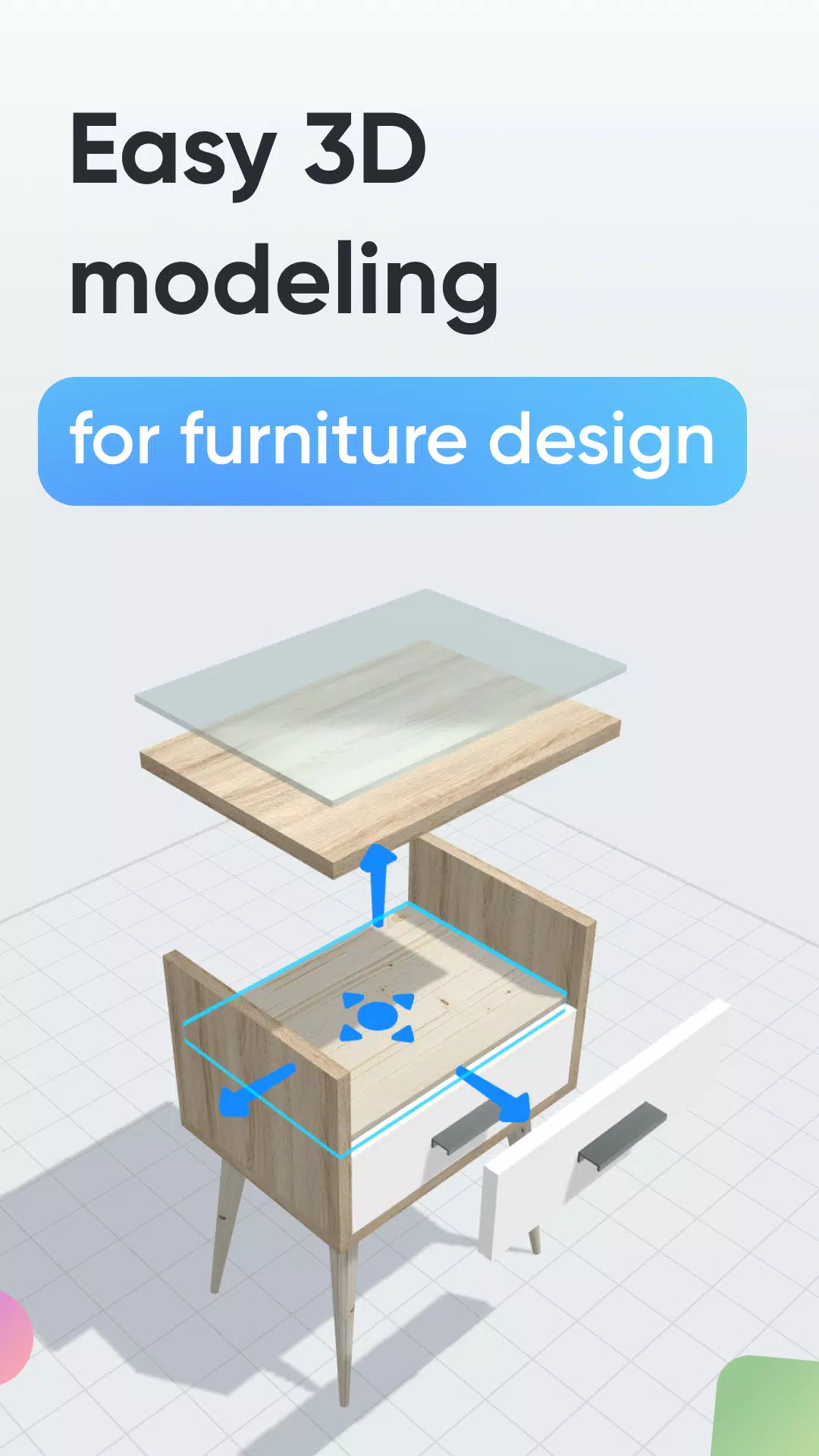
Design furniture, woodworking, and DIY projects effortlessly with 3D modeling.
Looking to craft custom furniture or outfit a room yourself? Moblo is the ideal 3D modeling tool for your upcoming projects. Perfect for sketching furniture in 3D with ease, it also empowers you to envision more intricate interior layouts. Quickly bring your concepts to life and visualize them in your own space using augmented reality.
Whether you're new to 3D modeling or have years of experience, Moblo is the perfect software for your custom furniture endeavors. Featuring an interface optimized for both touch and mouse, it's straightforward and accessible to all.
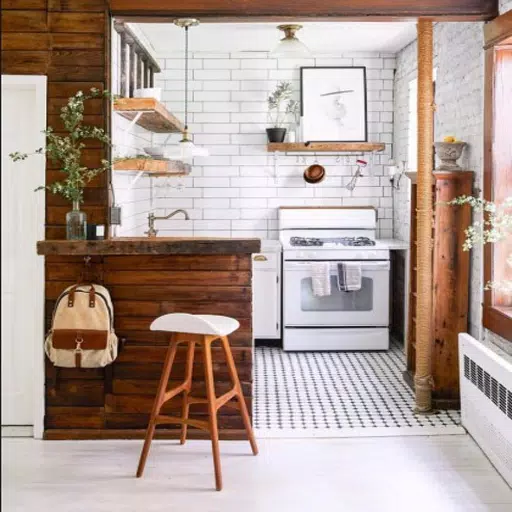
Common furniture and fittings designed with Moblo:
- Custom-sized shelving
- Bookcase
- Walk-in closet
- Media console
- Desk
- Children's bed
- Kitchen
- Bedroom
- Wooden furniture
- …
How to create:
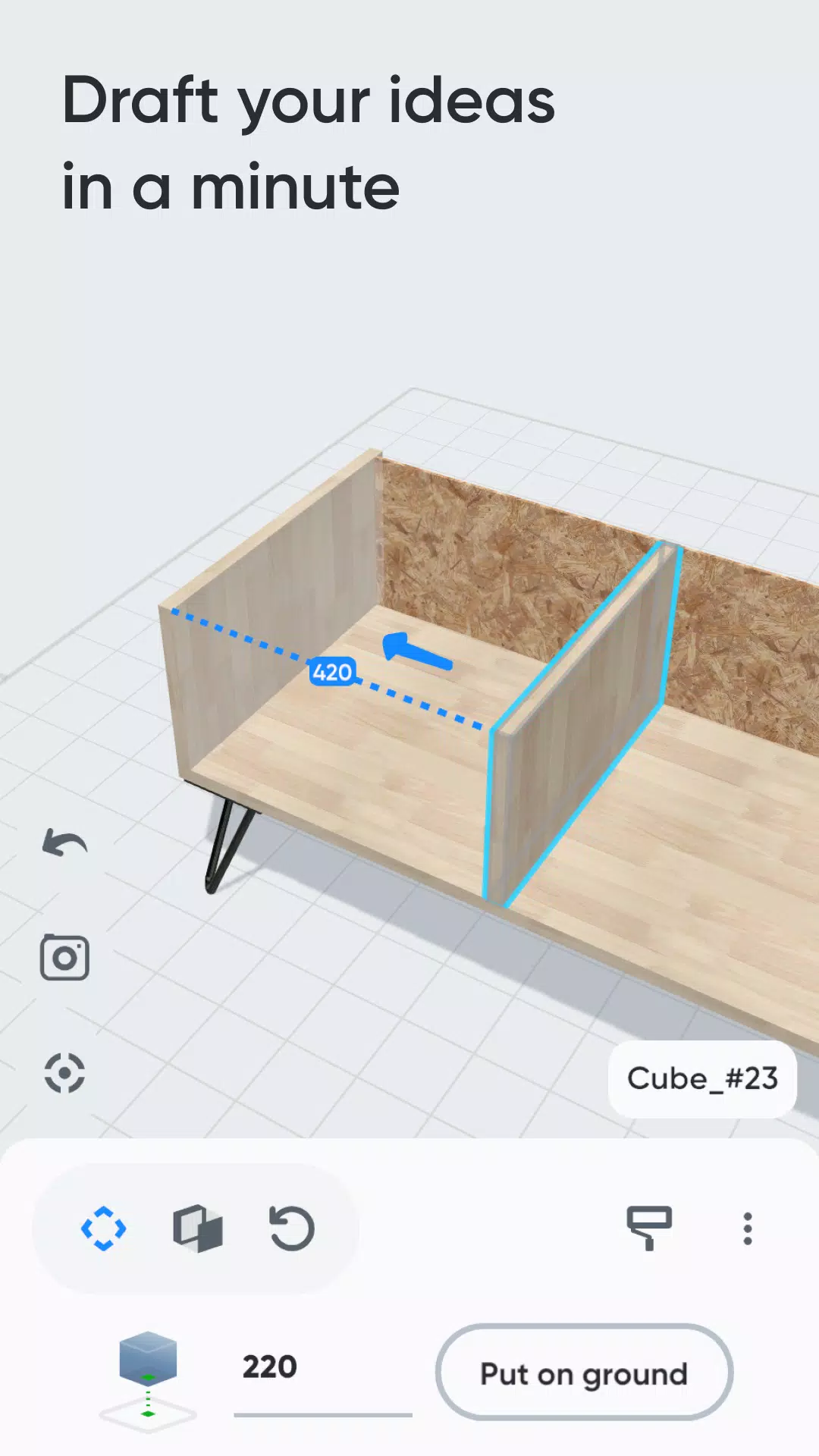
1 - 3D Modeling
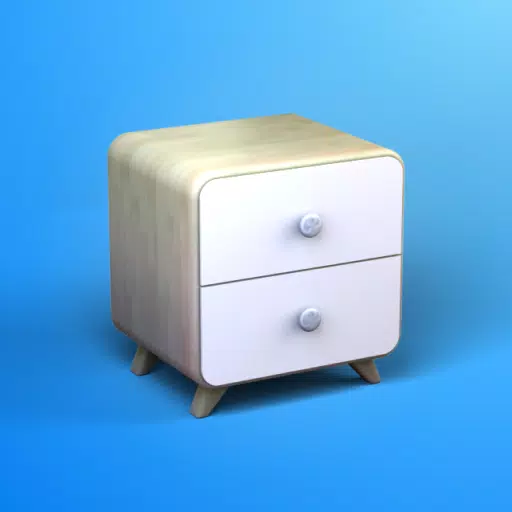
Assemble your future furniture in 3D using an intuitive interface and ready-made components like primitive shapes, feet, and handles.
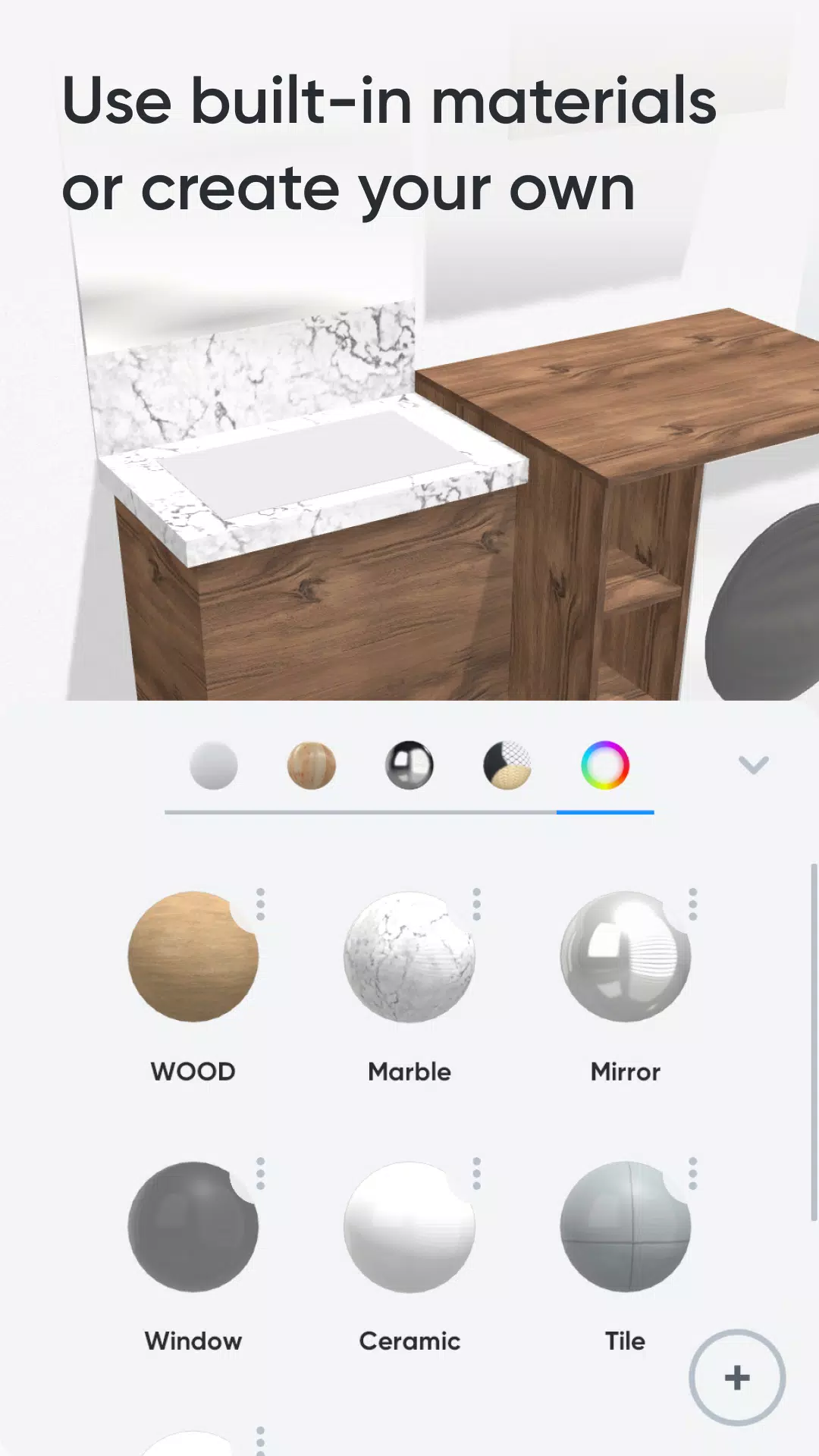
2 - Customize Colors & Materials
Select materials from our library—including paint, wood, metal, and glass—to apply to your 3D model. Or design your own material with a simple editor.
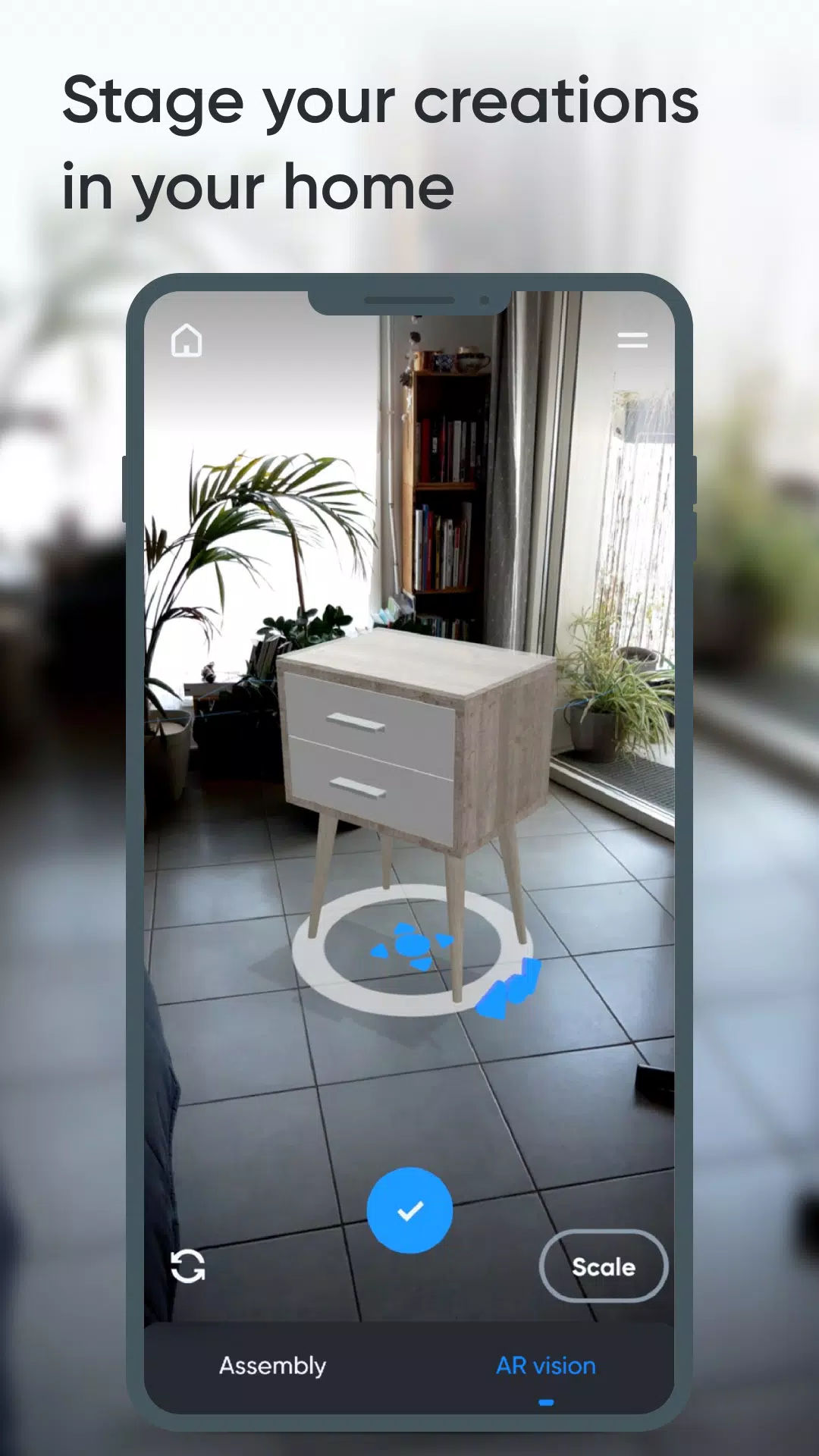
3 - Augmented Reality
Use your phone's camera to place your 3D furniture design in your home via augmented reality and fine-tune the layout.
Key Features:
- 3D assembly (move, scale, rotate)
- Duplicate, hide, or lock elements
- Materials library (paint, wood, metal, glass, etc.)
- Custom material editor (color, texture, shine, reflection, opacity)
- Augmented reality visualization
- Parts list
- Part-specific notes
- Photo capture
Premium Features:
- Work on multiple projects simultaneously
- Unlimited parts per project
- Access to all part shapes
- Full library of materials
- Export parts list as .csv (compatible with Excel or Google Sheets)
- Share creations with other Moblo users