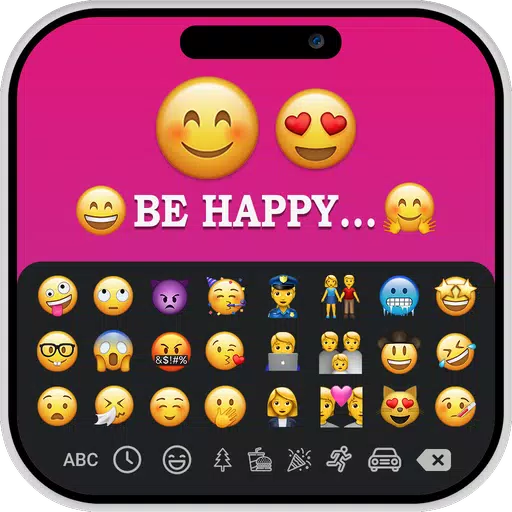
Create captivating images with custom text and iOS emojis using the iOS Emoji for Story app.
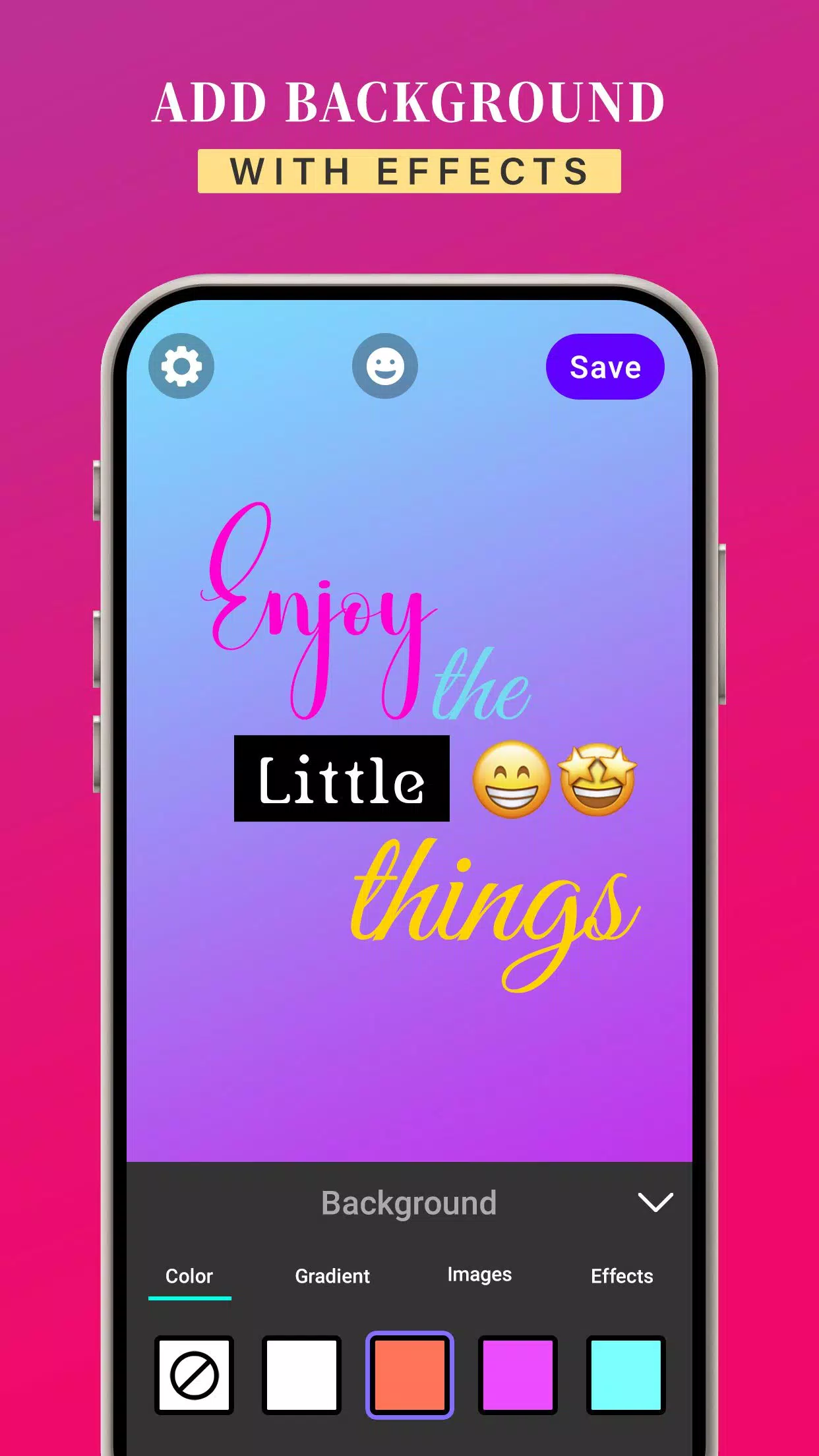
The iOS Emoji for Story app offers a variety of font styles for your text and emojis. You can input your own content and easily change its style. It also supports custom background colors, gradients, and images for your text and emojis. Additionally, you can apply effects such as shadow, radius, and opacity to enhance your text and emojis.
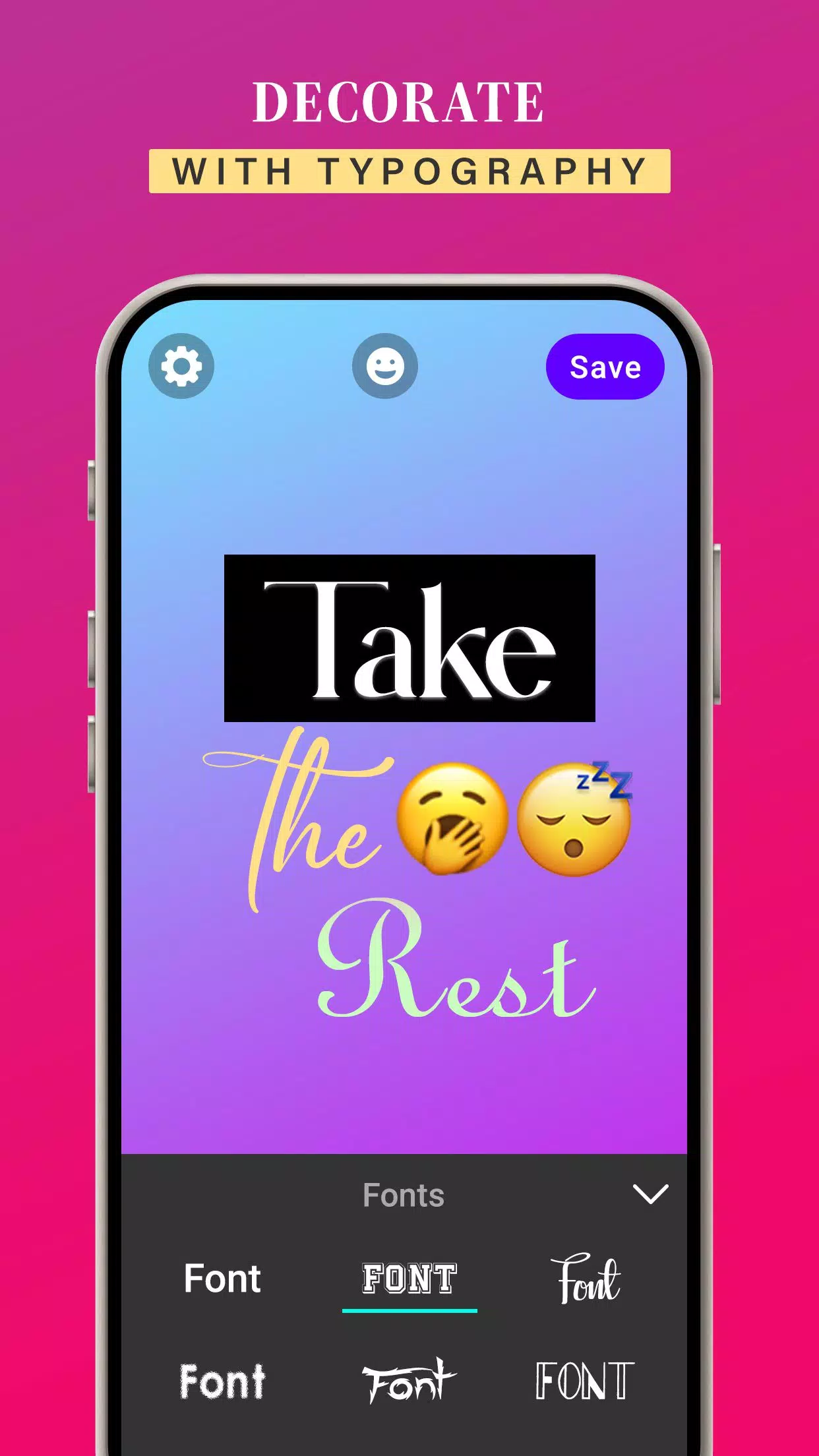
With the iOS Emoji for Story app, you can update your text's font style. It provides a wide selection of fonts to choose from.
The iOS Emoji for Story app lets you adjust text colors, gradients, and images. You can also align text using the app's letter spacing and line spacing tools.
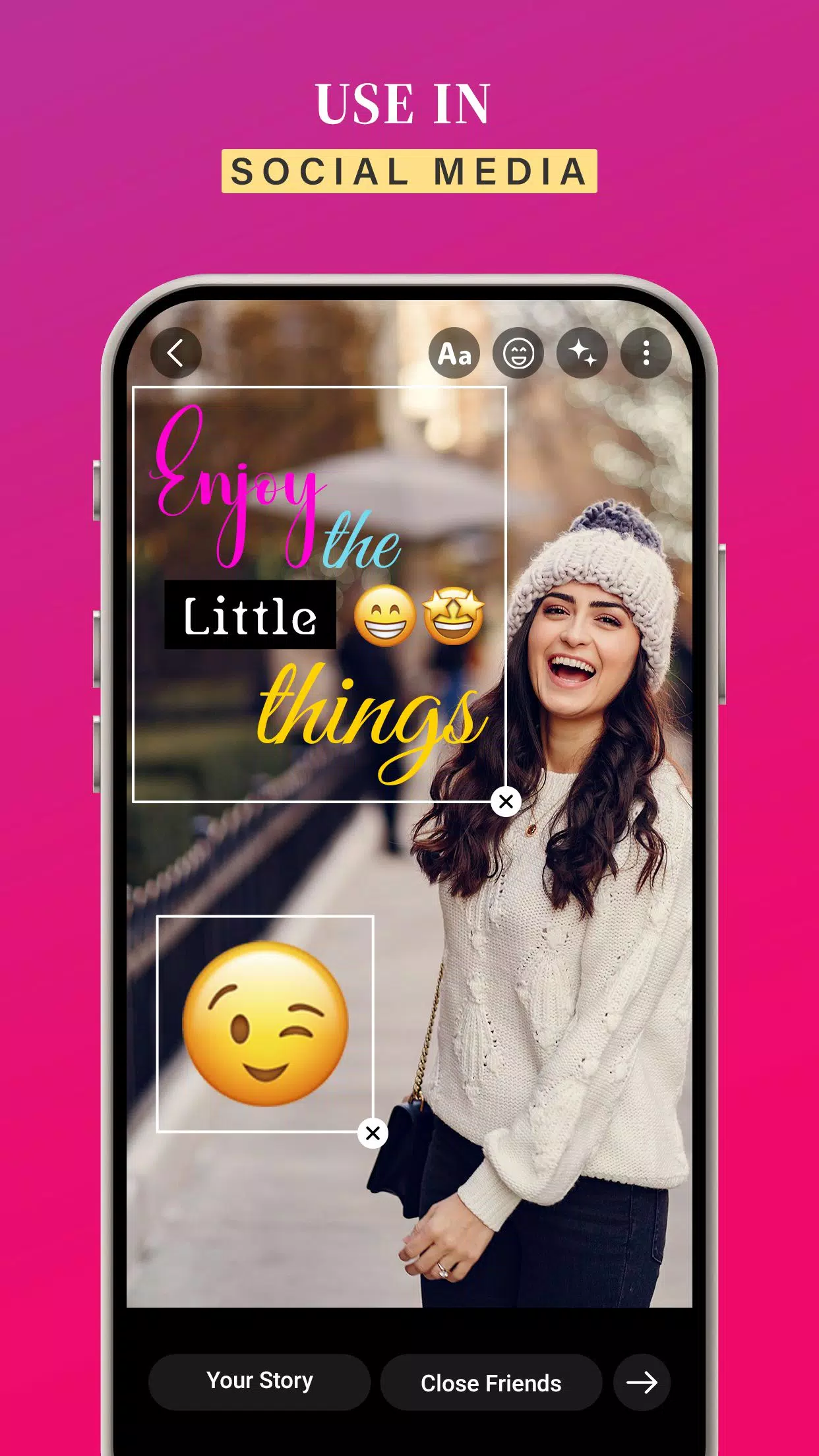
Once you create images with your own text and iOS emojis, tap Save to store them in your gallery. Then, simply pick your creations from the gallery to add to your story for a more creative touch.
KEY FEATURES:-
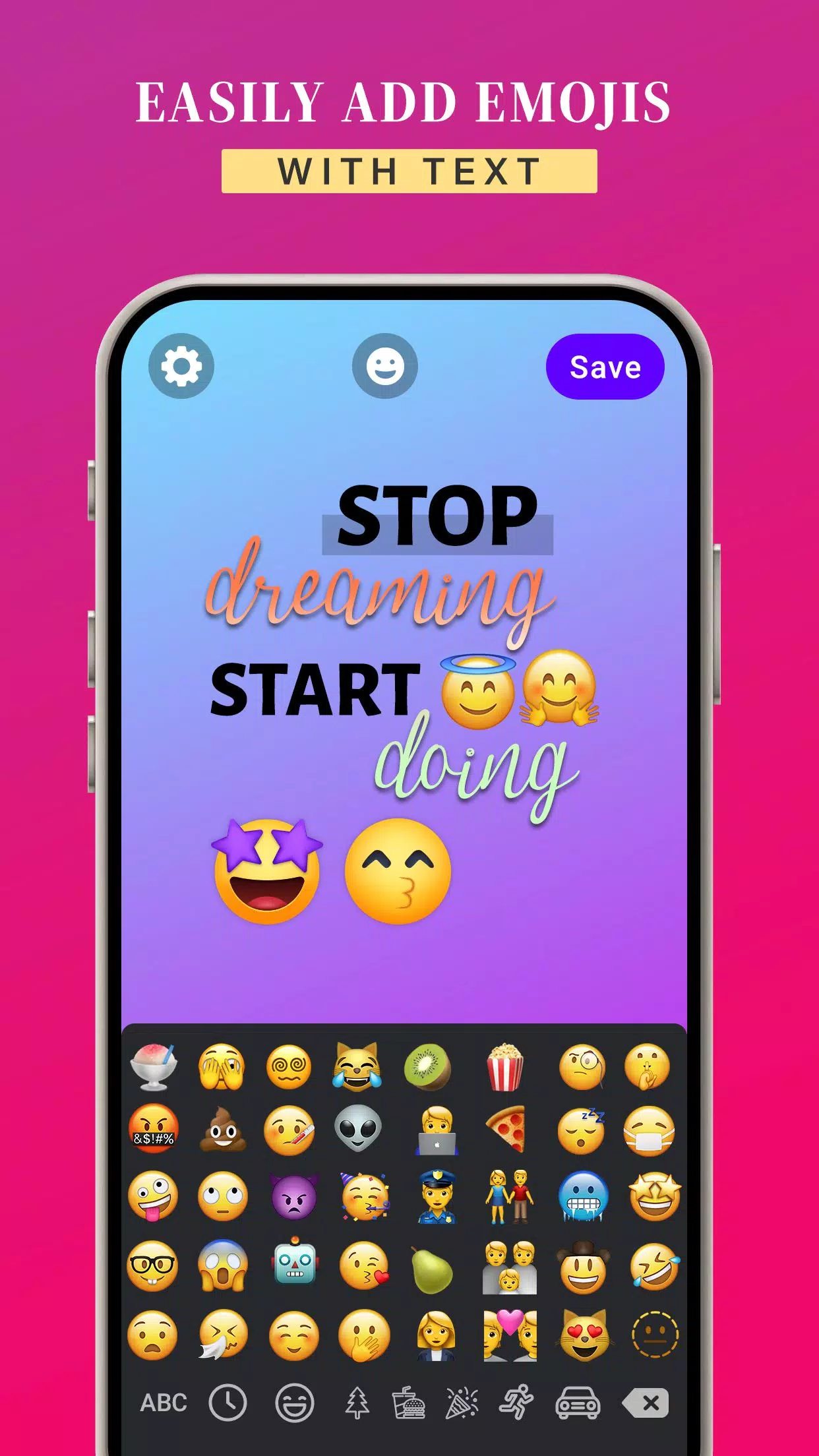
➤Create custom images by adding text and iOS emojis
➤Use iOS emojis while crafting your story
➤Customize text colors, gradients, and images
➤Add background colors to your images
➤Easily use iOS emojis on your Android device
➤Change the font style to suit your taste
➤Available for free download
➤User-friendly app to elevate your story
iOS Emoji’s for Story helps you design creative, fun, and vibrant posts and messages for social media.
Download the iOS Emoji’s for Story app to enjoy iOS emojis on any Android device.