Here's a polished and professional overview of the Teslogic EV Instrument Cluster App – Version 1.6.8, ideal for use in app descriptions, marketing materials, or user guides:
Teslogic – Your Smart, Portable EV Instrument Cluster
Transform Your Phone into a Next-Gen Dashboard
Compatible with all Tesla models (2012–2024), and other EVs via the Teslogic Transmitter
Available exclusively with the Teslogic wireless transmitter – Order yours at teslogic.co
🚗 Why Drivers Love Teslogic
Tired of looking down at your central touchscreen while driving? Teslogic turns your smartphone into a sleek, customizable, and intuitive instrument cluster — keeping your eyes on the road and your focus on the drive.
Designed for Tesla and other electric vehicle owners, Teslogic delivers real-time vehicle data with precision, clarity, and safety. It’s not just a dashboard — it’s your personal EV insights partner.
✨ Key Features (Version 1.6.8 – Released Nov 9, 2024)
📱 Five Customizable Screens, Seamless Switching
Navigate effortlessly between vital driving information:
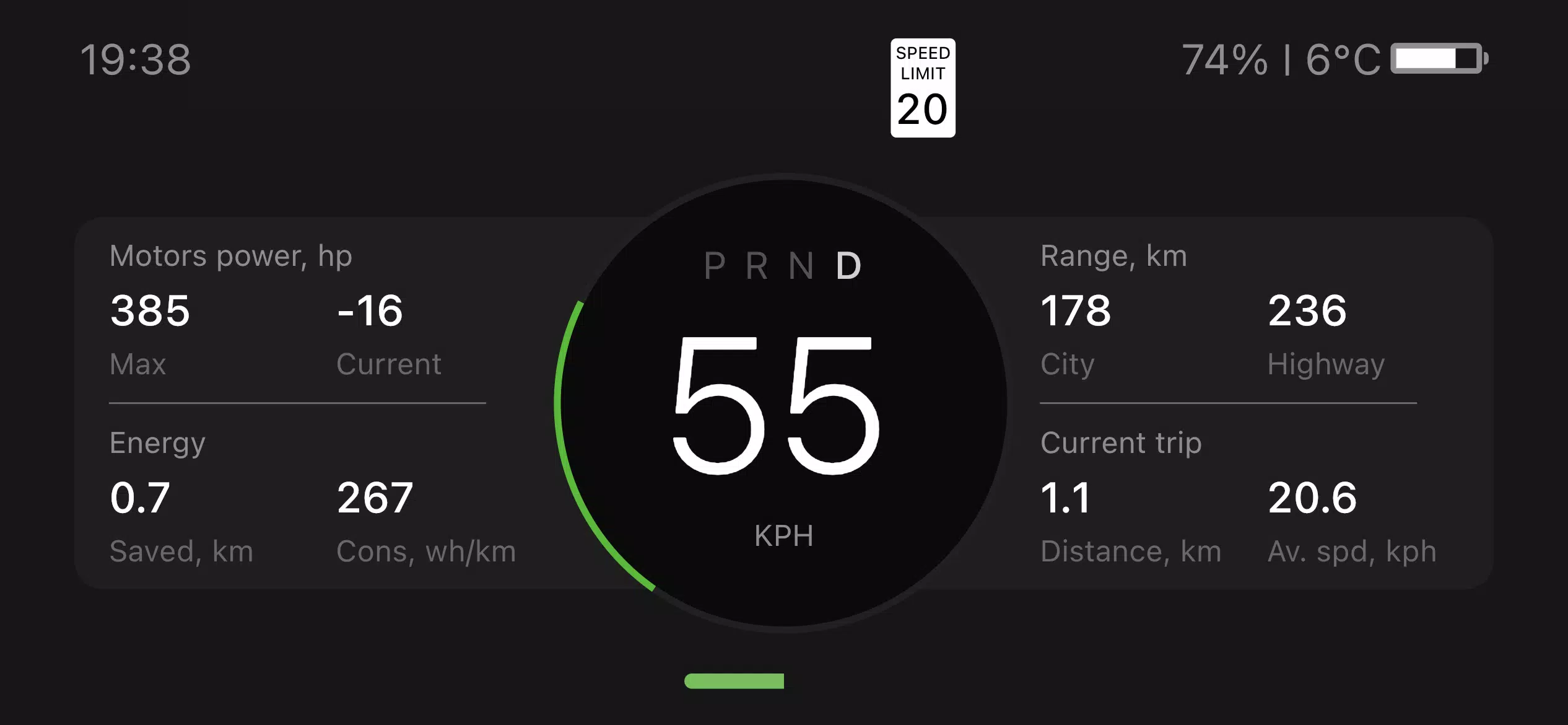
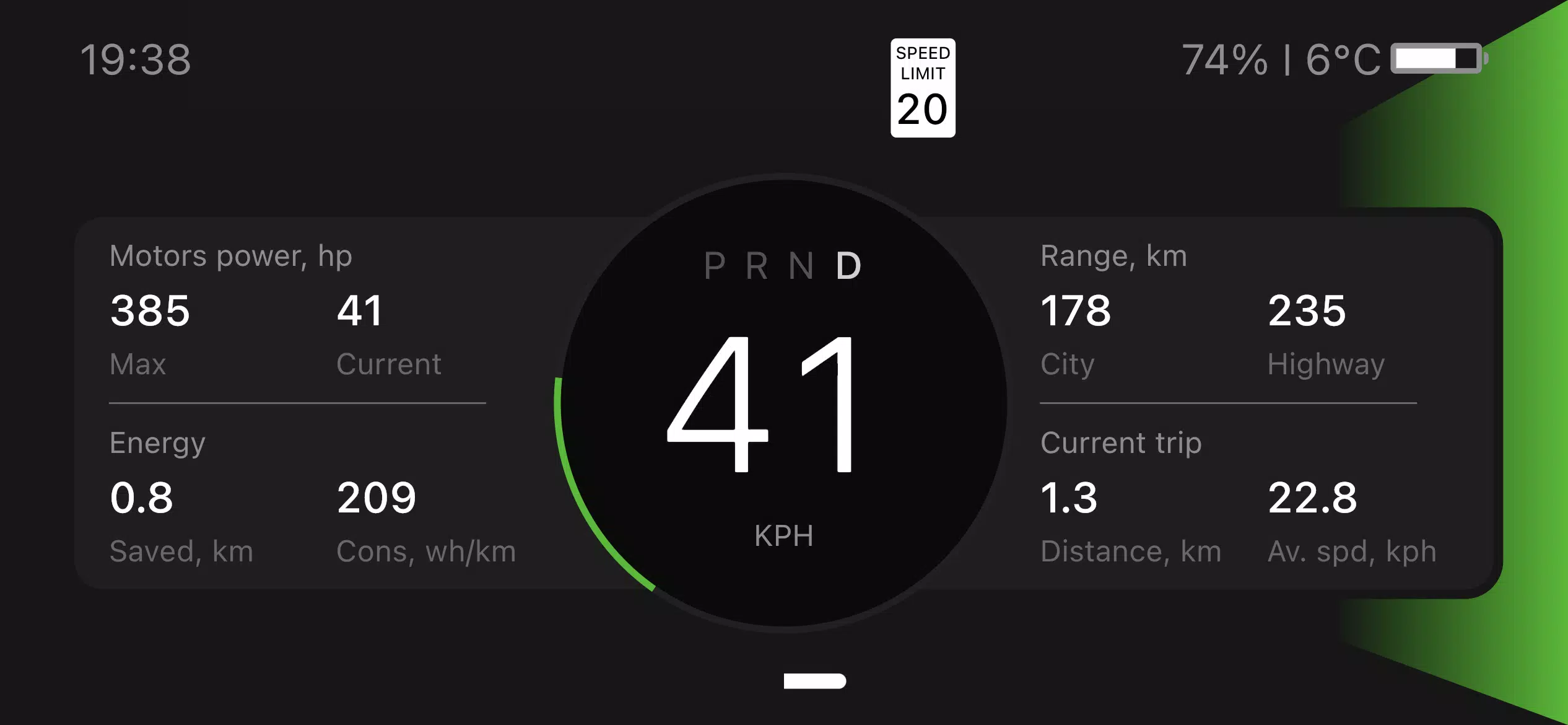
- Live Speed & Power – Monitor real-time speed, motor power, and torque.
- Battery & Range – View accurate, dynamic range estimates based on your driving style.
- Autopilot Status – Track Autopilot mode, lane keeping, and navigation cues.
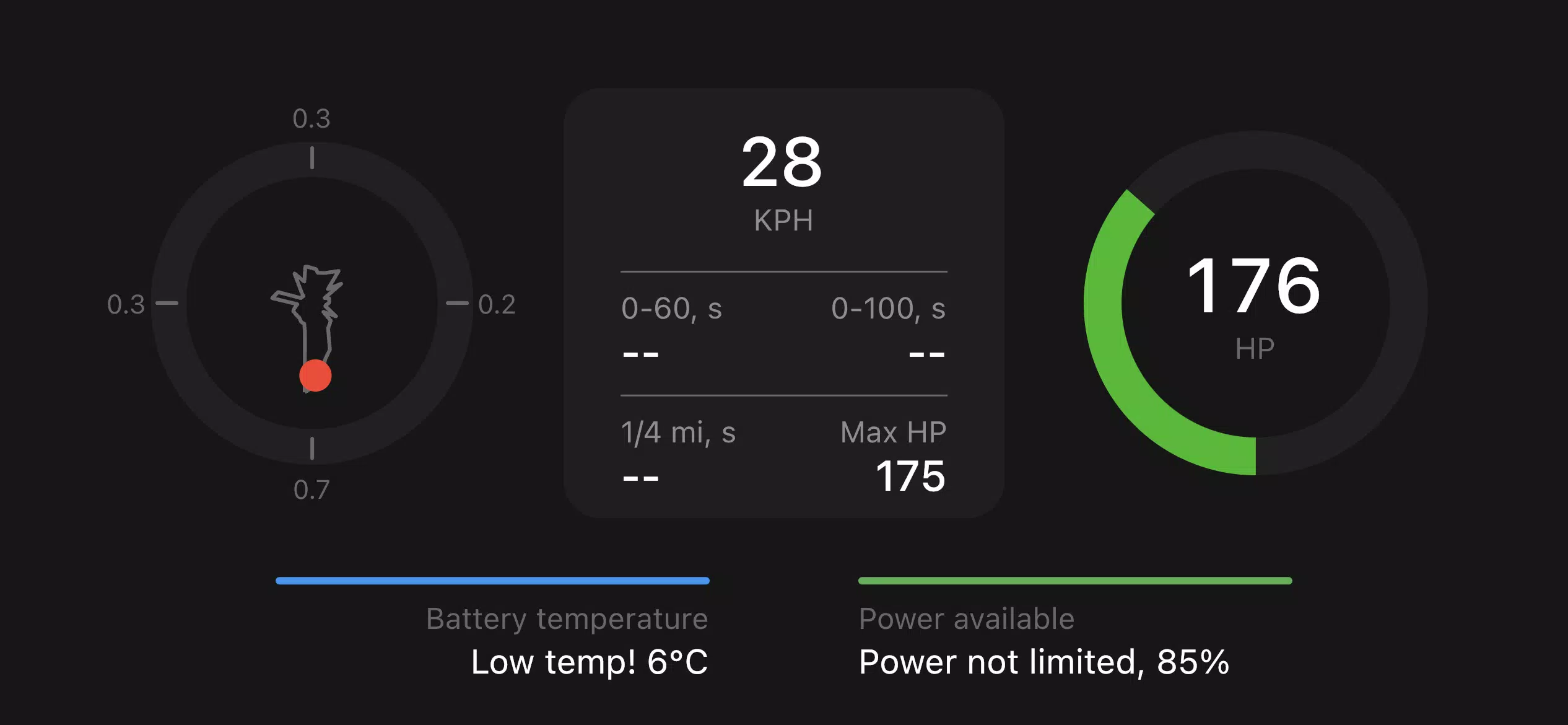
- Performance Mode – Measure 0–60 mph, 1/4 mile drag times, and acceleration with GPS precision.
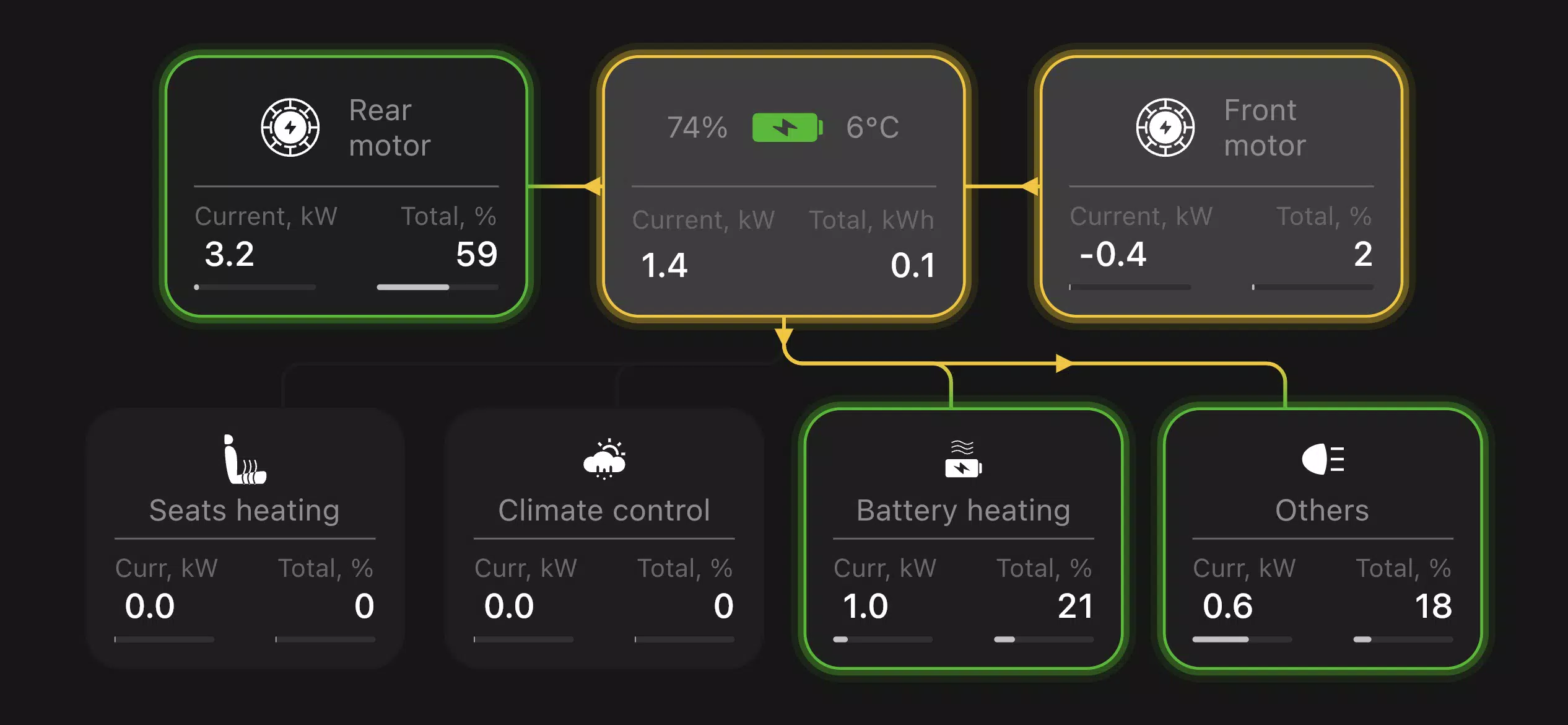
- Vehicle Diagnostics – Access detailed vehicle stats, energy consumption, and power distribution.
🔔 Instant Notifications
Get real-time alerts for:
- Charging status
- Autopilot events
- Door locks, climate updates, and more
No more checking the center console — your phone stays in sync.
📊 Smart Range Prediction
Teslogic uses your driving history and real-time conditions to deliver accurate, adaptive range estimates — helping you plan trips with confidence.
⚙️ Advanced Performance Tracking
- Road slope correction now integrated into performance runs for more reliable acceleration and drag time measurements.
- Works on all EVs — no matter the model.
🪄 “Nerd Mode” – For the Tech-Savvy Driver (Version 1.6.8)
Enable “Autopilot Tweaks” (requires Nerd Mode ON) to customize Autopilot behavior:
- ✅ Traditional 'Hands-On' Rules: Re-enable hands-on steering for Autopilot (ideal for older model drivers).
- ✅ Remove Speed Limit Sign Restrictions: Bypass speed limit sign enforcement (use with caution and awareness).
- ✅ Adaptive Speed Adjustment: Automatically updates to new speed limit signs (fixes known issue for pre-2021 2.0 models).
- ✅ Disable Automatic Wipers: Prevent wipers from activating during Autopilot use (ideal for dry roads).
- ✅ Auto-Re-Engage Autosteer: Automatically resumes steering after lane changes, turns, or pothole avoidance.
💡 Note: These features are experimental and intended for experienced users. Always drive responsibly.
🛋️ New: Passenger Seat Control Shortcut
Quickly adjust passenger seat position from your phone — perfect for adjusting ride comfort on the go.
🔄 How It Works
- Pair your phone with the Teslogic Transmitter (plug into your car’s OBD2 or Tesla USB port).
- Launch the Teslogic app.
- Start driving — and stay in control.
No modifications. No wiring. Just seamless integration.
🔒 Why It’s Safer
- Keeps critical data at eye level.
- Reduces distraction from the central display.
- Provides instant feedback on driving habits and energy use.
🌐 Available For:
- Tesla Model S/X/3/Y (all generations)
- Other EVs (via optional hardware adapter)
- Android and iOS devices (latest versions)
📦 Get Started Today
Upgrade your driving experience. Stay informed. Drive smarter.
👉 Order your Teslogic Transmitter and unlock the full potential of your EV:
teslogic.co
Teslogic – Where innovation meets the open road.
Version 1.6.8 | November 9, 2024
Let me know if you’d like this formatted for a website, app store listing, social media post, or email campaign!