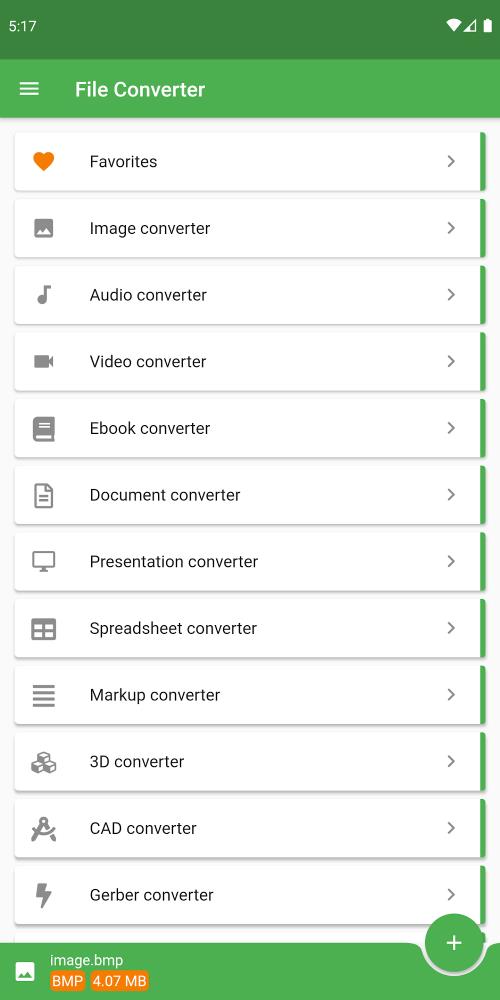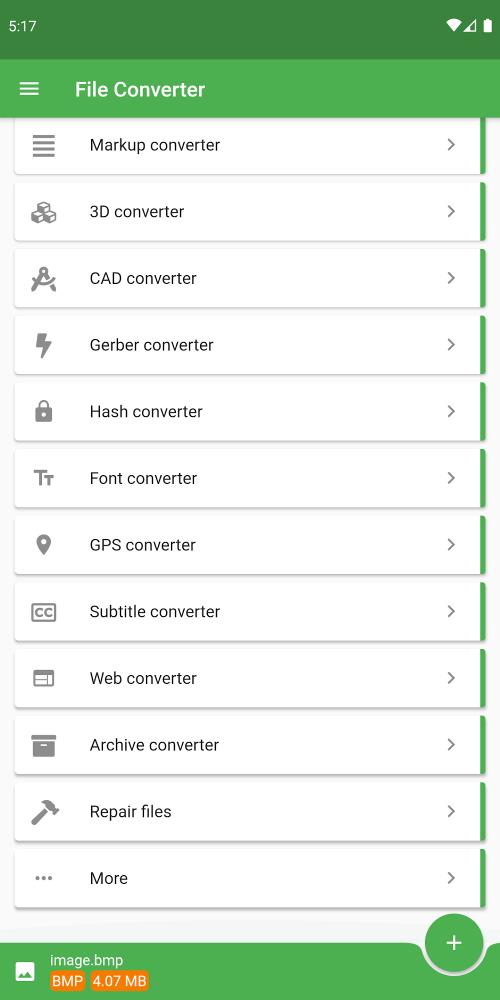

Introducing the all-in-one File Converter app, your ultimate solution for seamless file format conversion. This powerful app supports conversions between nearly every file format imaginable, saving you valuable time and battery power. With over 2000 supported source formats, you can effortlessly convert audio, ebooks, videos, 3D models, documents, presentations, CAD drawings, images, and much more. The best part? Cloud-based conversion allows you to continue using your device while files are processed, ensuring speed and efficiency. Plus, enjoy additional features like texture and mesh conversion, PDF password protection, and extensive customization options for audio, ebooks, images, CAD files, and documents. Upgrade your file conversion workflow with File Converter today!
Features of File Converter:
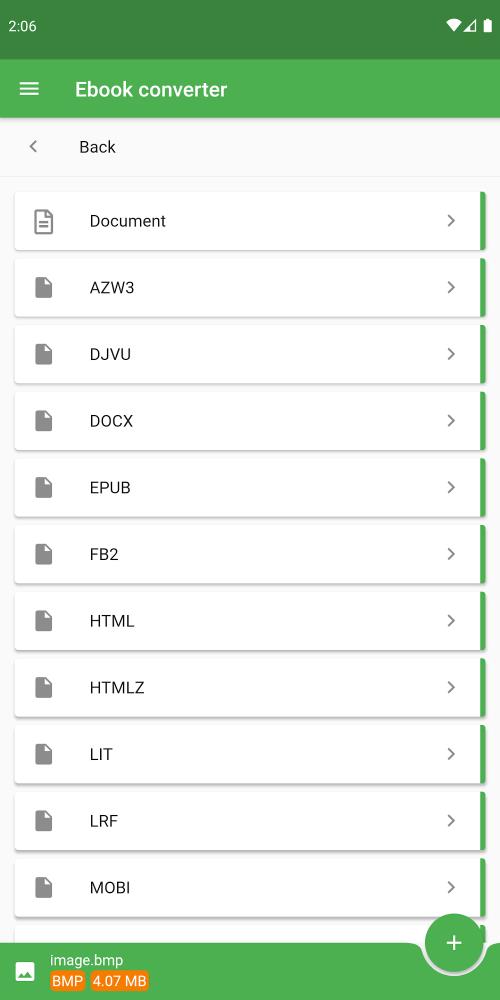
❤️ Extensive File Format Support: Convert between over 2000 file formats, including audio, ebooks (AZW, MOBI, EPUB, PDF, and more), video (MKV, AVI, and more), 3D models, documents, presentations, CAD drawings, images, LaTeX, fonts, spreadsheets, Gerber PCB files, and metadata.
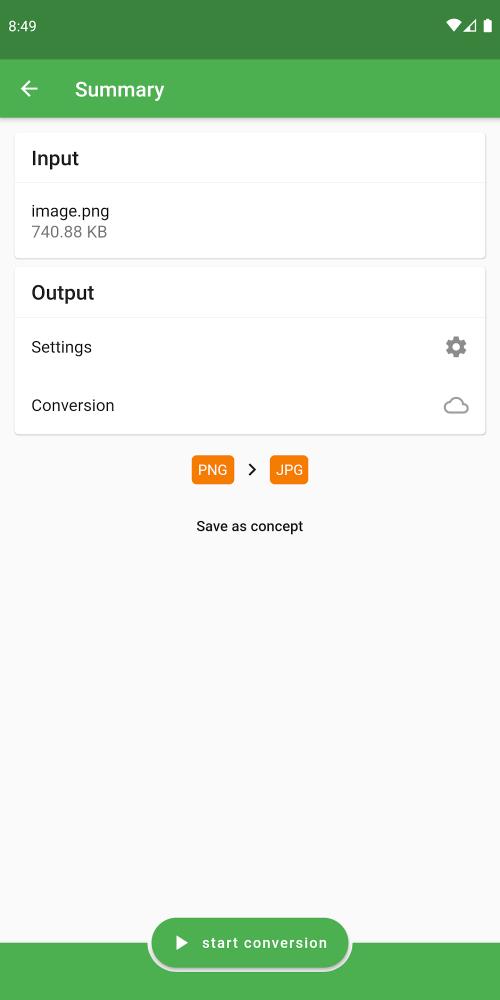
❤️ Cloud-Based Conversion: Enjoy fast, battery-saving conversions performed in the cloud, allowing you to use your device without interruption.
❤️ E-book and Video Conversion: Effortlessly convert popular ebook and video formats.
❤️ Hash Generation: Generate various hashes (DES, SHA, and more) for enhanced security and flexibility.
❤️ Specialized Converters: Benefit from specialized converters for textures, meshes, embroidery, playlists, and sheet music. Extract music, create animated GIFs from videos, convert raster images to vectors, and more.
❤️ Customization Options: Fine-tune your conversions with customizable settings for audio, ebooks, images, CAD drawings, and documents. Adjust bitrate, frequency, titles, ebook reader compatibility, color, scale, OCR settings, and more.
Conclusion:
File Converter is a powerful and versatile file conversion app offering a comprehensive solution for all your conversion needs. Its cloud-based processing, extensive format support, specialized converters, and customizable settings make it an indispensable tool for anyone who regularly handles file conversions. Download File Converter now and experience the ultimate in file conversion efficiency.