Here's a polished and professional summary of the OS OBD2 Interface by Otterbine Solutions app, based on your provided information, including the update notes:
OS OBD2 Interface by Otterbine Solutions – Version 1.0.1.3 (Released: November 10, 2024)
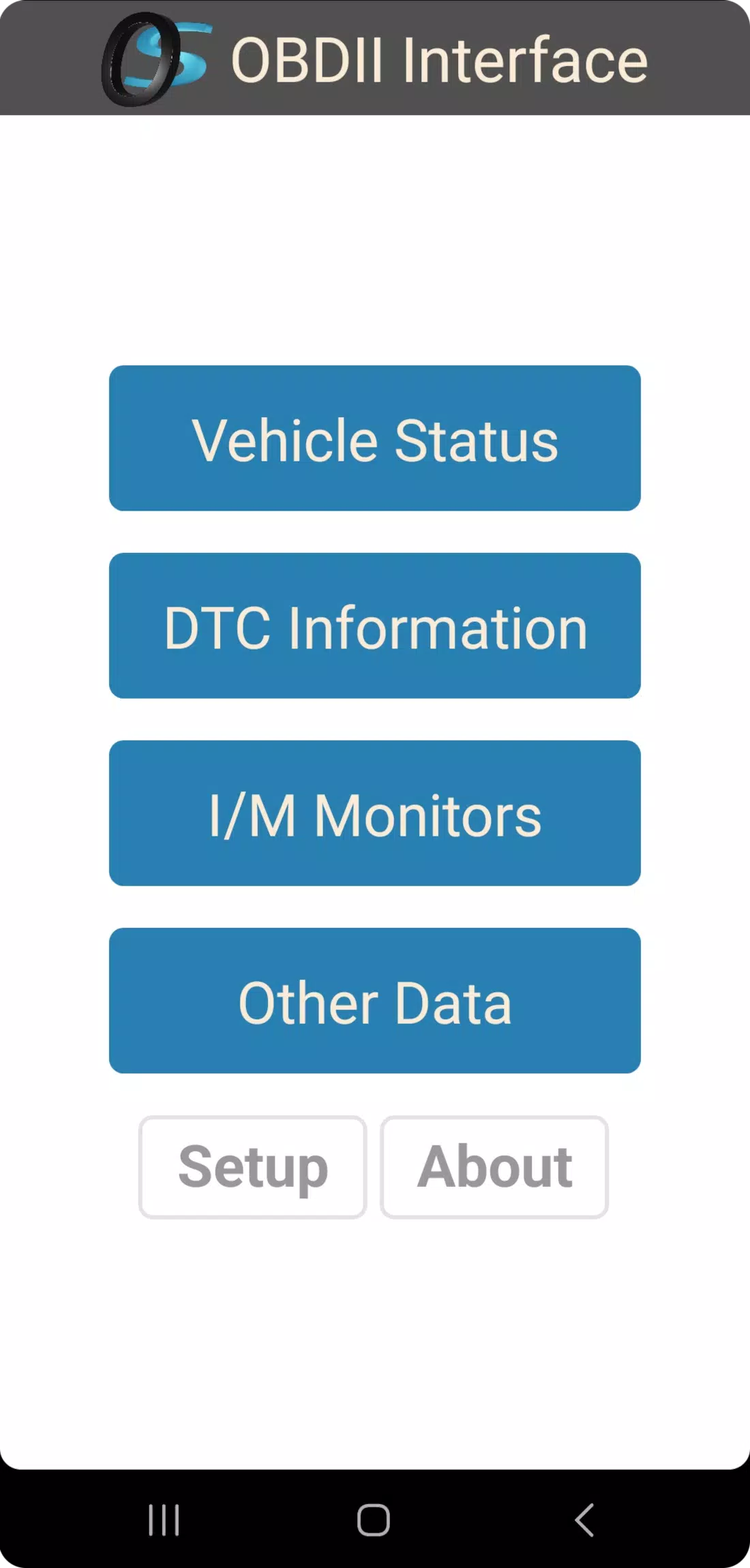
The OS OBD2 Interface is a lightweight, high-performance diagnostic application designed for seamless communication with ELM327-based OBD2 adapters over Wi-Fi and Bluetooth. Built with simplicity and efficiency in mind, this app ensures fast, reliable access to your vehicle’s real-time data and diagnostic systems—without running in the background or consuming unnecessary resources.
Perfect for DIY mechanics, automotive enthusiasts, and professionals alike, the OS OBD2 Interface delivers essential OBD2 functionality in a clean, intuitive interface.
🔧 Key Features:
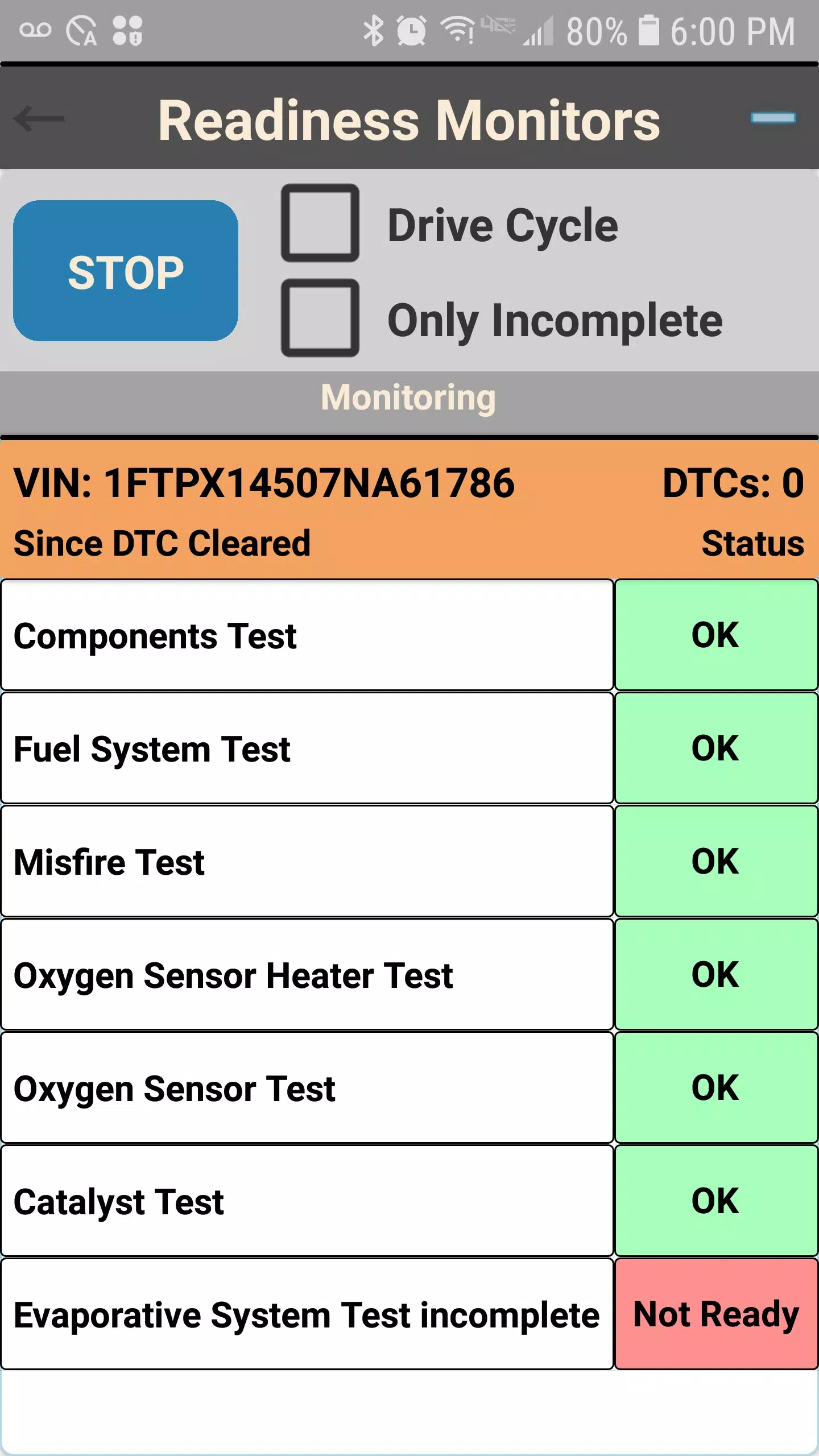
- ✅ Check Drive Cycle & Readiness Monitors – View long-term and short-term readiness status for emissions systems.
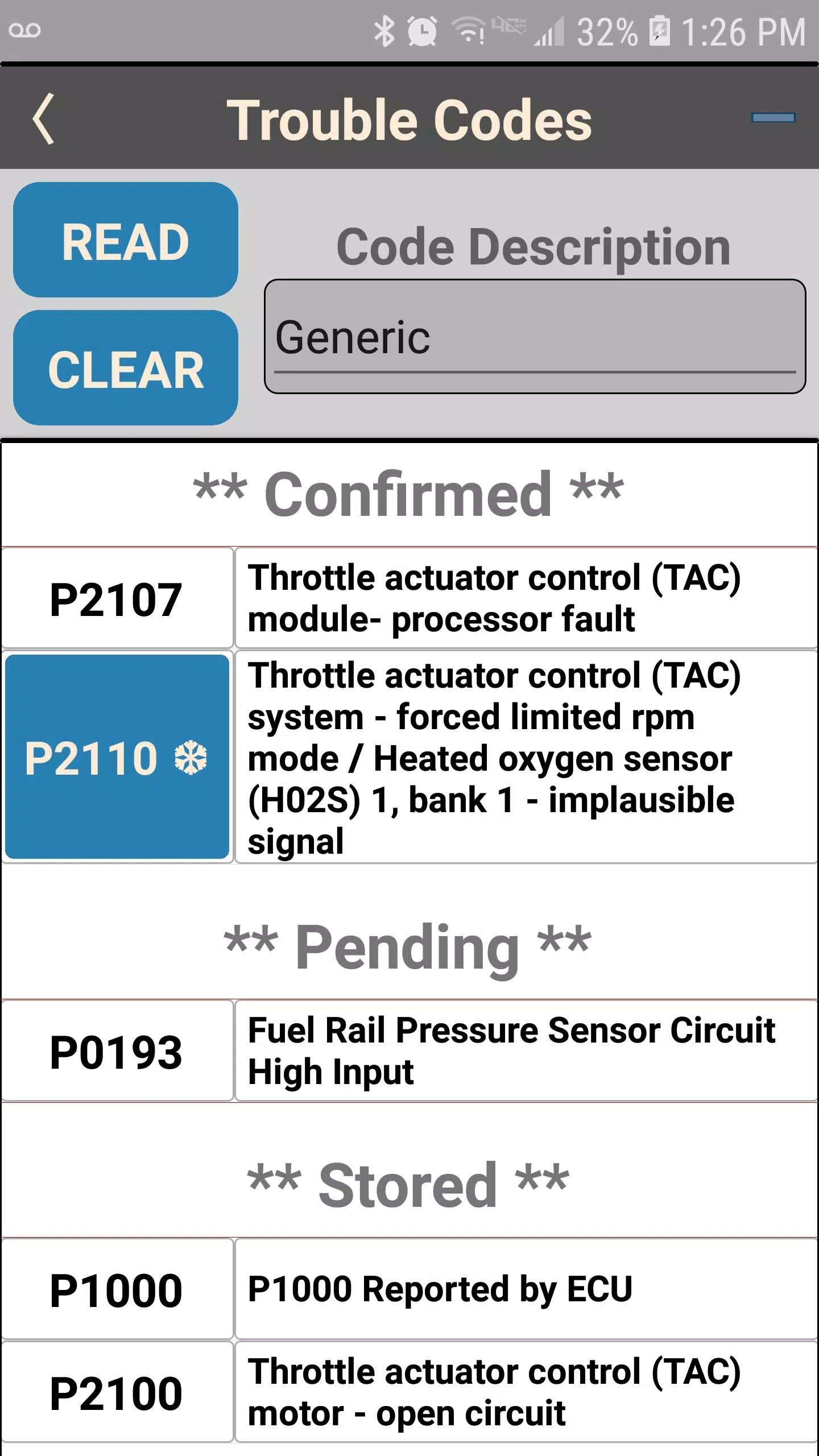
- ✅ Read DTCs (Diagnostic Trouble Codes) – Instantly identify and troubleshoot vehicle issues.
- ✅ Live OBDII PID Monitoring – Track real-time vehicle parameters such as RPM, speed, coolant temp, fuel trim, and more.
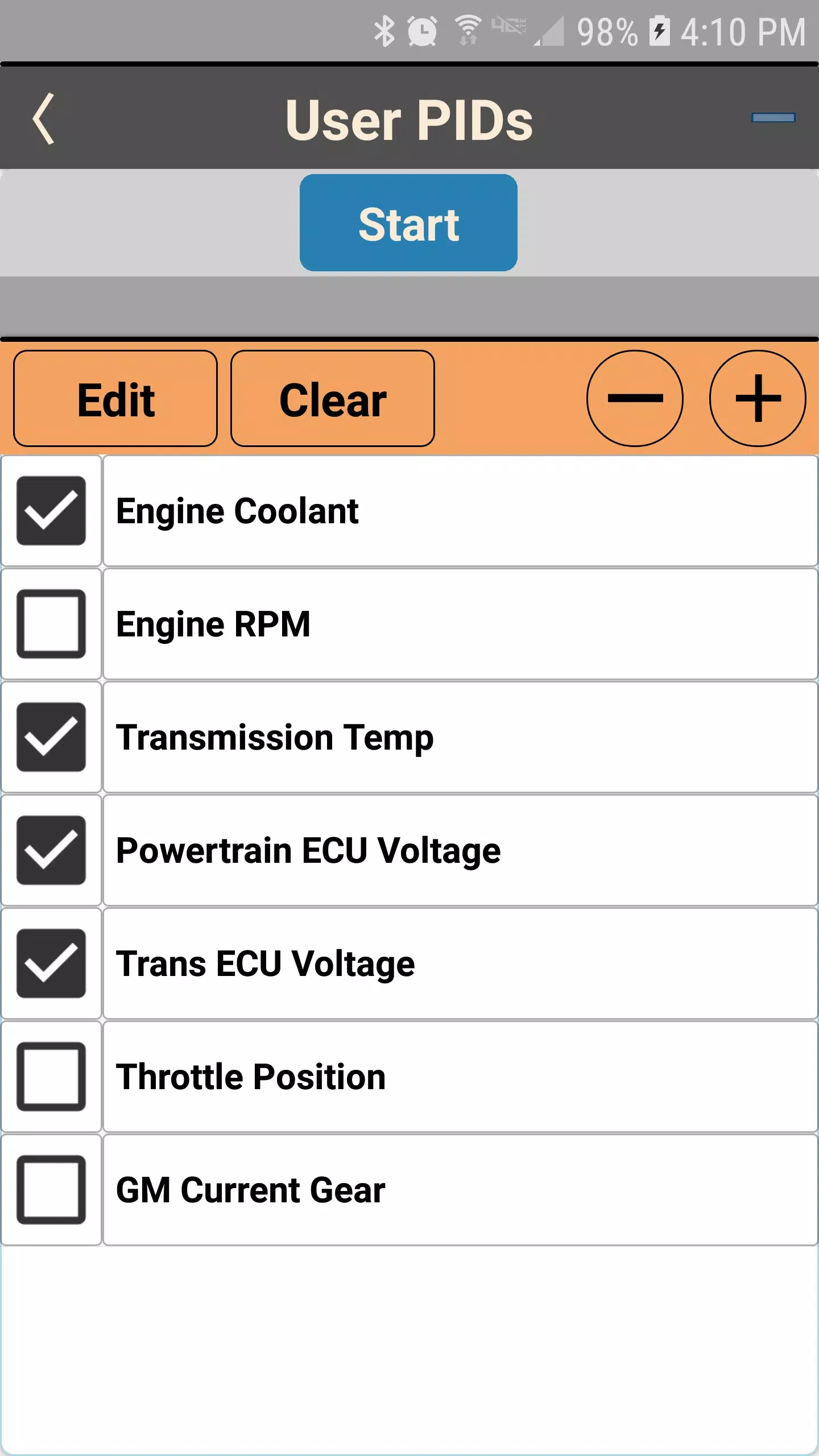
- ✅ Custom User-Defined PIDs – Create and monitor personalized data streams tailored to your vehicle or diagnostic needs.
🛠️ What’s New in Version 1.0.1.3:
- Fixed: Communication connection retries now work reliably, improving stability during adapter pairing and data transfer.
- Enhanced: The Live OBDII PIDs page now includes a pause function for easier data review and analysis.
- Visual Update: The Yellow LED indicator now clearly shows when a channel is open and connected—providing instant visual feedback on communication status.
💡 Note: The app is designed to run only when actively in use—no background processes, no battery drain, and no persistent service overhead.
OS OBD2 Interface — Simple. Fast. Reliable.
Your go-to tool for modern vehicle diagnostics.
Let me know if you'd like a version tailored for a website, app store listing, or user manual!