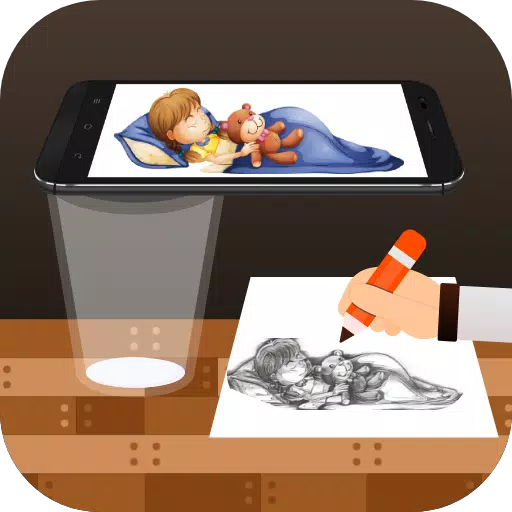
Transform your phone into a tracing tool to sketch images onto paper using your camera.
Draw, Trace & Sketch is an app that converts photos and artwork into outline drawings. Using your phone's camera, you can trace the image you see on screen directly onto a sheet of paper. Trace, sketch, and learn to draw with this simple technique.
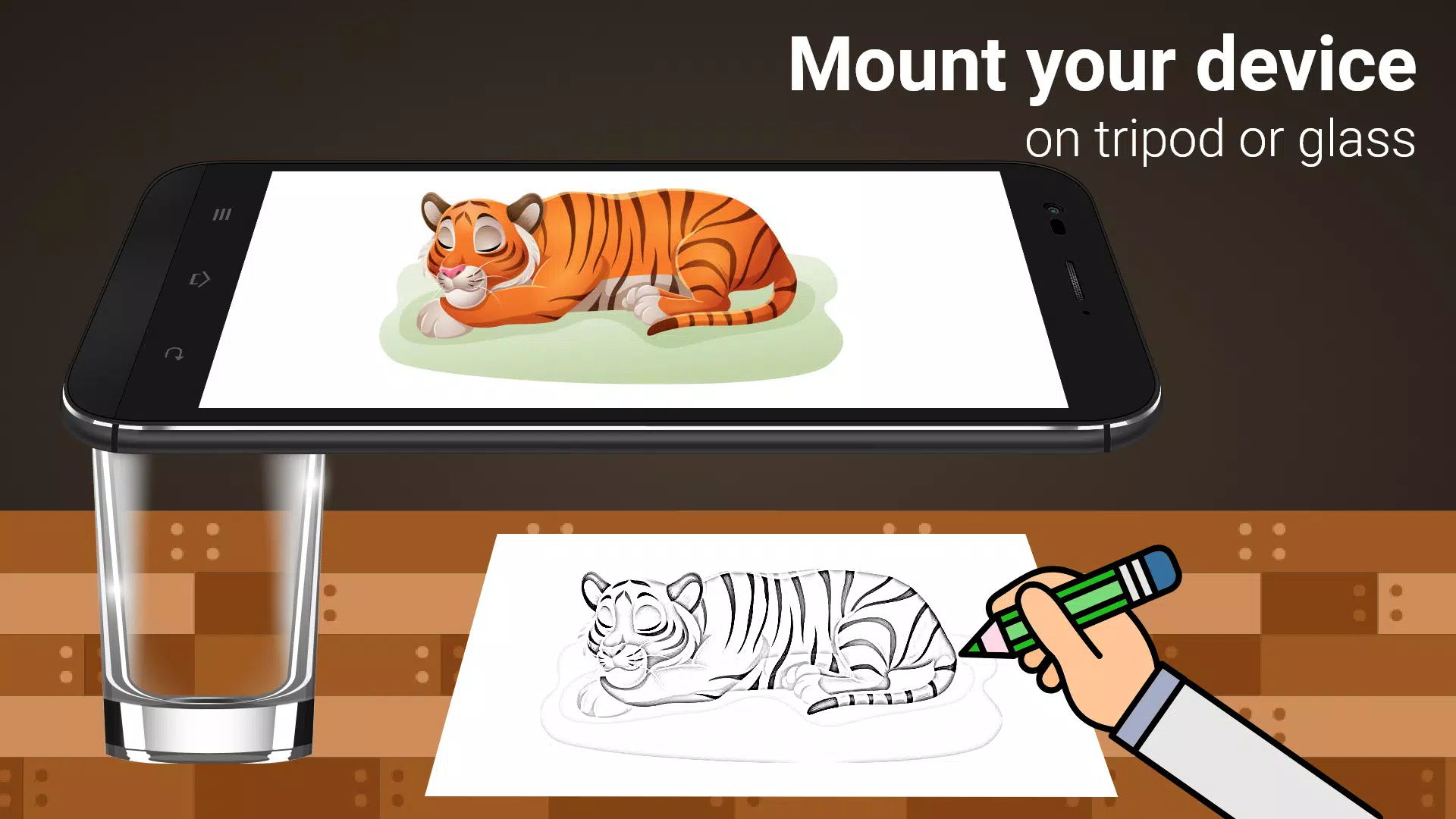
It makes tracing simple. Pick an image from the app or your photo gallery, apply a tracing filter, and see it overlaid on your camera's live view. Just position your phone about a foot above your paper, look at the screen, and start drawing.
Key Features:
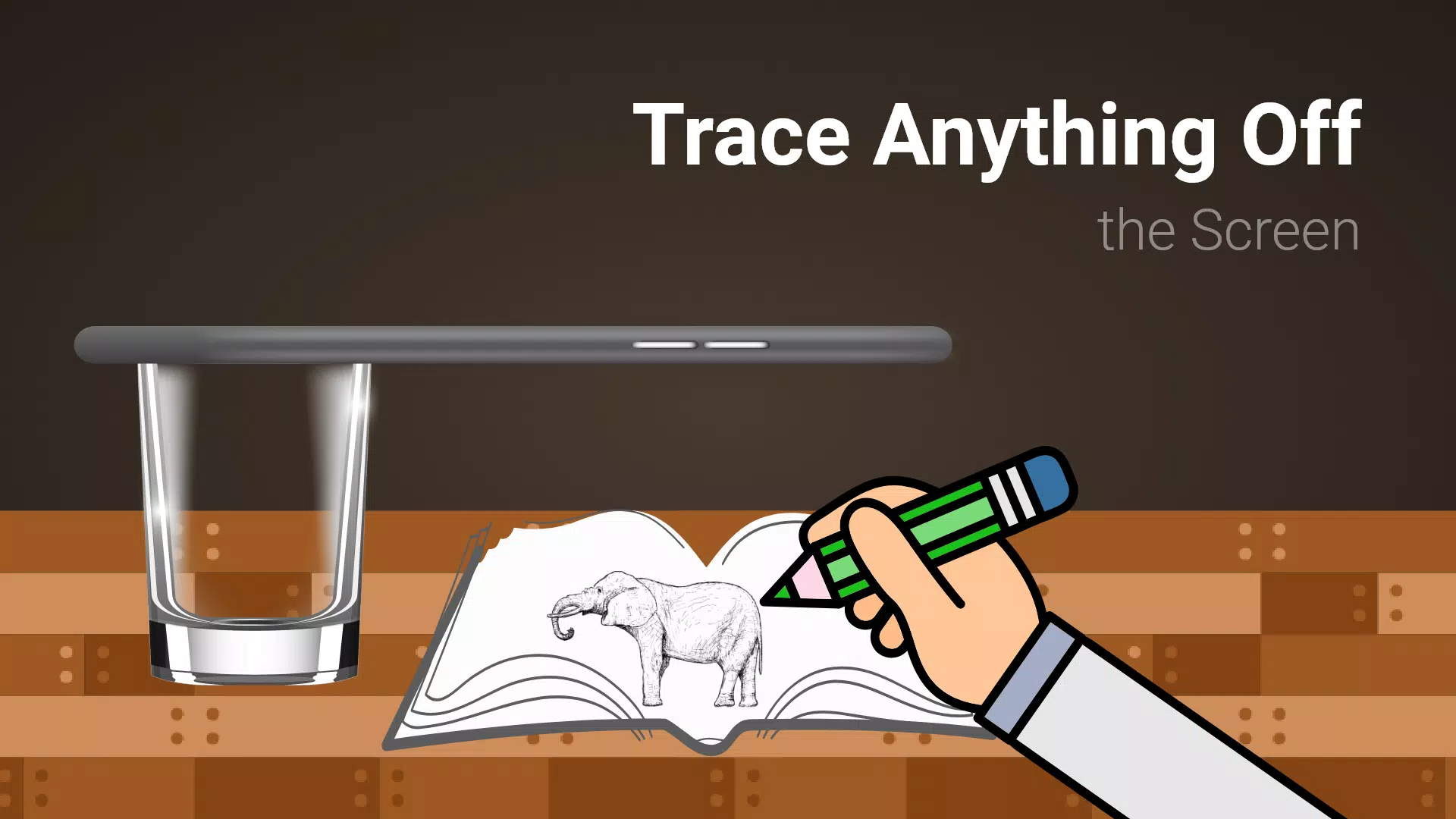
- Trace any image from your phone's screen onto paper. The image won't physically appear on the paper, but you can accurately follow and reproduce it.
- Draw on paper while viewing a transparent image overlay through your phone's live camera.
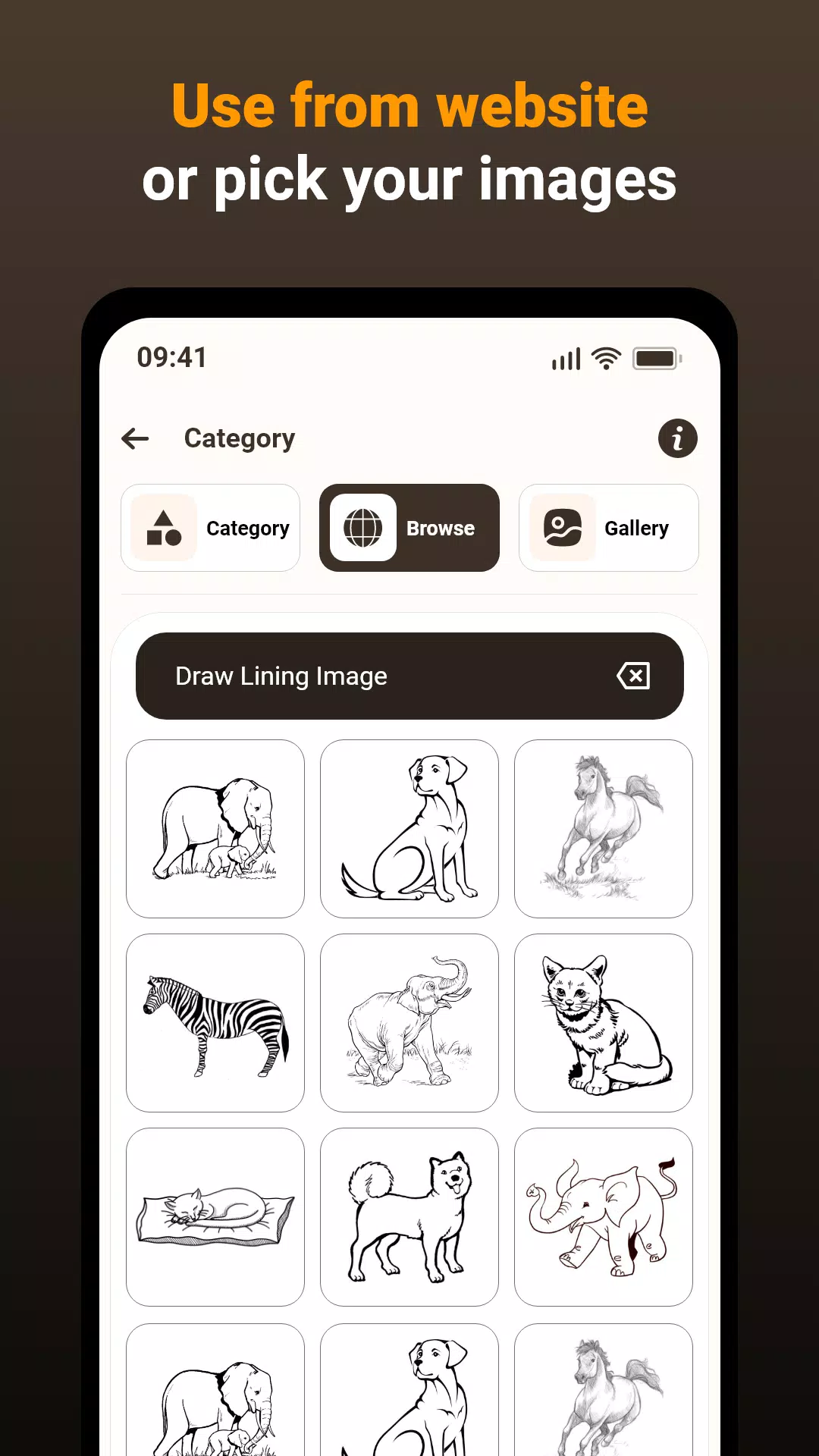
- Use built-in sample images as references for your sketchbook drawings.
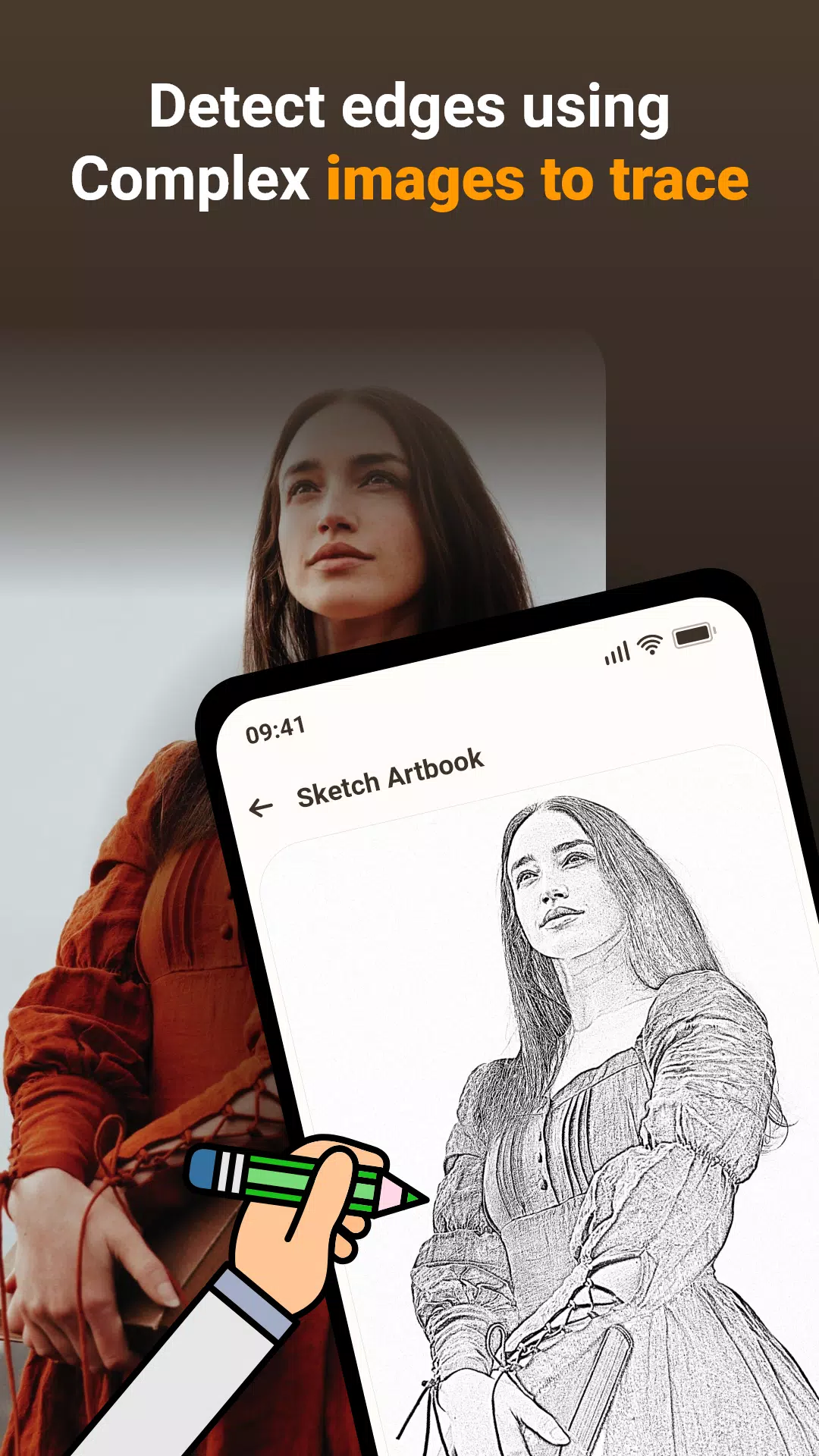
- Pick any photo from your gallery, turn it into a traceable outline, and recreate it on a blank page.
- Adjust image transparency or convert pictures to line art for your project.
This app allows you to transfer images from your phone's camera to paper for easy drawing and sketching. Here is the process:
1. Image Selection:
Choose a photo from your gallery or take a new one with your camera.
2. Applying Filters & Camera Display:
Apply the tracing filter. The image will appear with transparency on your camera screen. Place your drawing paper underneath and begin tracing.
3.Tracing onto Paper:
While the image doesn't project onto the paper, you see a transparent overlay through the camera to guide your tracing.
4. Drawing Process:
Create your drawing on paper by following the transparent image on your phone screen.
5. Converting Images:
Select any picture and transform it into a traceable outline drawing.
Image Tracing:
The app supports tracing by displaying images via your phone's camera feed, letting you copy them onto paper.
Transparent Image:
Correct. The camera output shows a semi-transparent image, allowing you to align it with your real-world view. This helps you trace the outlines onto your paper.
Real-time Tracing:
Yes. You can draw on paper while looking at your phone screen, which displays the image with transparency. This enables precise tracing and duplication.
Sample Images:
True. The app includes practice images to help users improve their tracing technique and build drawing confidence.
Gallery Images:
Exactly. You can pick images from your personal gallery, make them traceable, and use them for drawing. This adds great flexibility to the app.
The app is a useful tool for anyone wanting to improve drawing skills, practice tracing, or create art from real-life references. By blending technology with traditional methods, it offers a practical and effective learning experience.
What's New in the Latest Version 1.0.5
Last updated on Mar 15, 2024
Fixed minor issues.