Great! Here's a refined and professional version of your app description, optimized for clarity, engagement, and appeal to potential users—perfect for use on app store listings (like Google Play or Apple App Store), marketing materials, or website copy.
🎨 AR Drawing: Master Sketching, Tracing & Painting with AI Art Magic!
Unlock your inner artist with AR Drawing: Paint & Sketch, the ultimate tracing app that turns imagination into stunning artwork—fast, fun, and beginner-friendly!
Whether you're a total newbie or a seasoned sketcher, learn to draw in just 3 days with the power of AI and augmented reality. Turn any surface into a canvas and bring your creative vision to life—step by step.
✨ Why Artists Love AR Drawing
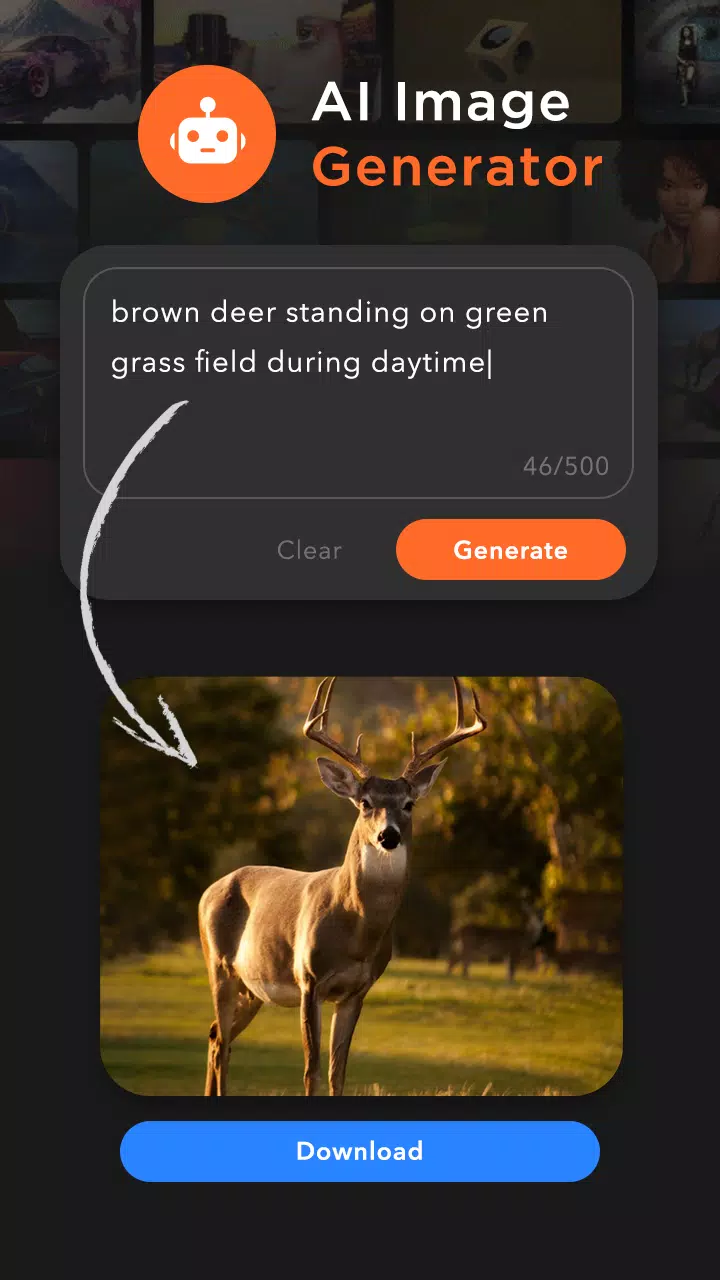
AI-Powered Art Creation:
Use our intelligent AI Image Generator to create custom artwork in seconds. Just type a description—like "a glowing dragon flying over mountains at sunset"—and watch your dream image appear. Download and trace it instantly!
Smart Tracing Made Easy:
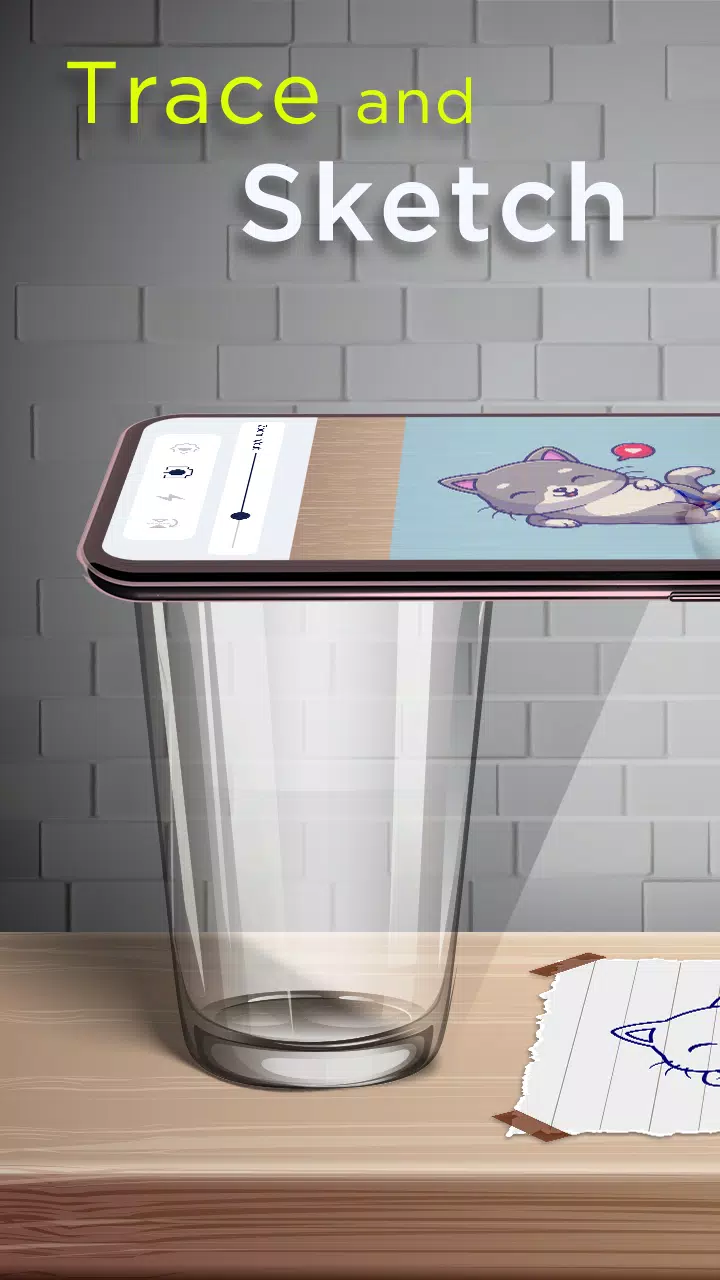
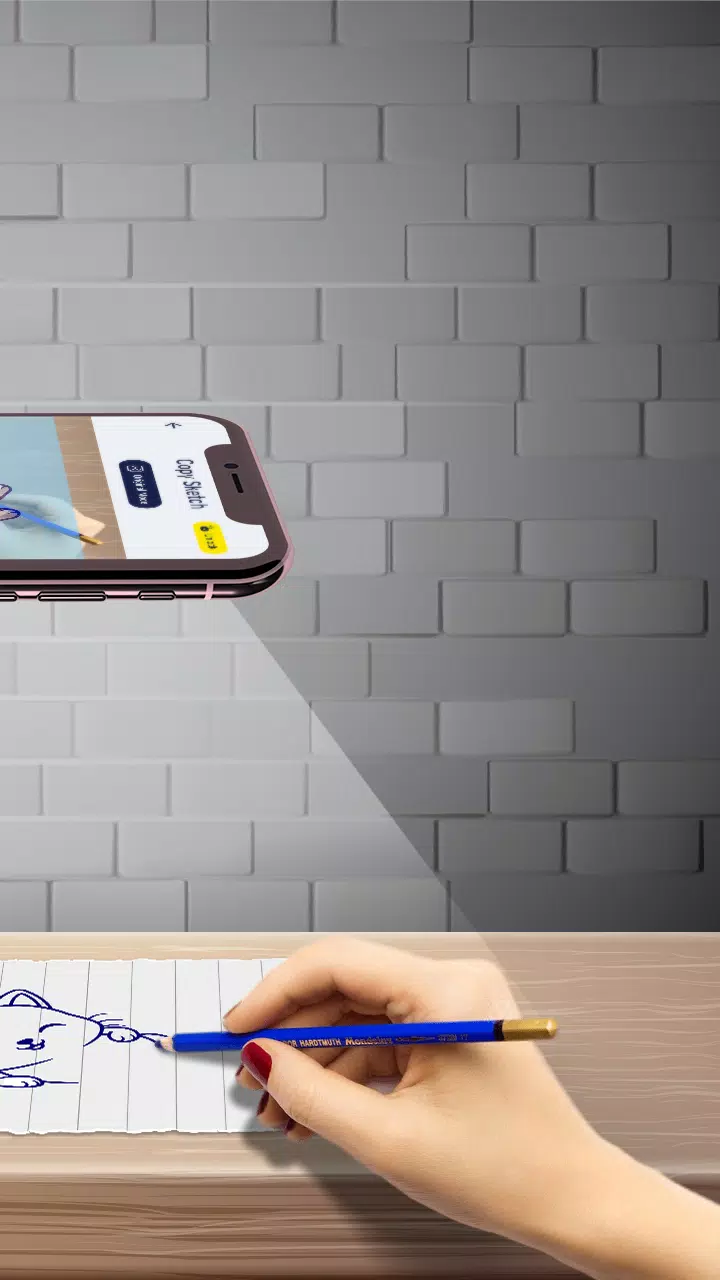
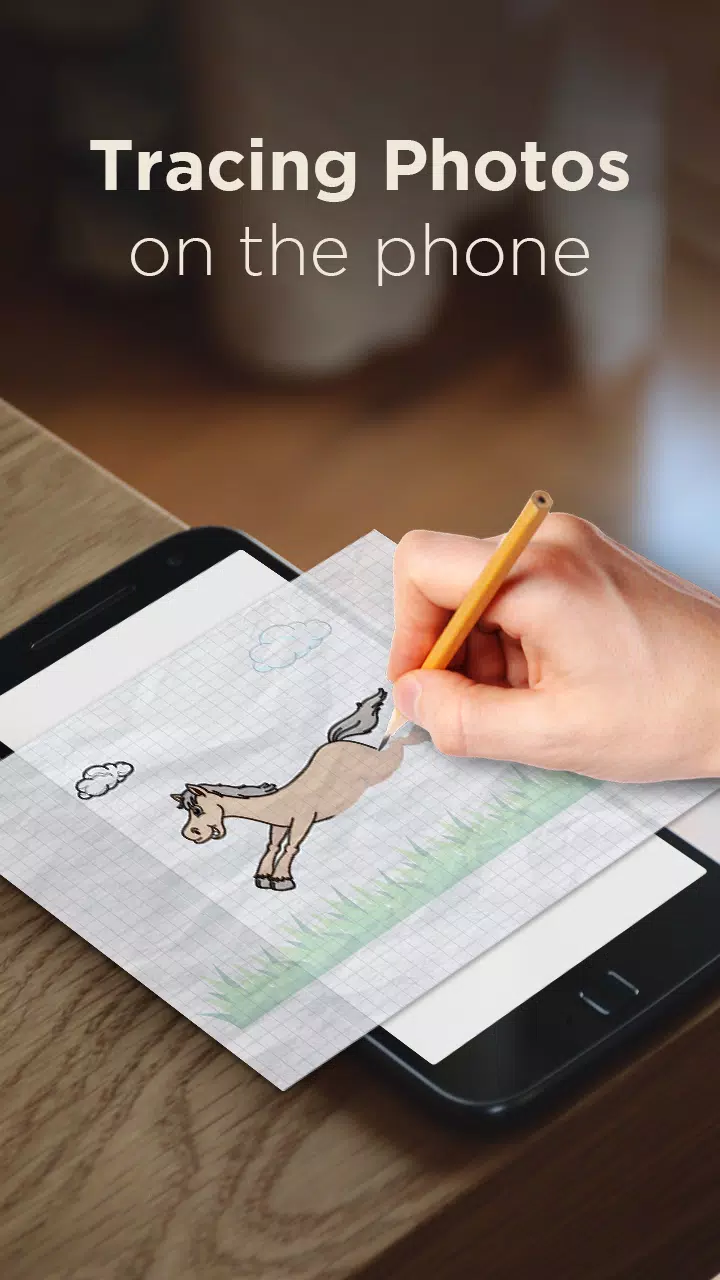
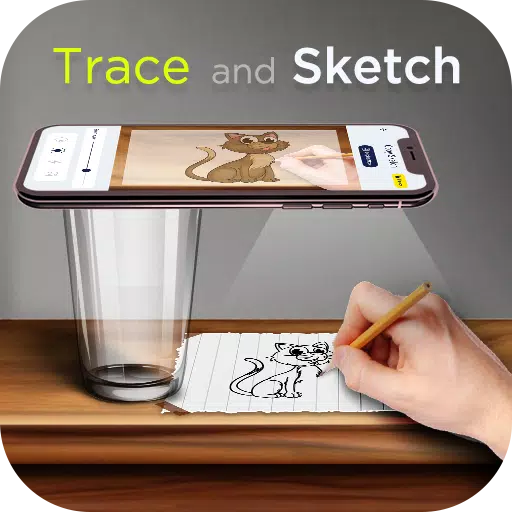
Place your phone about 1 foot above your paper, activate the camera, and project a transparent line drawing onto your sketchpad. Follow the guide and draw with confidence—no prior skills needed!
Effortless Image Conversion:
Turn any photo from your gallery into a clean, traceable sketch using 10+ unique sketch filters—from pencil outlines to charcoal vibes.
🖼️ 200+ Built-In Sketch Templates (Plus Custom Tracing!)
Explore our ever-growing library of themed images across 10+ categories:
- 🎭 Cartoon Characters
- 🌸 Flowers & Plants
- 🚗 Vehicles & Machines
- 🍕 Food & Drinks
- 🐾 Animals & Pets
- 🏠 Everyday Objects
- 🔍 Line Art & Outlines
- 🎨 Abstract & Decorative Designs
Trace any image from your gallery, convert it to sketch mode, and start drawing—no limits.
🧰 Key Features
✅ AI Image Generator – Create and download custom artwork with text prompts
✅ Image-to-Sketch Converter – Turn photos into line drawings with one tap
✅ Live Camera Tracing – View projected sketch through your phone’s camera in real time
✅ Adjustable Transparency – Control how visible the projected image appears
✅ Built-in Flashlight – Perfect lighting for low-light sketching sessions
✅ Digital Drawing Pad – Sketch freehand and save ideas instantly
✅ Color & Paint Tools – Add vibrant hues and shading to your finished artwork
✅ My Creations Gallery – Save, organize, and share your masterpieces
✅ Tripod-Friendly Design – Mount your phone and draw smoothly
✅ Smooth User Experience – Intuitive interface, fast performance, no lag
📱 How It Works (in 3 Simple Steps)
- Choose an image—pick from 200+ built-in sketches or upload your own.
- Convert it to a sketch using one of our smart filters.
- Trace with your camera, follow the lines, and voilà—your artwork is born!
🎉 New in Version 3.6 (Updated: November 7, 2024)
- Minor bug fixes for improved stability
- Enhanced tracing accuracy and smoother UI performance
- Better image alignment during camera projection
🌟 Perfect For:
- Art students & beginners learning to draw
- Parents & teachers creating fun art projects
- Hobbyists exploring digital sketching
- Creatives who want to paint, draw, and share art effortlessly
📲 Download AR Drawing: Paint & Sketch Today – Turn Your Ideas Into Masterpieces!
Sketch. Trace. Paint. Create. Share.
Let your creativity shine with the smartest tracing app on the market—powered by AI, designed for artists.
👉 Download now and start drawing like a pro!
Note: AR Drawing uses your device’s camera and storage. For best results, use in well-lit environments and a stable surface. Recommended for ages 8+.
Let me know if you’d like a shorter version for social media ads, a YouTube video script, or a promotional email!