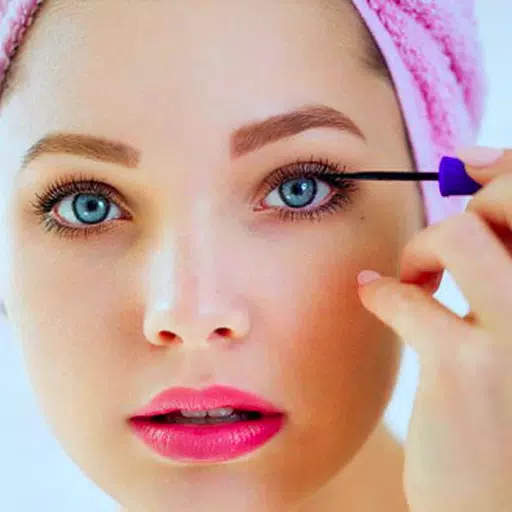
Edit in real-time and snap a selfie with the Beauty Camera: You Makeover Plus Selfie.
Beauty Camera: You Makeover Plus Selfie
Look beautiful with Beauty Camera: You Makeover Plus Selfie and edit your pictures. We're committed to perfecting this Beauty Makeup Plus Selfie Camera Editor for you.
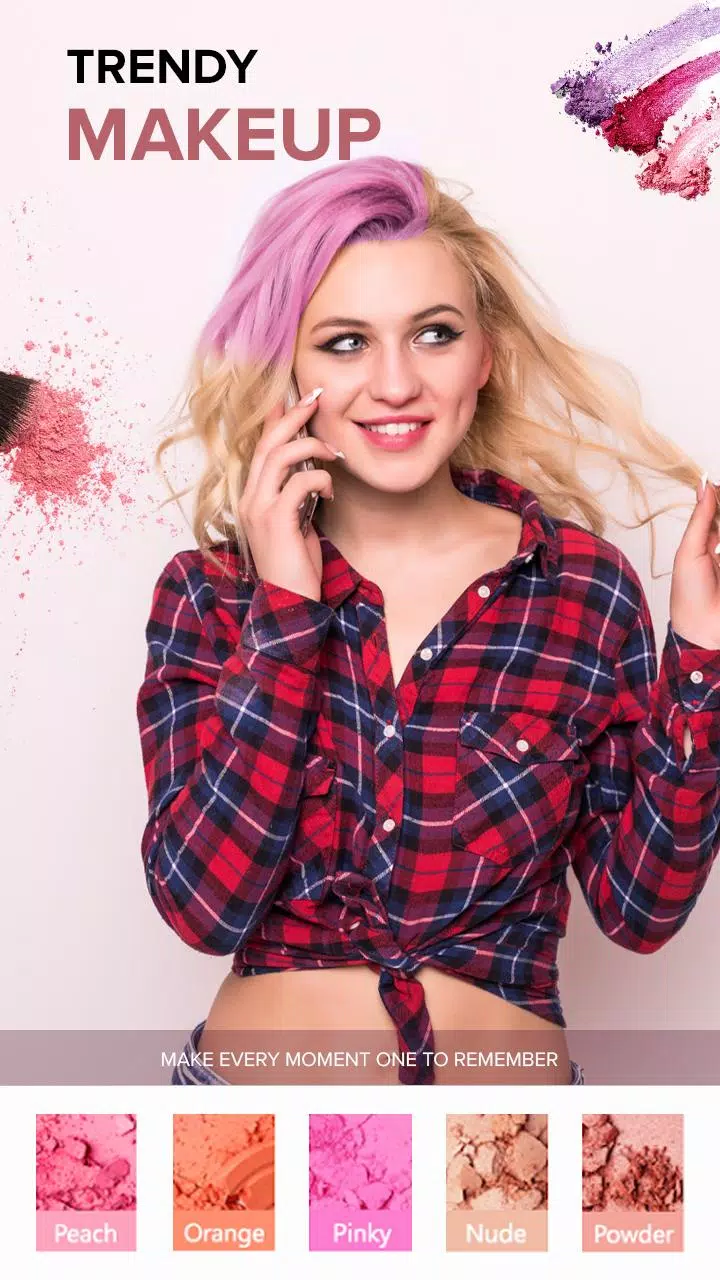
Beauty Makeover Plus Selfie is a free beauty and selfie camera that helps remove blemishes, apply blusher, use real-time filters, adjust skin tone, change hair color, add colorant, colorize, reduce dark circles, experiment with blonde shades, erase wrinkles, try burgundy hair & lipstick, slim your face, and more.
Especially for women who love capturing every moment with photos and selfies, having a great camera app for Android helps make both you and the scenery look even more beautiful.
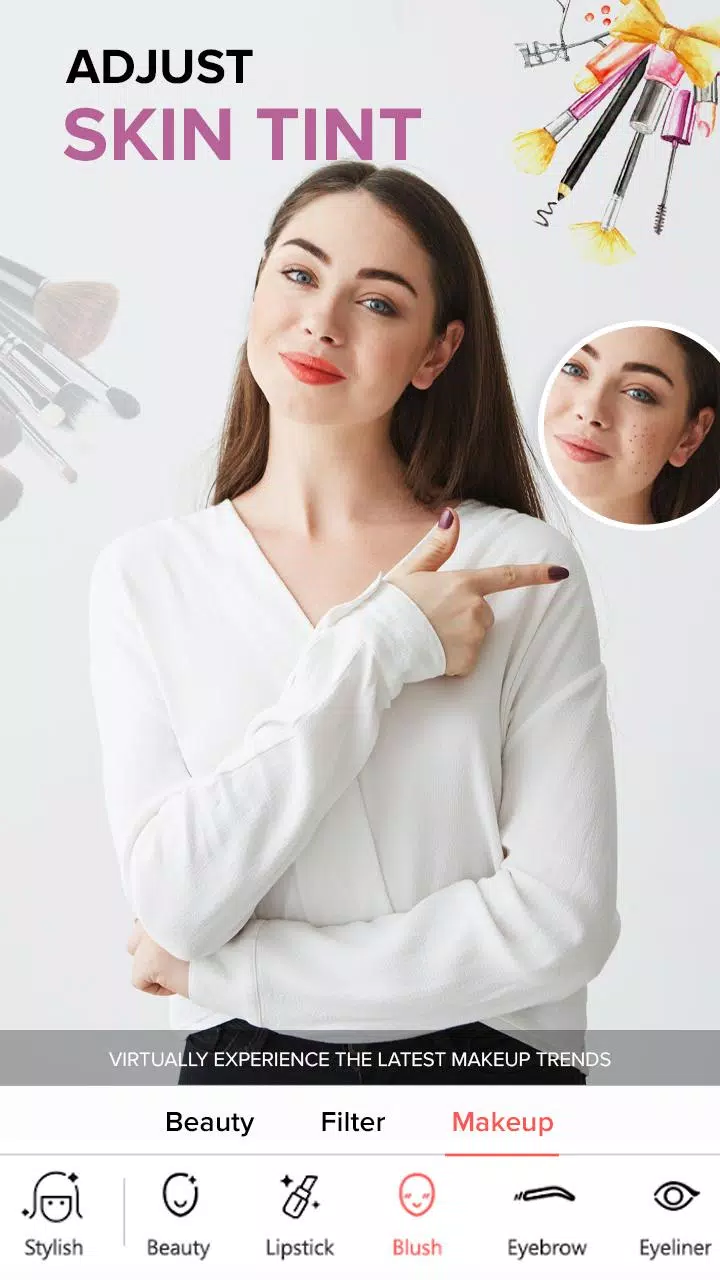
With the You Makeup Plus editor, remove temporary flaws like acne, pimples, and blemishes with a single tap. Adjust eyes, nose, hair, mouth, and smile effortlessly in this Beauty Camera - Sweet Camera & Face Selfie app.
Filter Camera, Photo Editor is a selfie app and selfie photo editor that lets you capture selfies and enhance them with amazing effects.
Plus, it includes cool blur, retro, and vignette features to help your selfie stand out like a professional model or artist's photo.
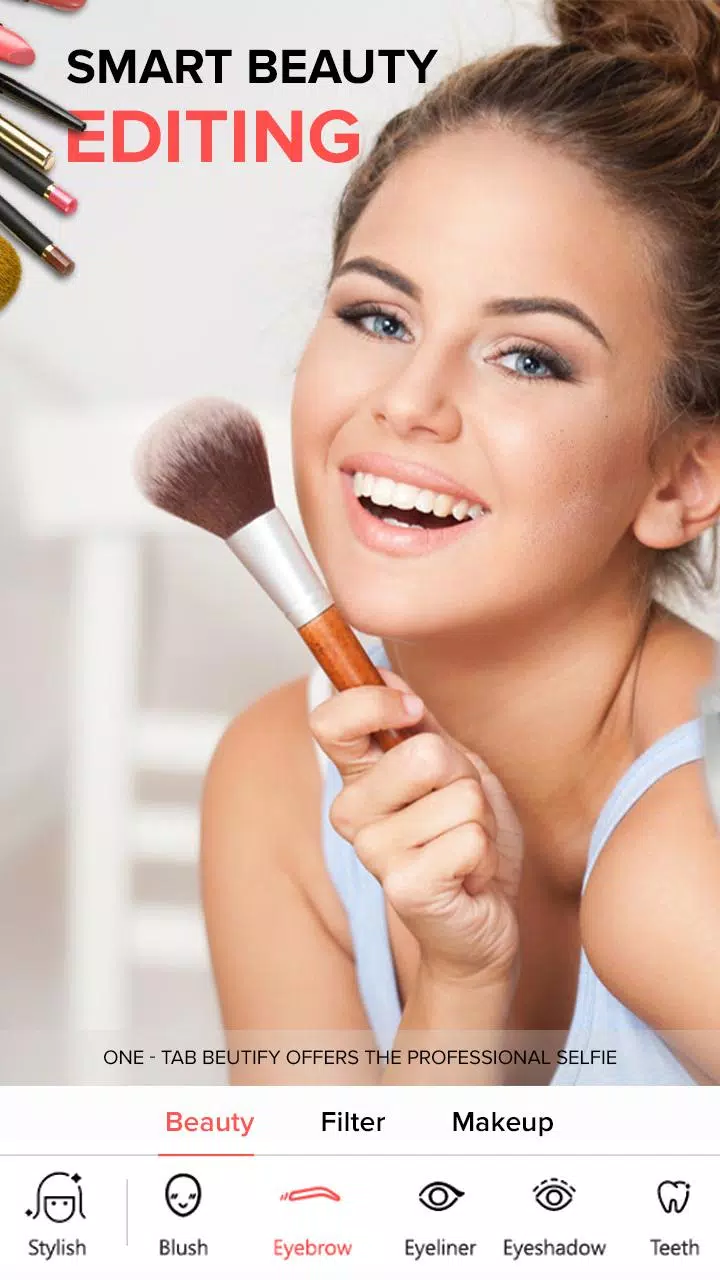
- Smooth your skin with one tap.
- Keep every detail and make selfies look naturally stunning.
- Over 100 lipstick brushes.
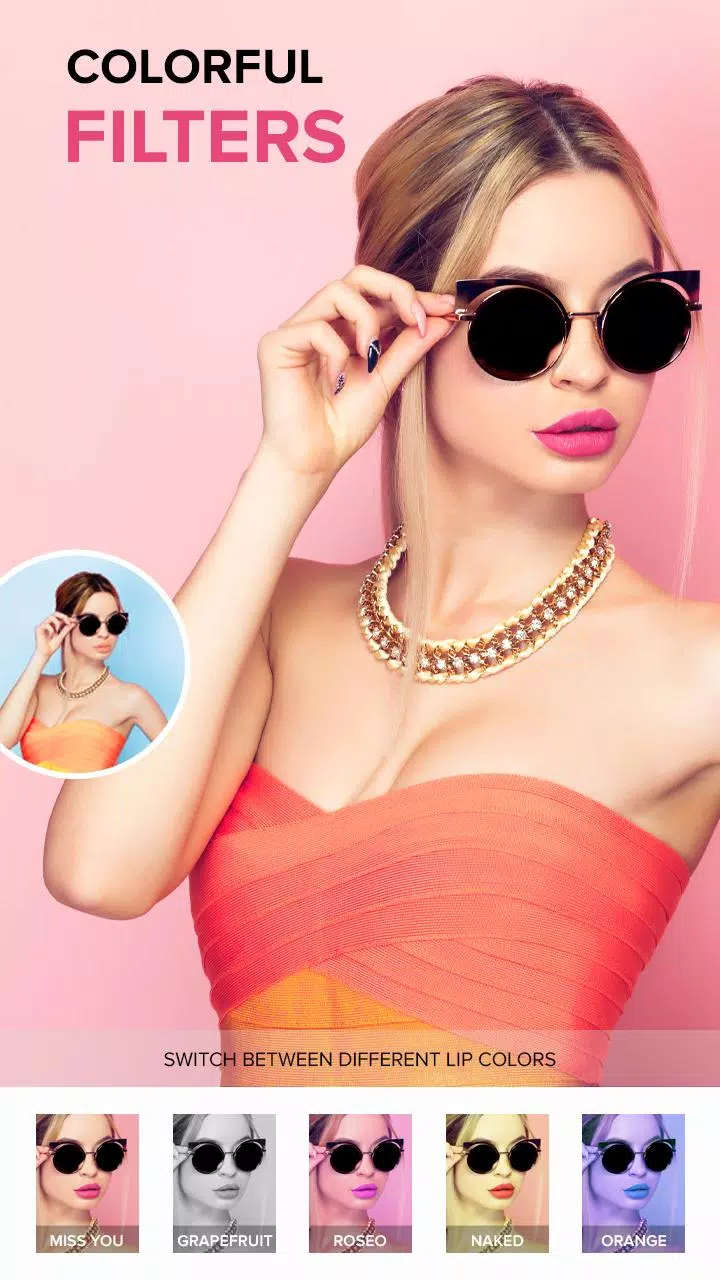
- High-quality filters and cartoon effects.
- Smooth and rejuvenate your skin.
- Hundreds of filters and photo effects.
- Remove blemishes, whiten teeth and skin with Touch Retouch.
- Perfect face selfie camera and makeup effects.
- Adjust brightness, contrast, color temperature, and saturation.
- A full set of editing tools including Collage, Bokeh Lens, Magic Brush, Rotate, Mosaic, Remover, and more to make your photos unique.
- Instantly brighten your complexion with the 'Beautify' tool. Achieve flawless skin with adjustable tones and easy tans for a polished finish.
If you encounter any bugs or crashes, please report them by emailing us.